
Start with fixed finishes
Note what will stay: roof, flooring, counters, stone, brick, windows or large furniture. Choose colors that sit comfortably beside those materials.
Upload a room photo to preview limewash, Venetian plaster, wood slats, and accent wall ideas in seconds.
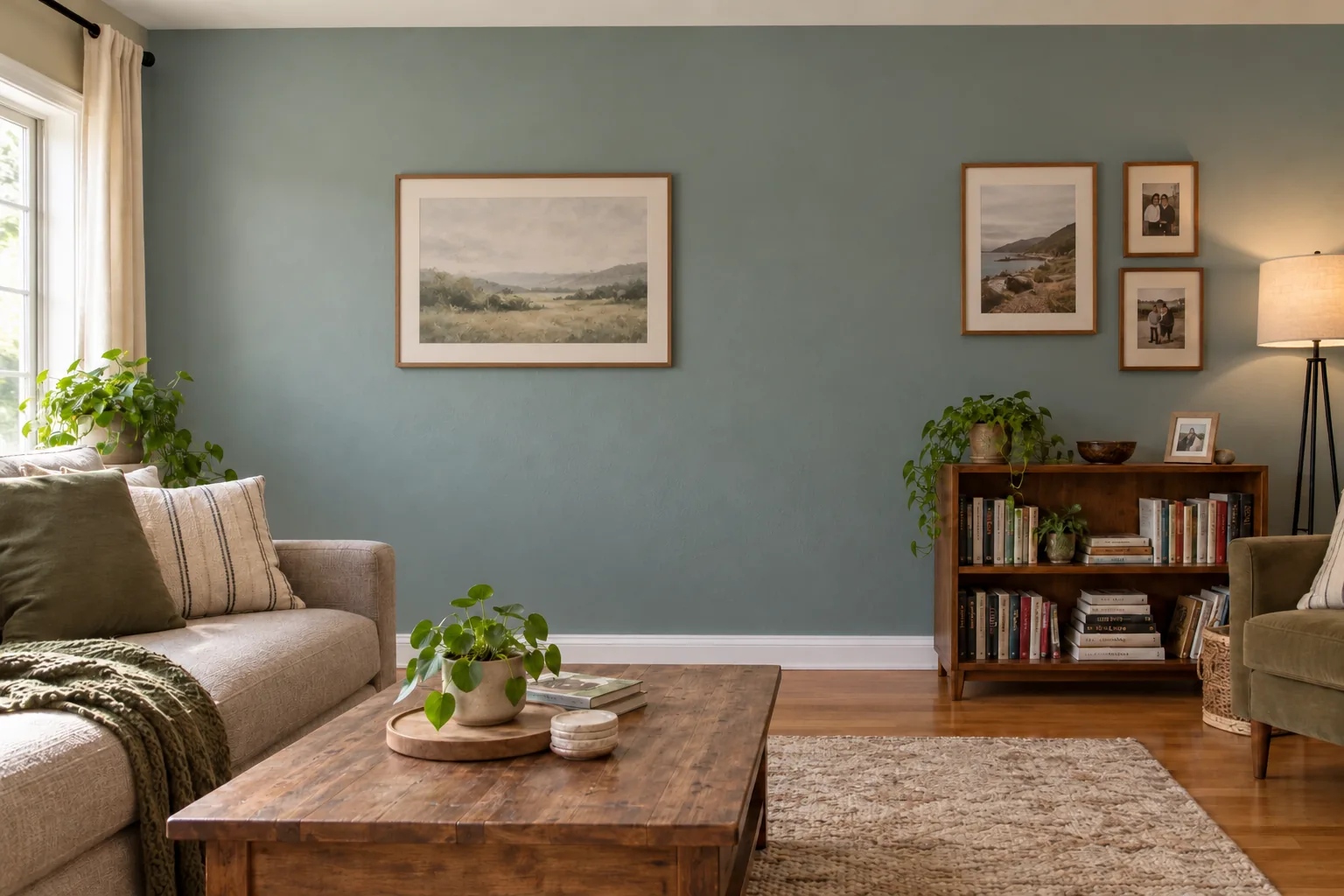
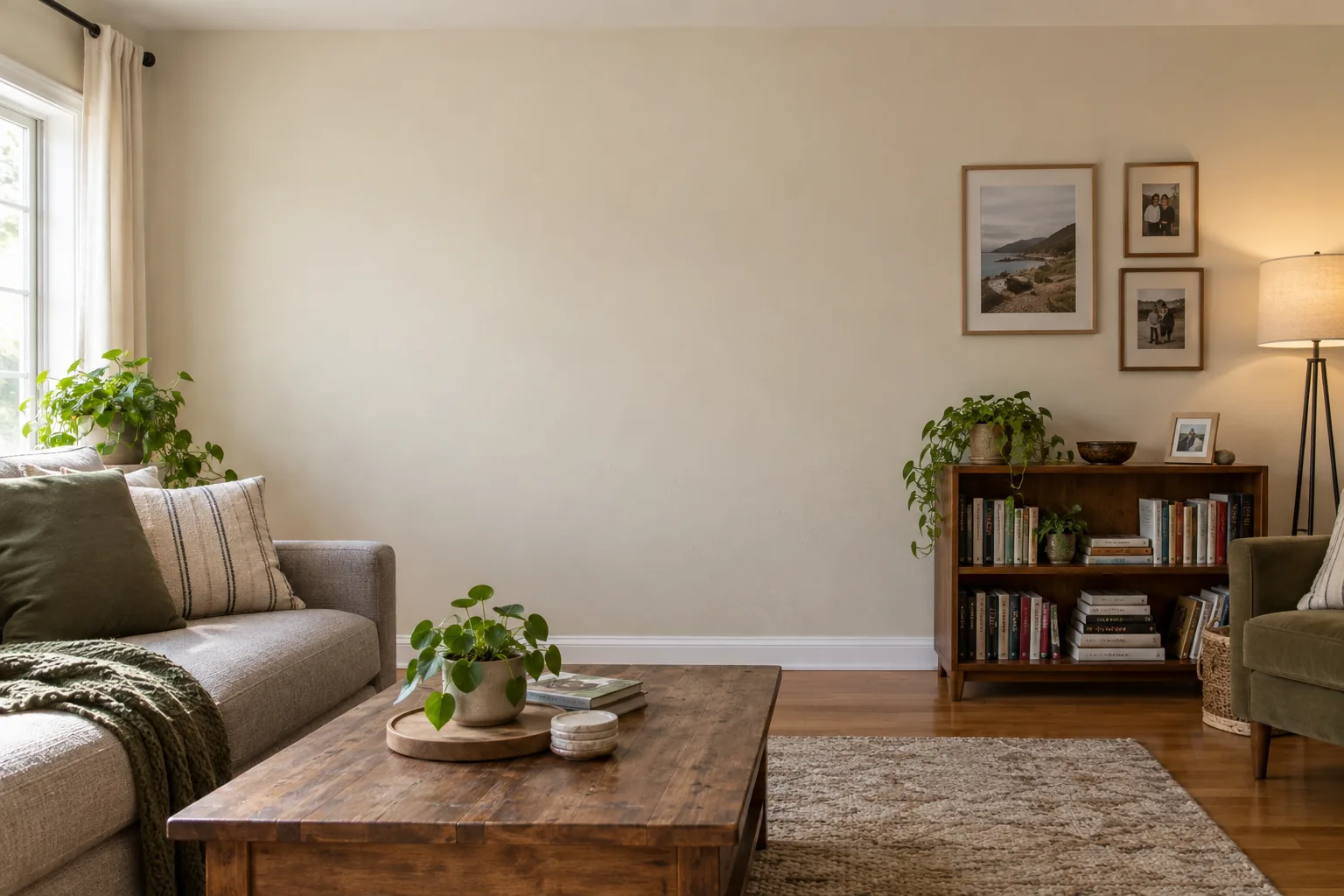
Explore by surface
Browse original AI-generated concept images by project type, then try the matching visualizer with your own photo.
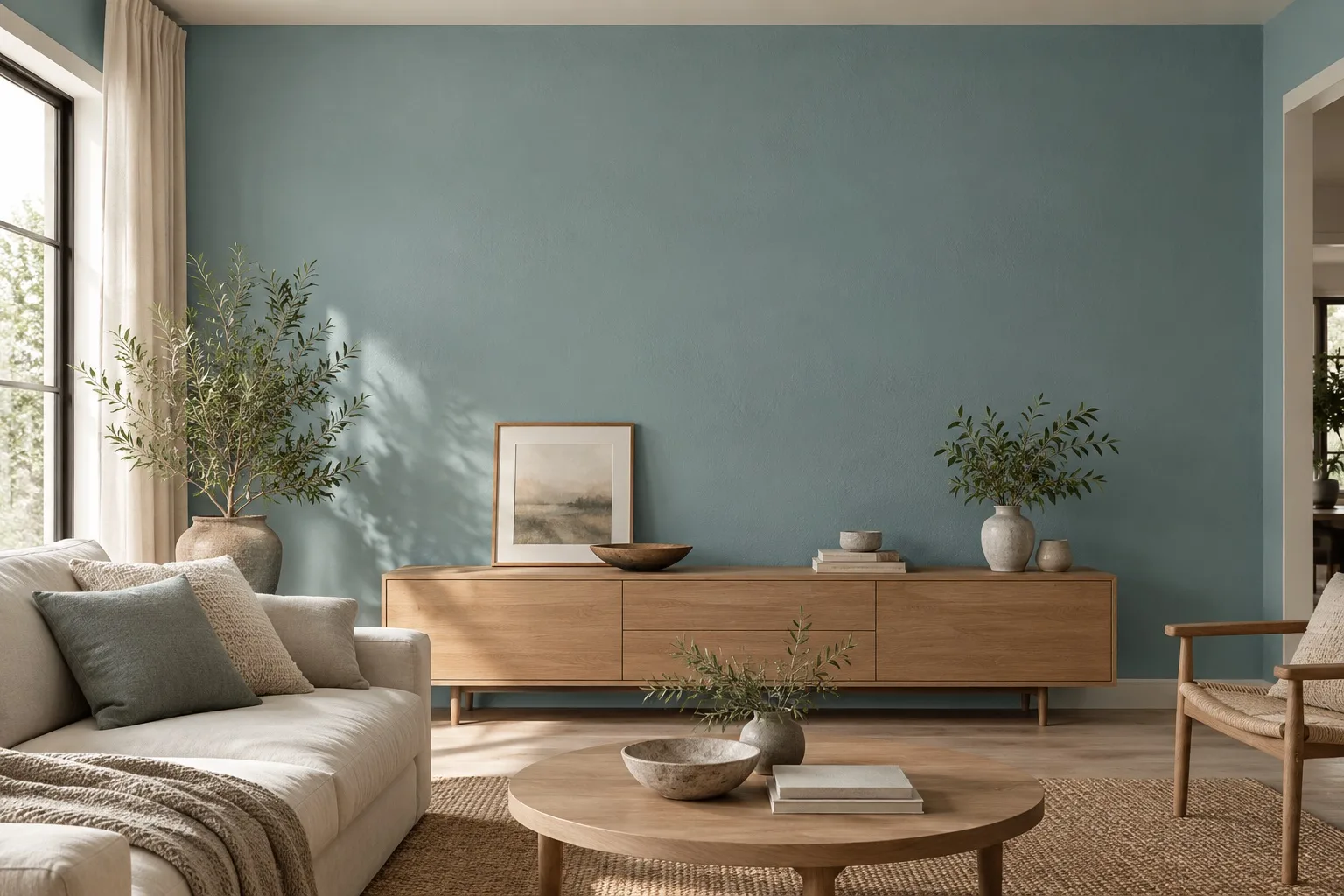
Use the furniture, window light and wood tones around a wall to judge whether a color feels balanced.
Try this project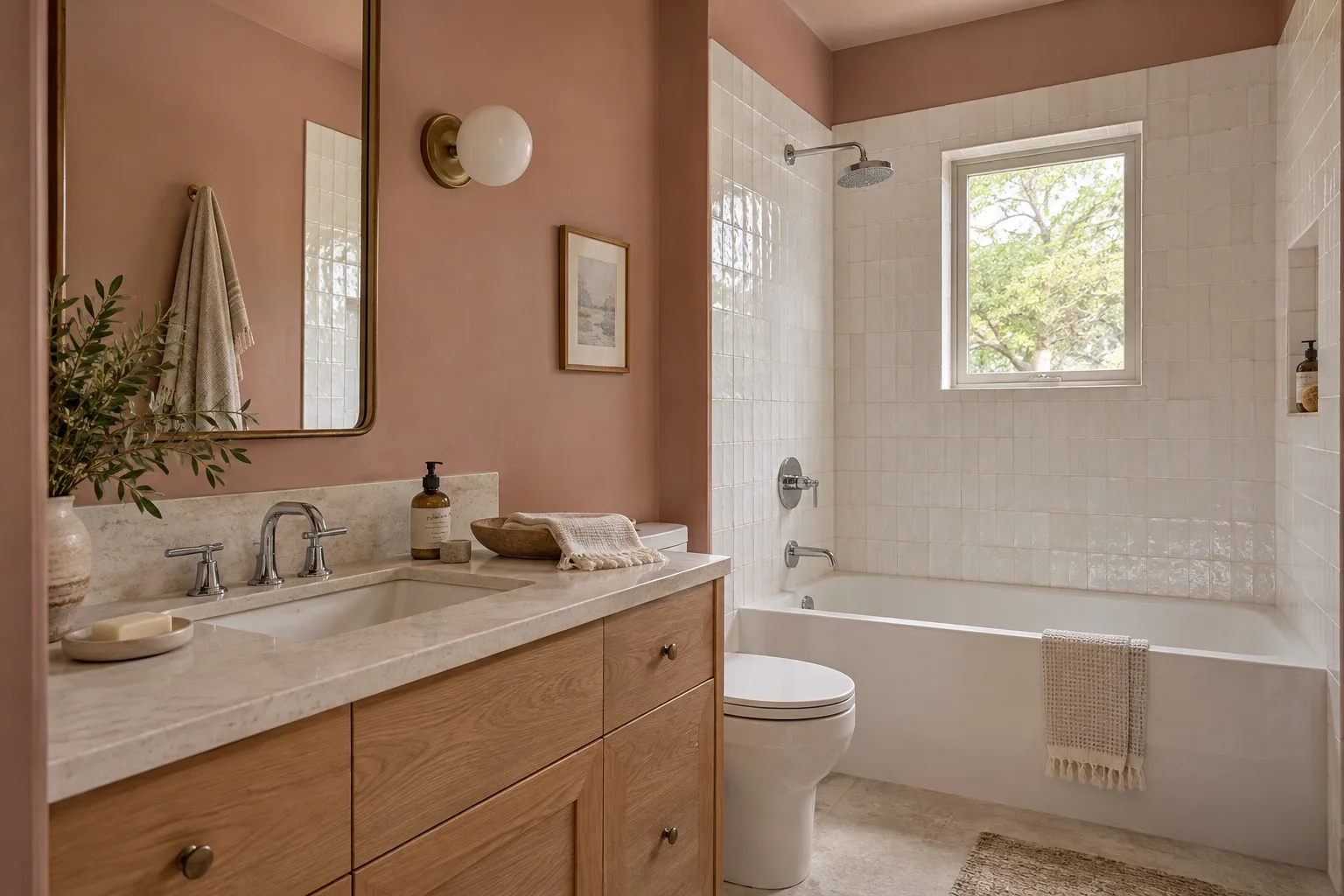
Consider painted walls beside tile, vanity wood and stone so neighboring finishes work together.
Try this project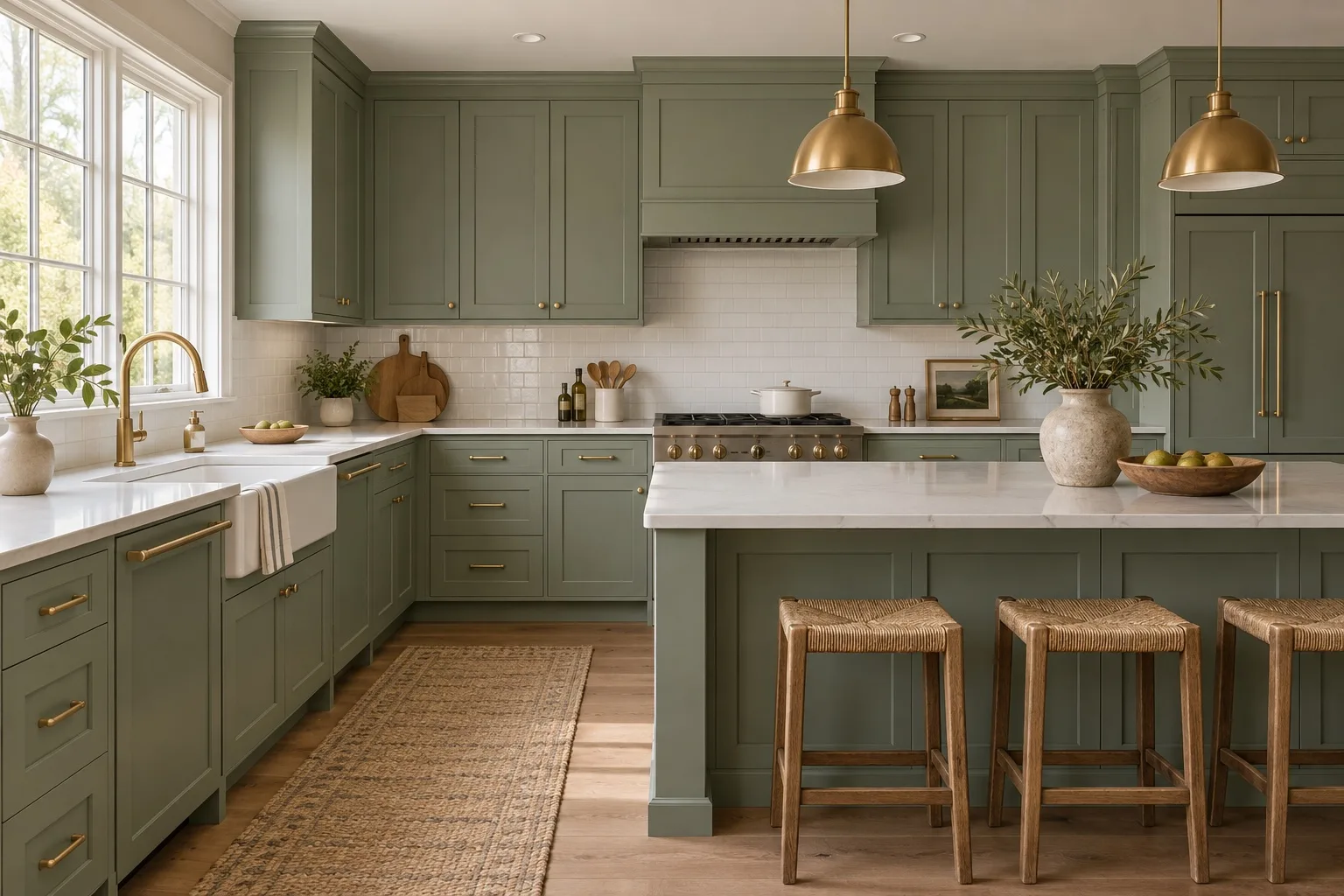
Compare a cabinet color against counters, backsplash, hardware and daylight in the same view.
Try this projectNote what will stay: roof, flooring, counters, stone, brick, windows or large furniture. Choose colors that sit comfortably beside those materials.
Choose one main surface color, then compare trim and a smaller accent such as a cabinet island or entry door. Change one surface at a time to see what drives the result.
Compare the preview with physical samples near the target surface in morning, afternoon and evening light. Check both sun and shade for exterior work.
Curated design concepts illustrating color balance and material harmony under natural lighting. Because monitor calibration and room orientation (North vs. South light) alter color perception, pair digital designs with physical swatch tests in your home.
Use a room photo to explore limewash, plaster, wallpaper, wood slats and other wall finish ideas. Use the dedicated Paint Color Visualizer for manual color comparisons.
Wall materials and accent treatments interact with nearby floors, trim, furniture and light. Compare a direction in your room photo before deciding what to sample in person.
Use this page for material and accent wall concepts. It is separate from the manual paint color preview workflow.
Explore limewash, plaster, wallpaper and wood slat concepts.
Consider a feature wall in the context of the room shown in your photo.
Compare material directions with the existing flooring, trim and furniture.
Move to a broader kitchen, bathroom or exterior concept when the project involves more than a wall.
Upload a room photo and explore material or accent wall concepts. For manual paint color previews, open the Paint Color Visualizer.
Use a room photo to explore limewash, plaster, wallpaper, wood slats and other wall finish ideas. Use the dedicated Paint Color Visualizer for manual color comparisons.
Upload a room photo with the wall area visible.
Describe the wall material or accent direction, such as limewash, plaster, wallpaper or wood slats.
Review the generated concept alongside the original photo; use the dedicated paint tool for manual color previews.
Use kitchen, bathroom, and exterior pages when the project involves a broader redesign.
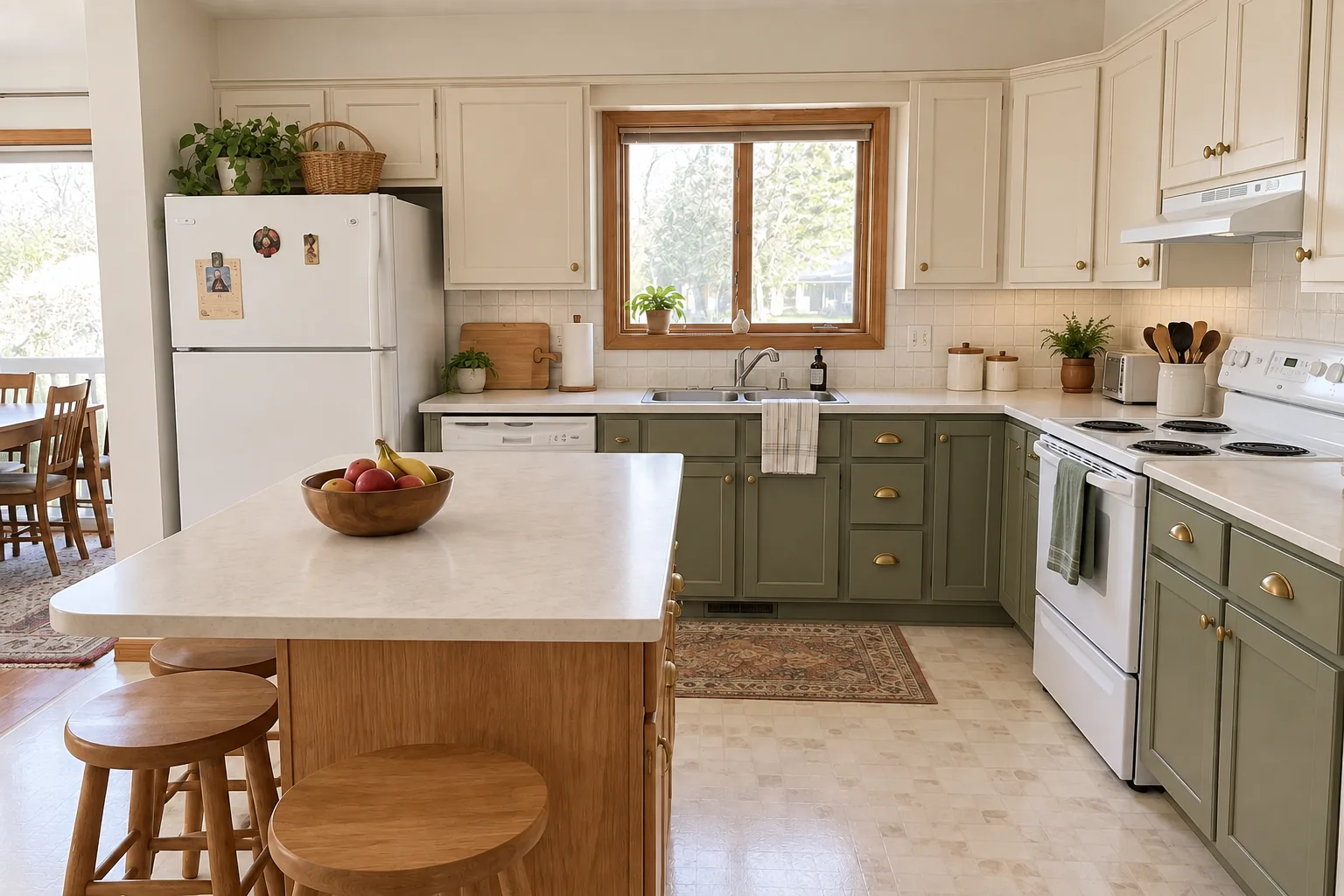
Test cabinet colors, countertop stones, tile backsplashes, and modern kitchen layouts online.
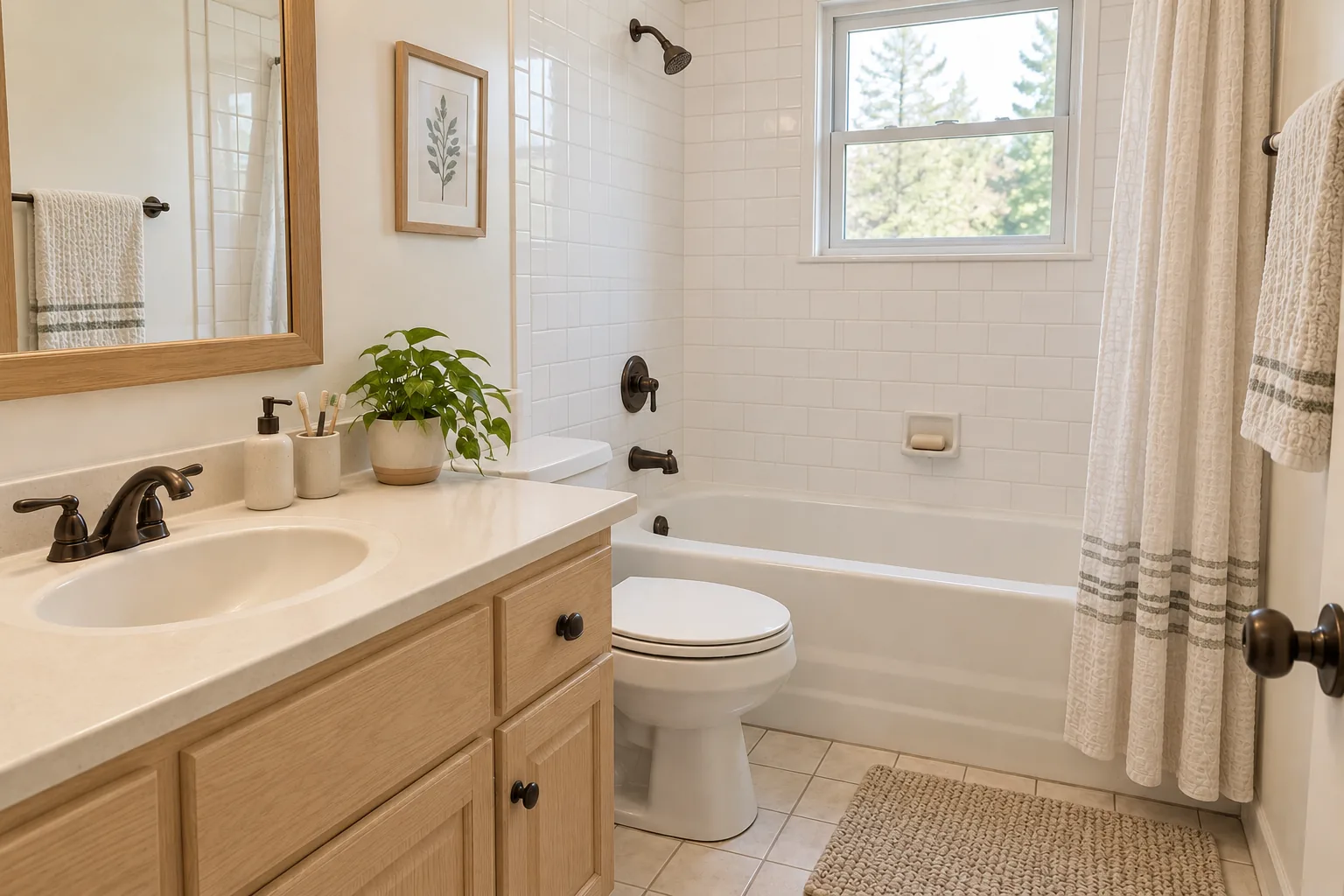
Explore walk-in showers, vanity styles, tile patterns, and spa-like bathroom palettes in seconds.
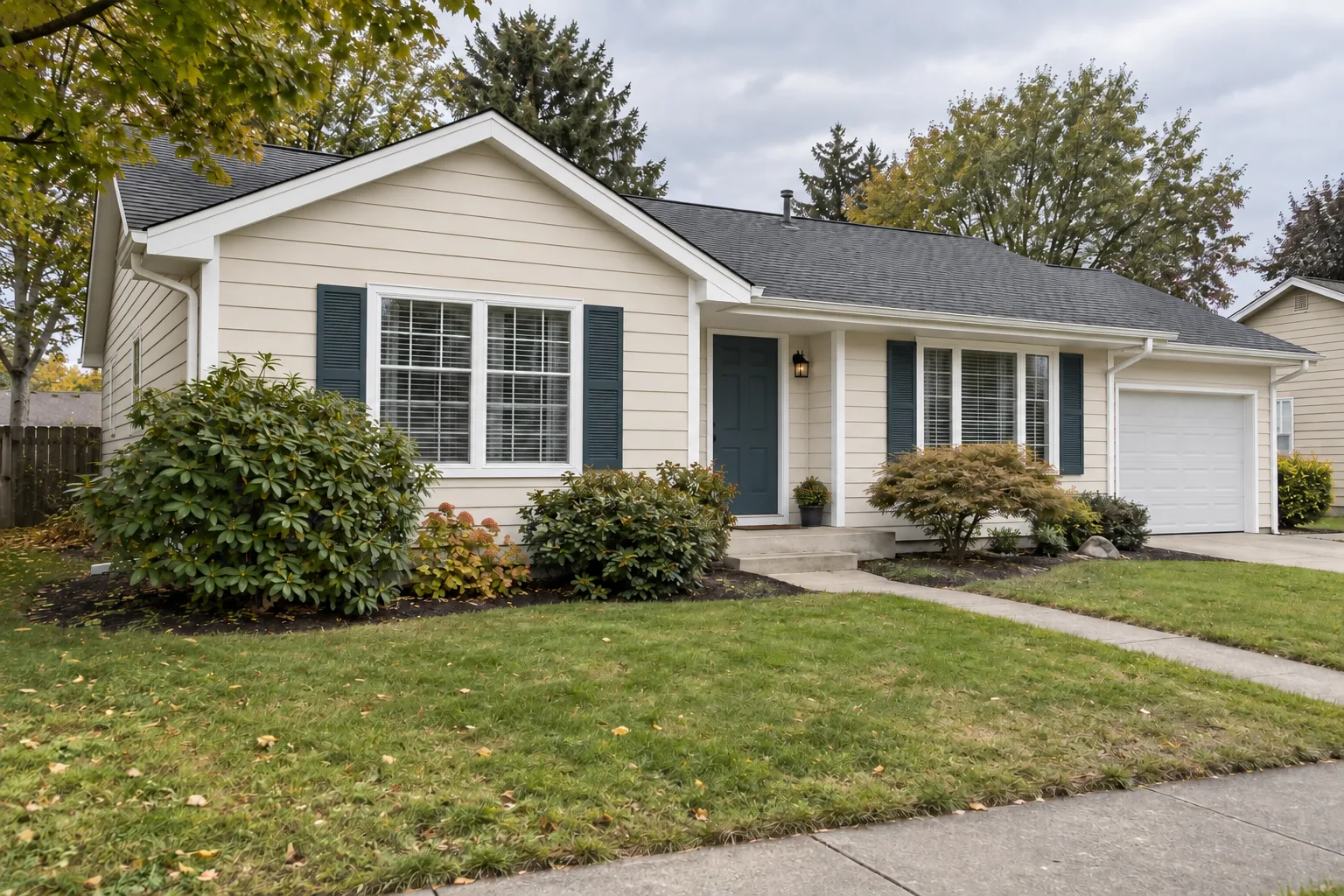
Preview new siding, facade paint colors, window trims, and front porch curb appeal instantly.
Compare materials, palettes and practical choices in these guides, then return to the tool with a clearer brief.
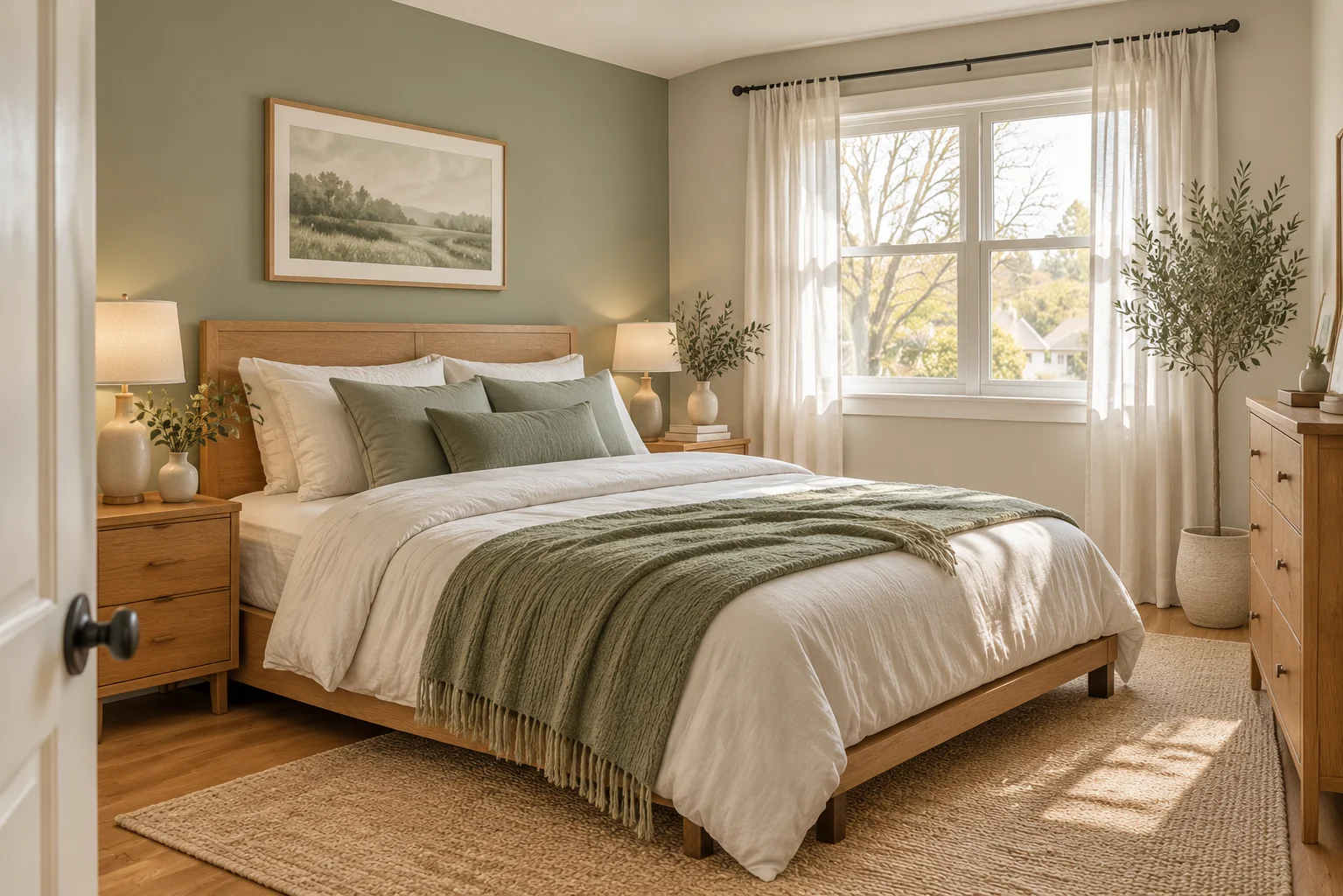
Compare sage green with light wood, darker wood, white and textiles. Build a bedroom palette and try a direction on your photo.
Read the guide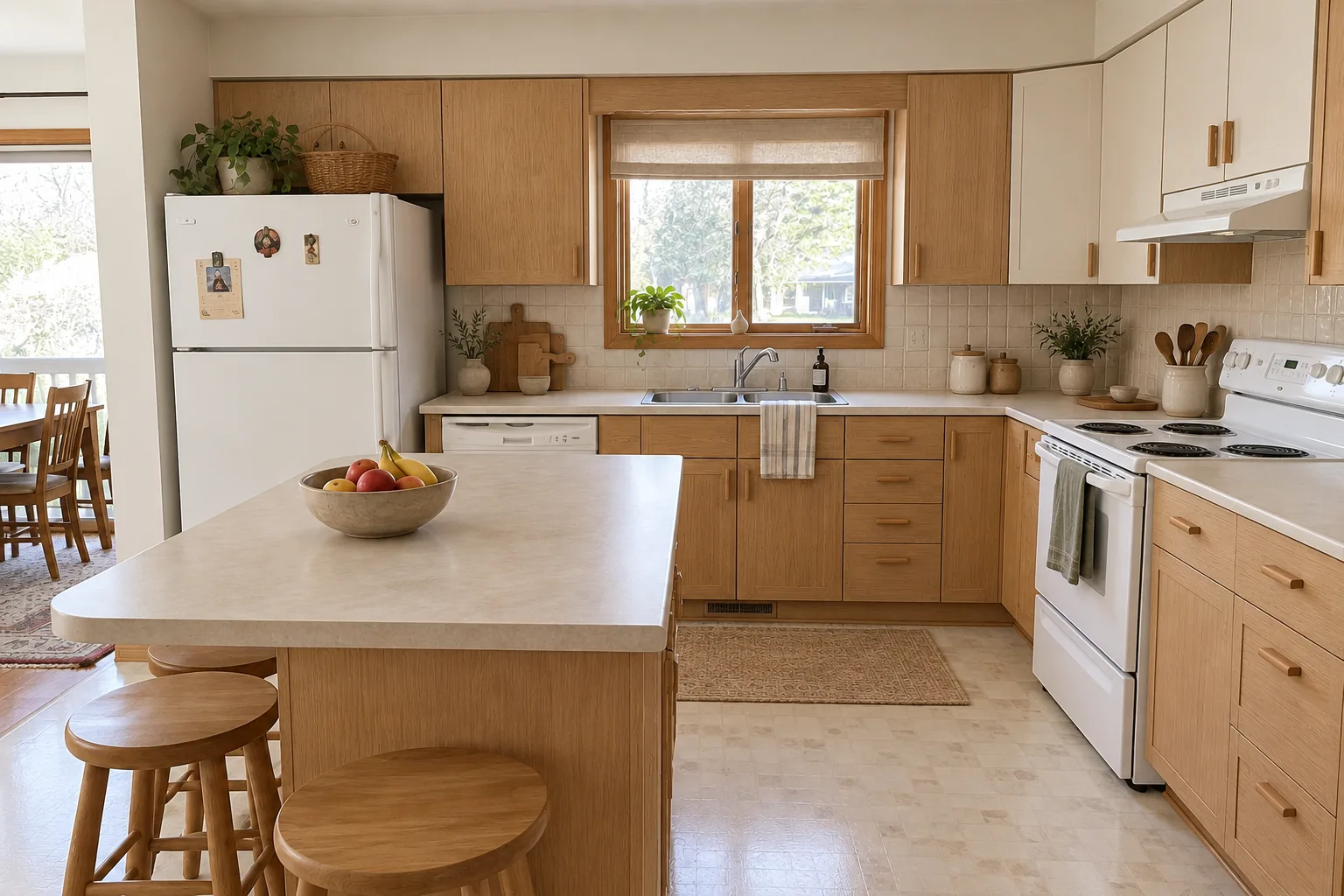
Compare contemporary kitchen combinations of cabinet fronts, worktops, backsplashes and floors before trying an idea on your photo.
Read the guide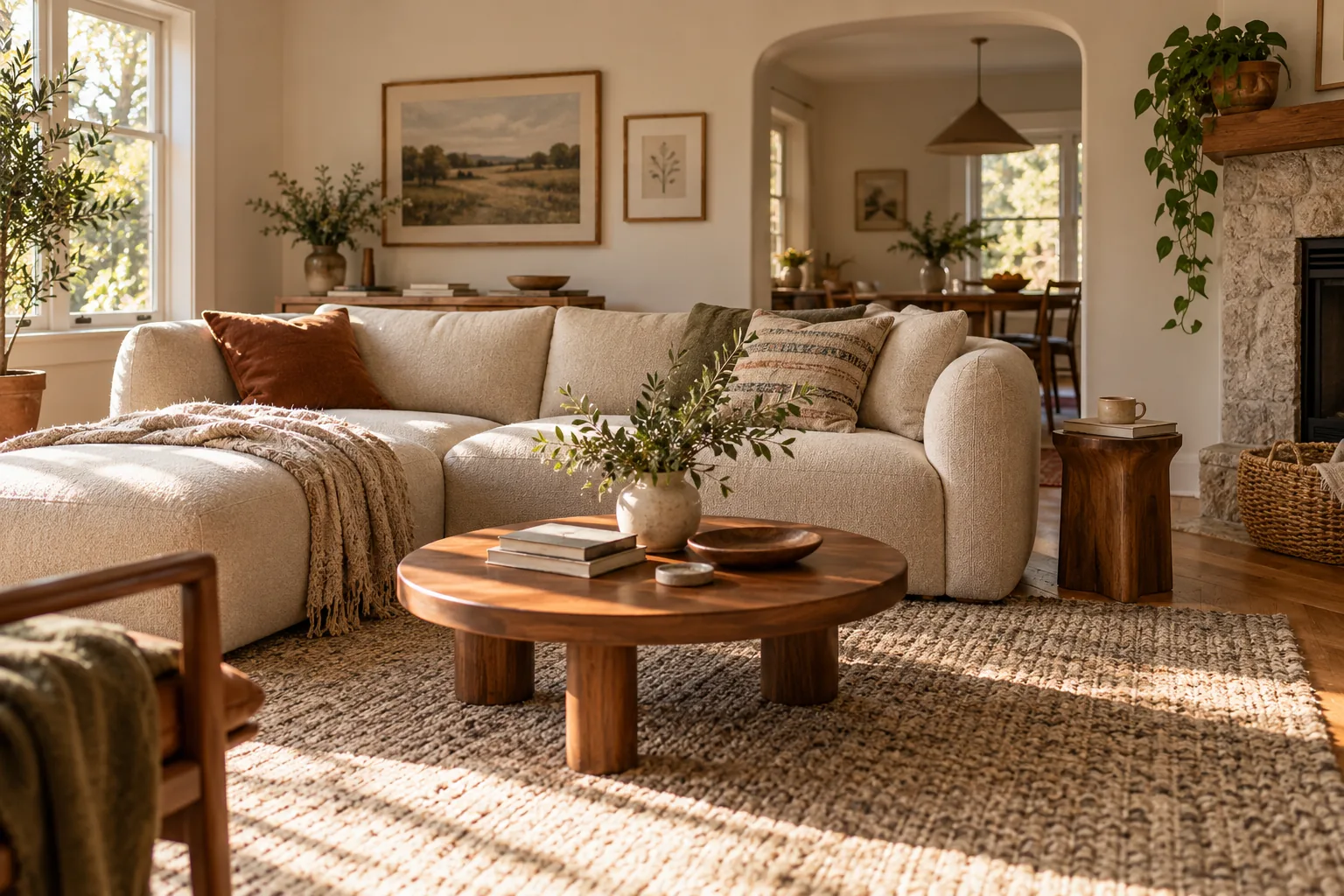
Explore a minimalist living room through useful furniture, clear circulation and natural materials before trying a direction on your photo.
Read the guidePractical answers about structural preservation, realistic lighting, and renovation planning.
Upload a room photo and explore wall texture or accent concepts in Studio.
Open the design Studio