
AI Interior Design for Real Homes
Transform empty rooms or furnished interiors with tailored colors, materials, and bespoke style directions.
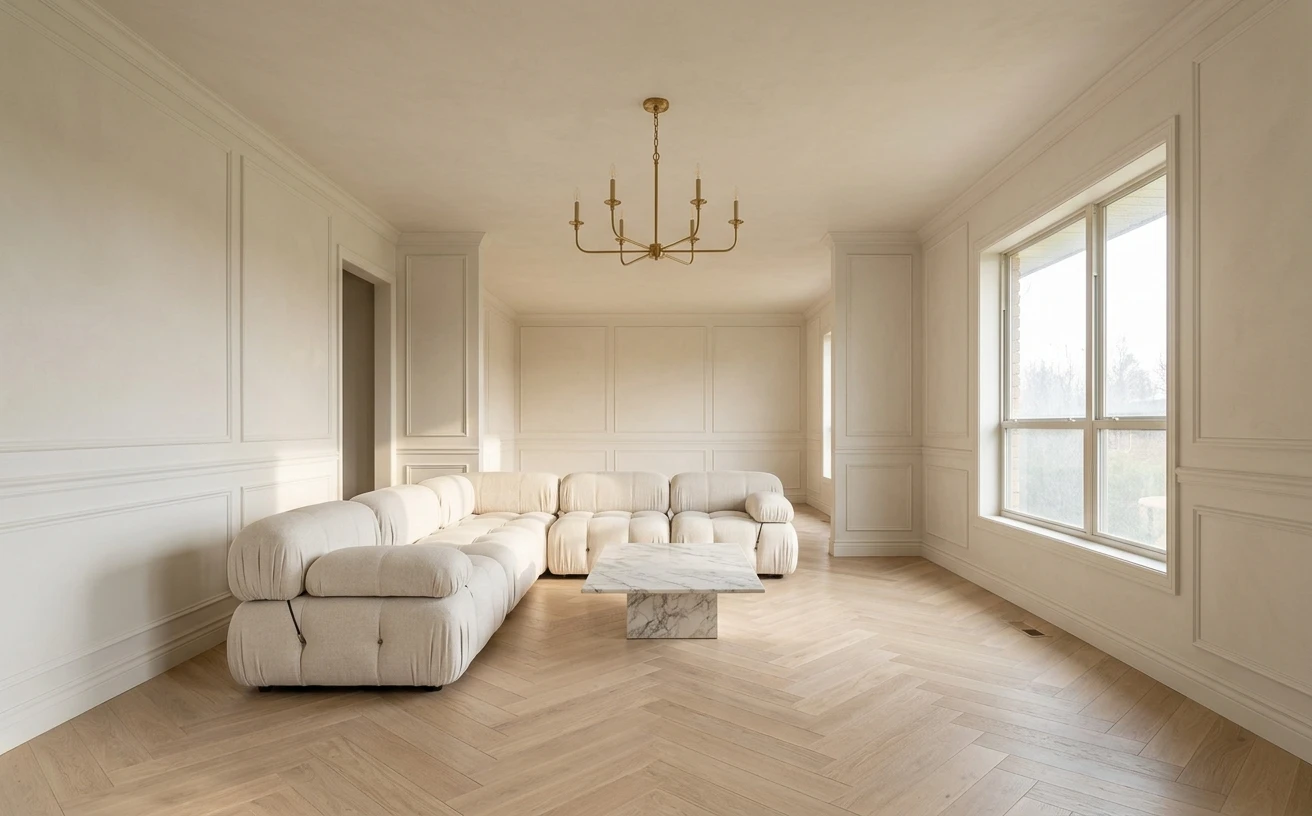
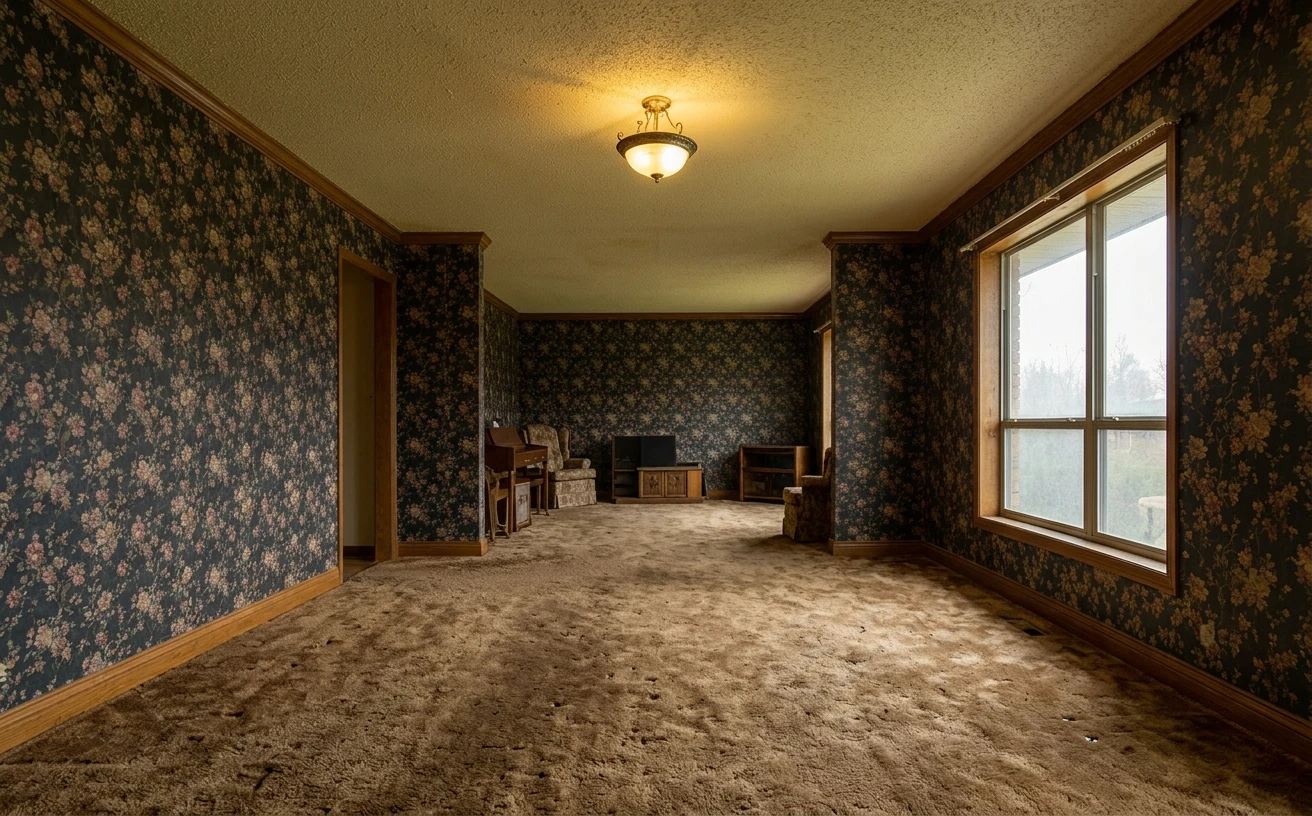
Create interior design concepts from a photo
Use an interior photo to explore cohesive style, color, lighting, furniture, and material ideas before you commit to a design direction.
See the whole interior direction together
Interior design decisions work best when furniture, walls, flooring, lighting, and decor feel connected. This page focuses on that full-room composition.
How to create an AI interior design
- Upload an interior photo with the main walls, floor, windows, and furniture visible.
- Pick a style direction and describe the materials, mood, and practical constraints.
- Review the result as a complete concept, then adjust your design preferences for color, furniture, or lighting.
Interior design ideas you can apply to a real space
Explore interior styles, material palettes, lighting direction, and furniture choices without separating the room into disconnected decisions.
Full interior redesigns
Generate a complete interior concept for furnished or empty spaces.
Japandi & Minimalist presets
Test Japandi, Scandinavian, modern, warm minimal, and luxury style directions.
Color & lighting optimization
Preview how color palettes, textures, and lighting work together.
High-res downloadable renders
Create visual direction before collecting products or renovation estimates.
Turn your interior photo into a design concept
Start with the space you already have and use AI to explore a cleaner, more cohesive interior direction.
How to create an AI interior design
Use an interior photo to explore cohesive style, color, lighting, furniture, and material ideas before you commit to a design direction.
Upload an interior photo with the main walls, floor, windows, and furniture visible.
Pick a style direction and describe the materials, mood, and practical constraints.
Review the result as a complete concept, then adjust your design preferences for color, furniture, or lighting.
Explore focused interior tools
Use room, kitchen, bathroom, and wall-color pages when you need a more specific interior task.
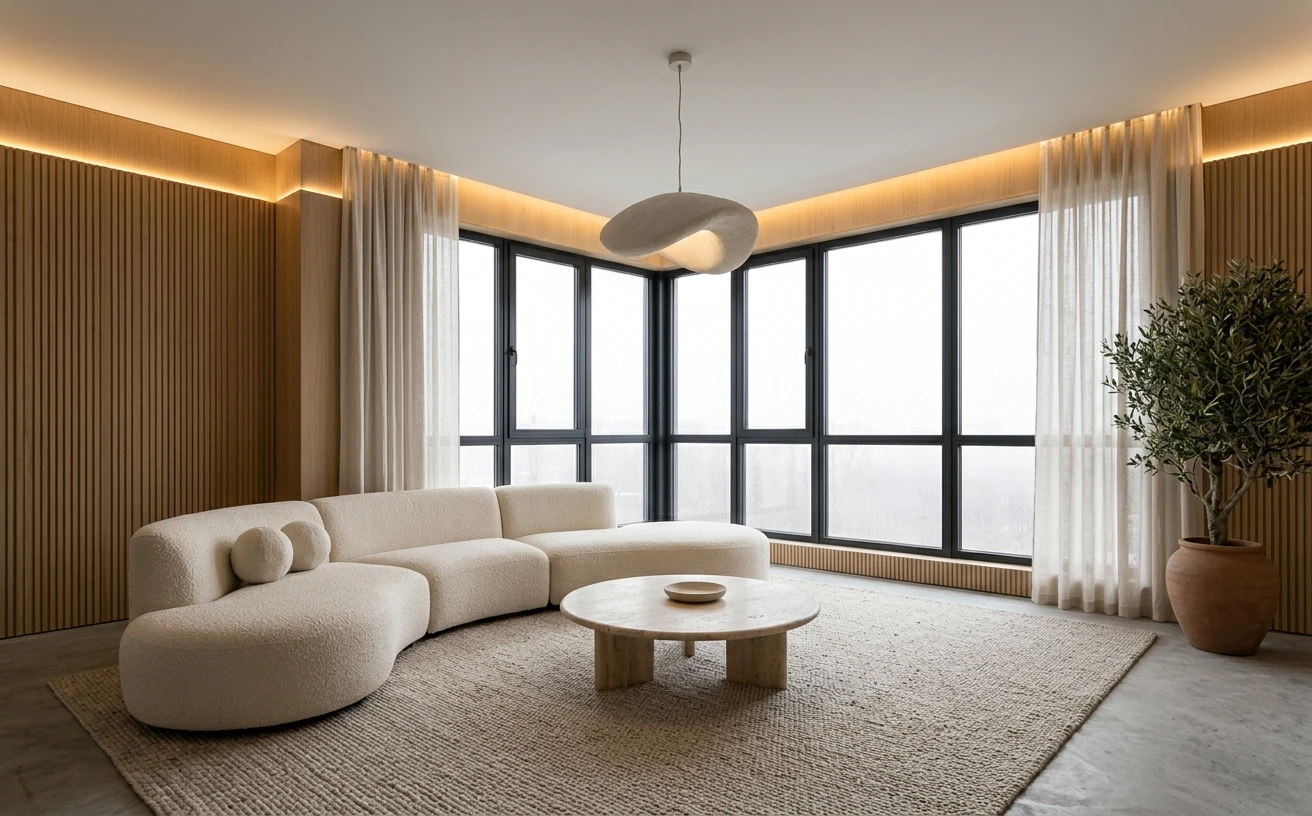
AI Room Design From Your Photo
Upload a room photo and instantly explore fresh layouts, styles, and furniture concepts with AI.
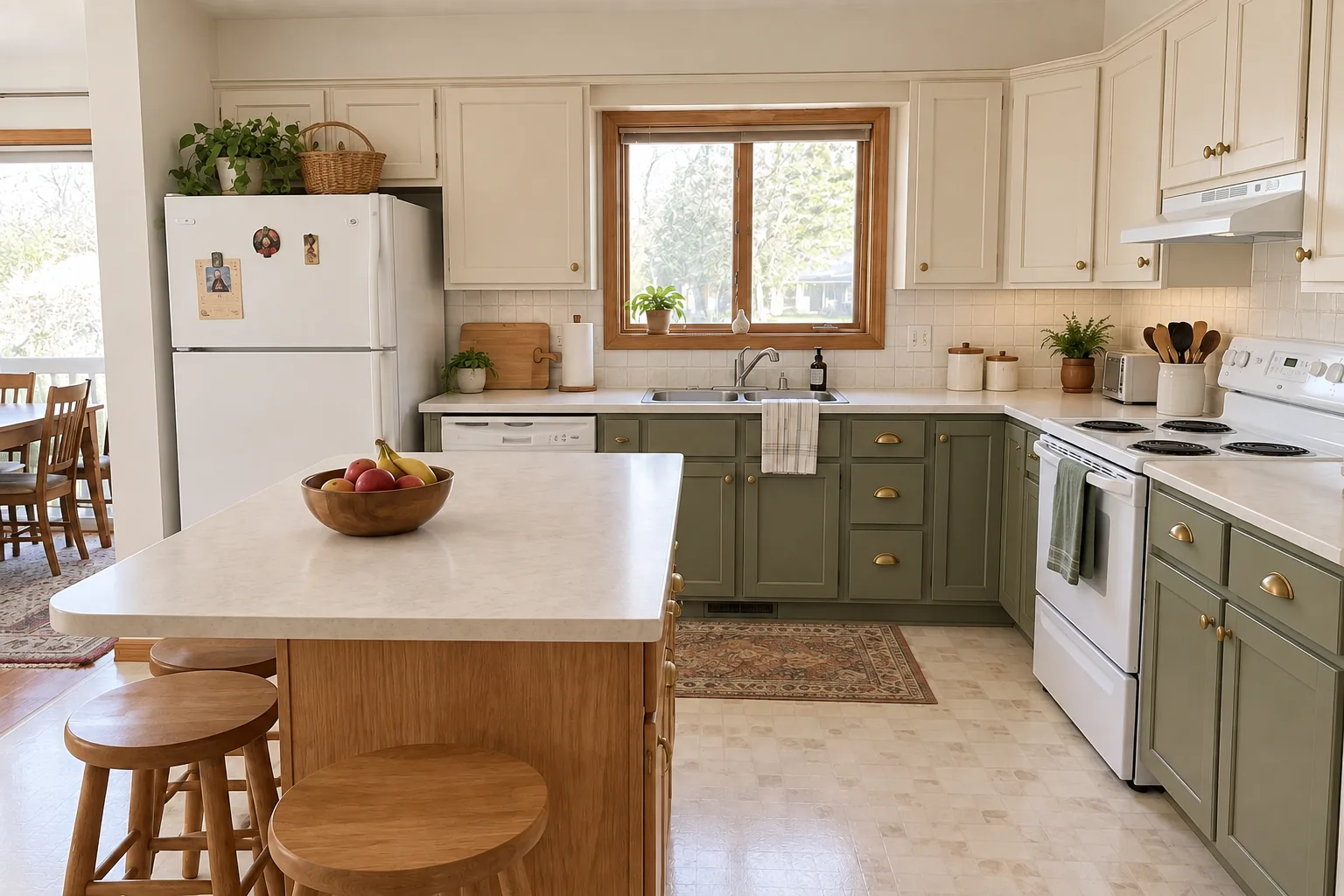
AI Kitchen Design From Your Photo
Test cabinet colors, countertop stones, tile backsplashes, and modern kitchen layouts online.
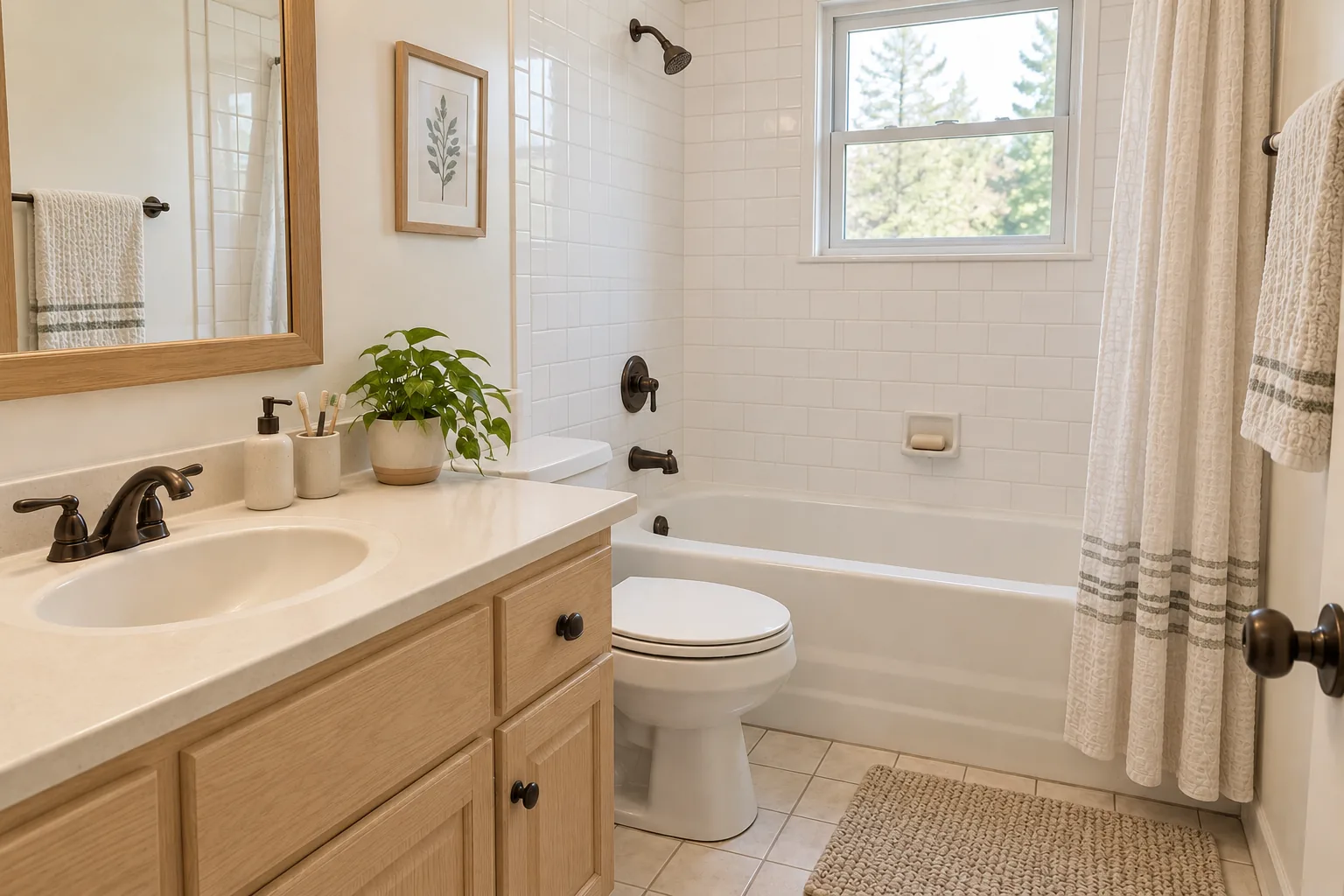
AI Bathroom Design From Your Photo
Explore walk-in showers, vanity styles, tile patterns, and spa-like bathroom palettes in seconds.
Choose an idea, then try it on your photo
Compare materials, palettes and practical choices in these guides, then return to the tool with a clearer brief.
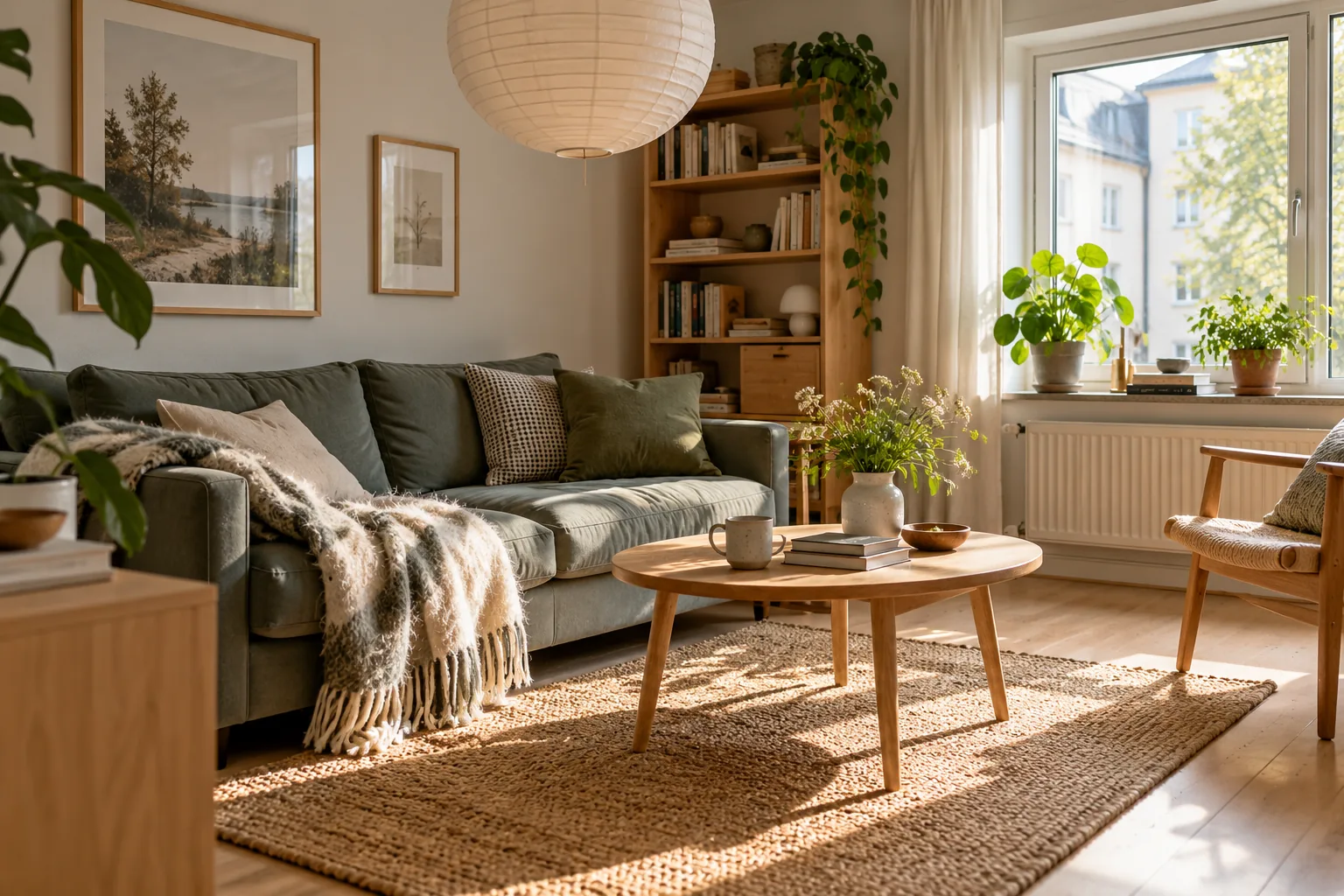
Apartment decoration ideas for your existing space
Explore apartment decoration through light, furniture, storage and color. Choose a practical direction and try it on your photo.
Read the guide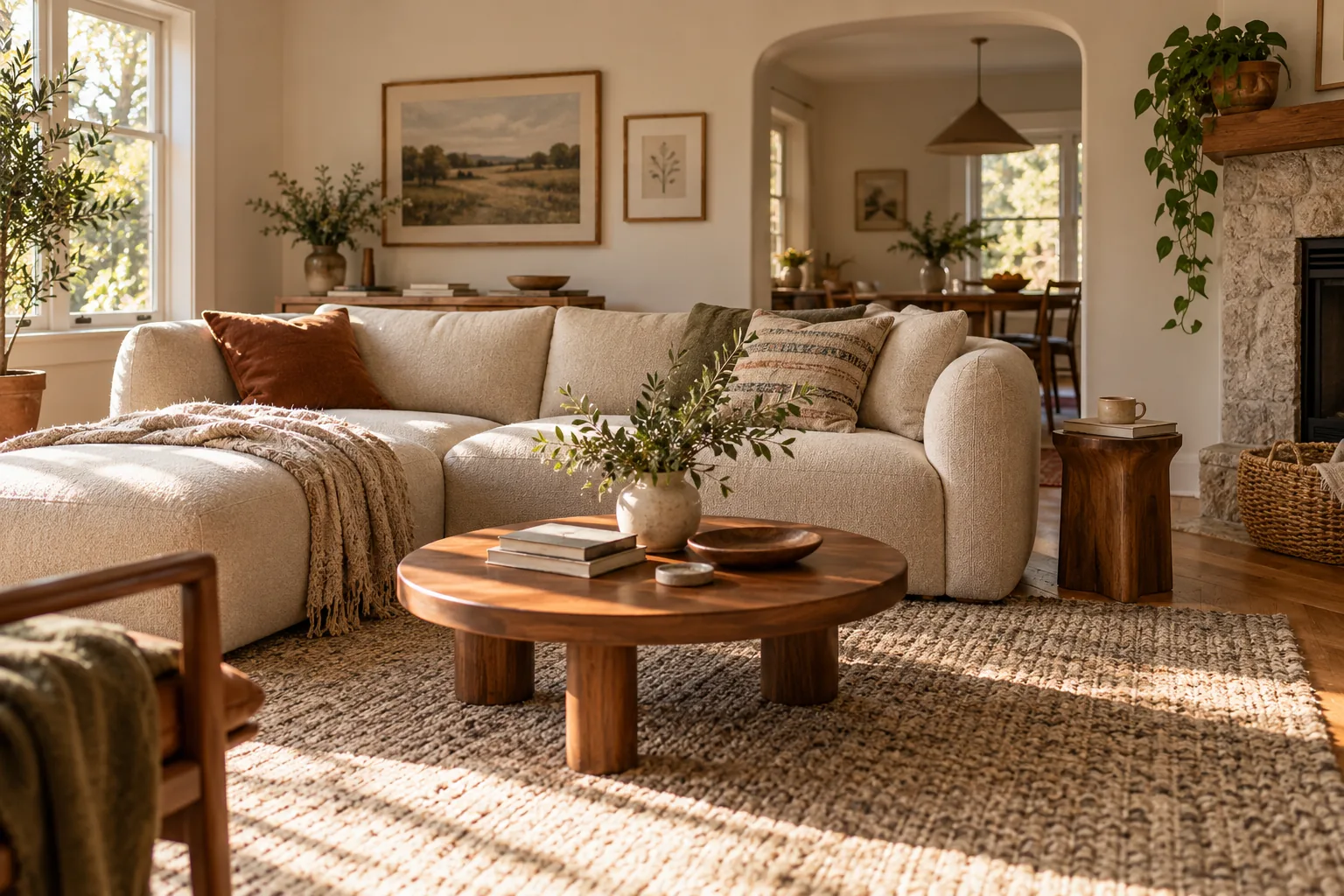
Minimalist living room ideas and Japandi references
Explore a minimalist living room through useful furniture, clear circulation and natural materials before trying a direction on your photo.
Read the guide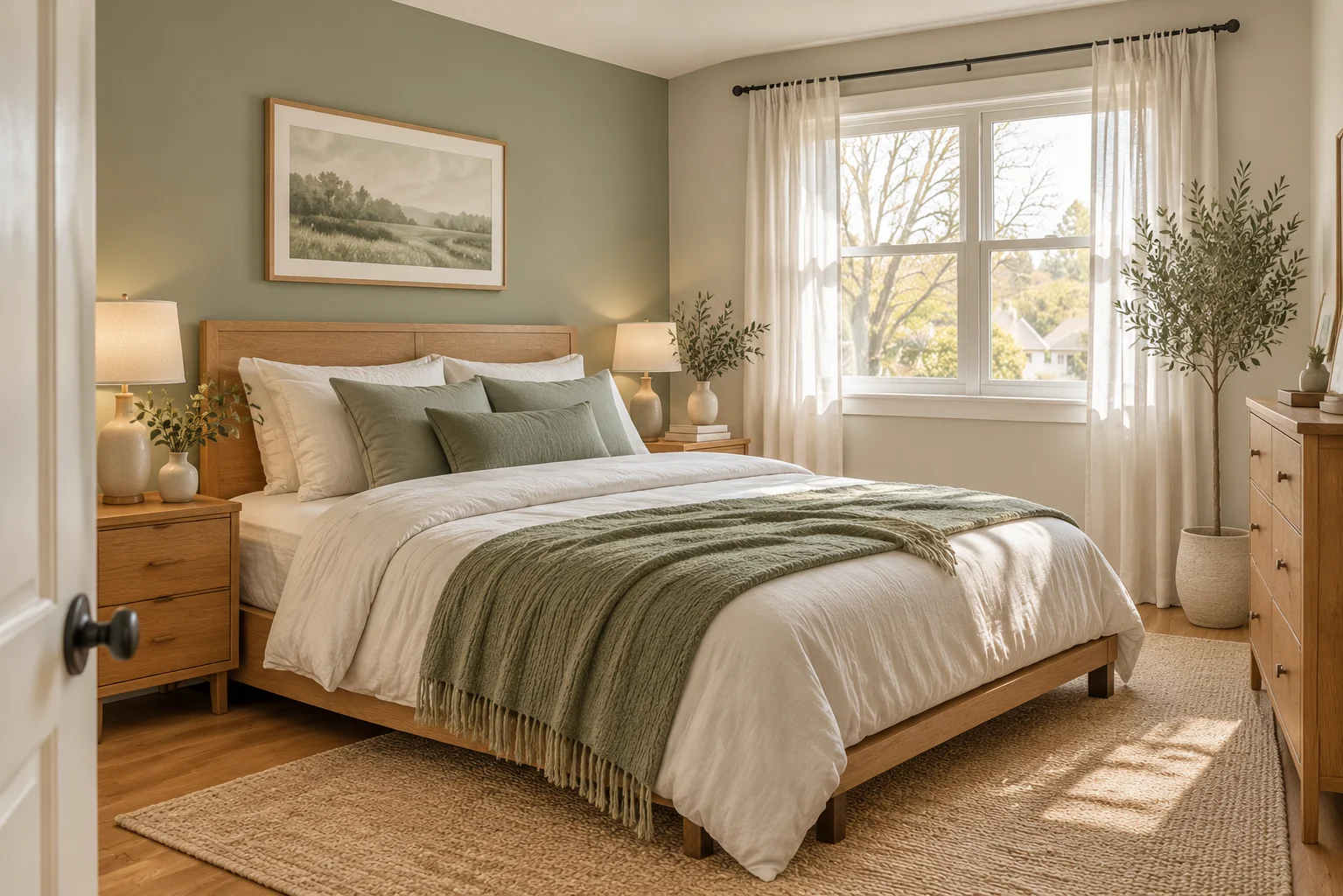
Sage green and wood bedroom ideas
Compare sage green with light wood, darker wood, white and textiles. Build a bedroom palette and try a direction on your photo.
Read the guideFrequently Asked Questions About AI Interior Design for Real Homes
Practical answers about structural preservation, realistic lighting, and renovation planning.
Generate an AI interior design
Upload a room photo and refine the style, materials, and layout in Studio.
Open the design Studio