
AI Room Design From Your Photo
Upload a room photo and instantly explore fresh layouts, styles, and furniture concepts with AI.
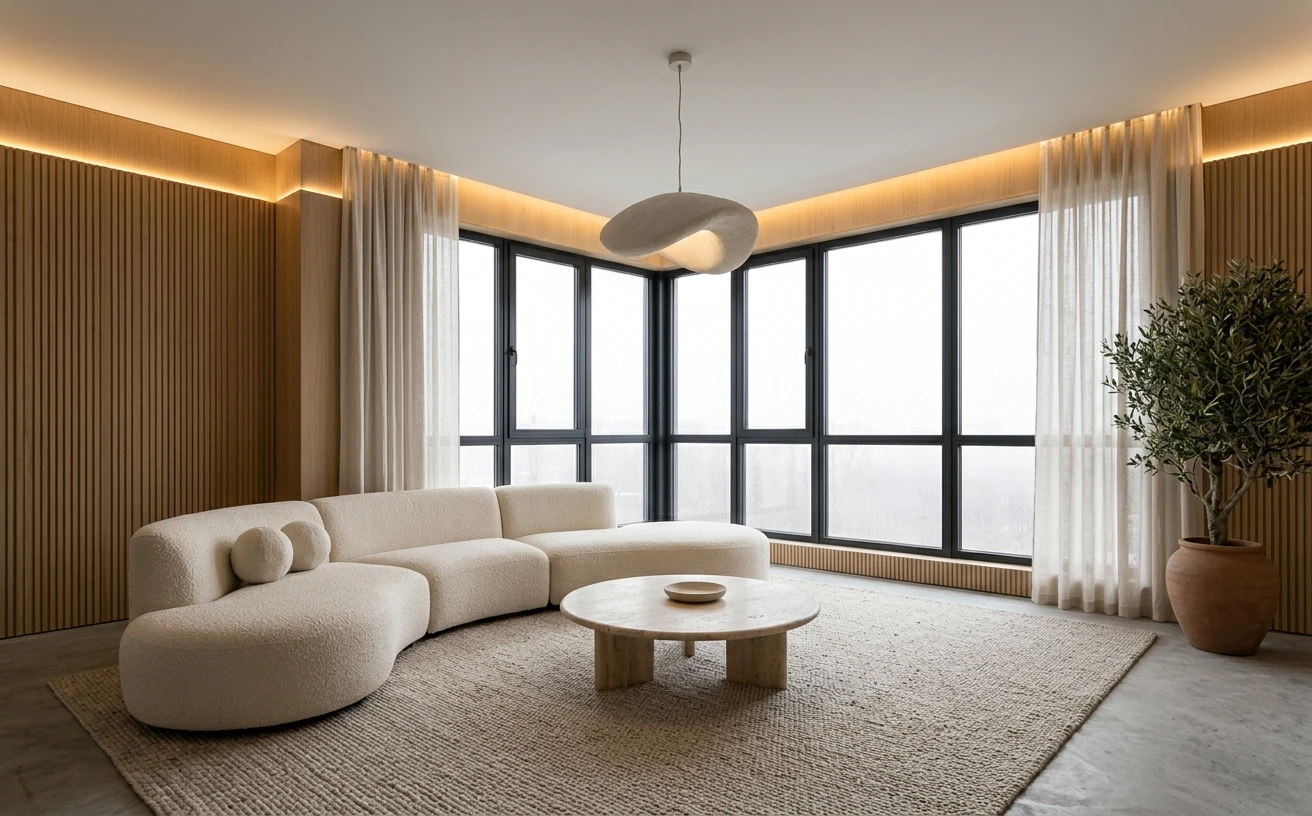
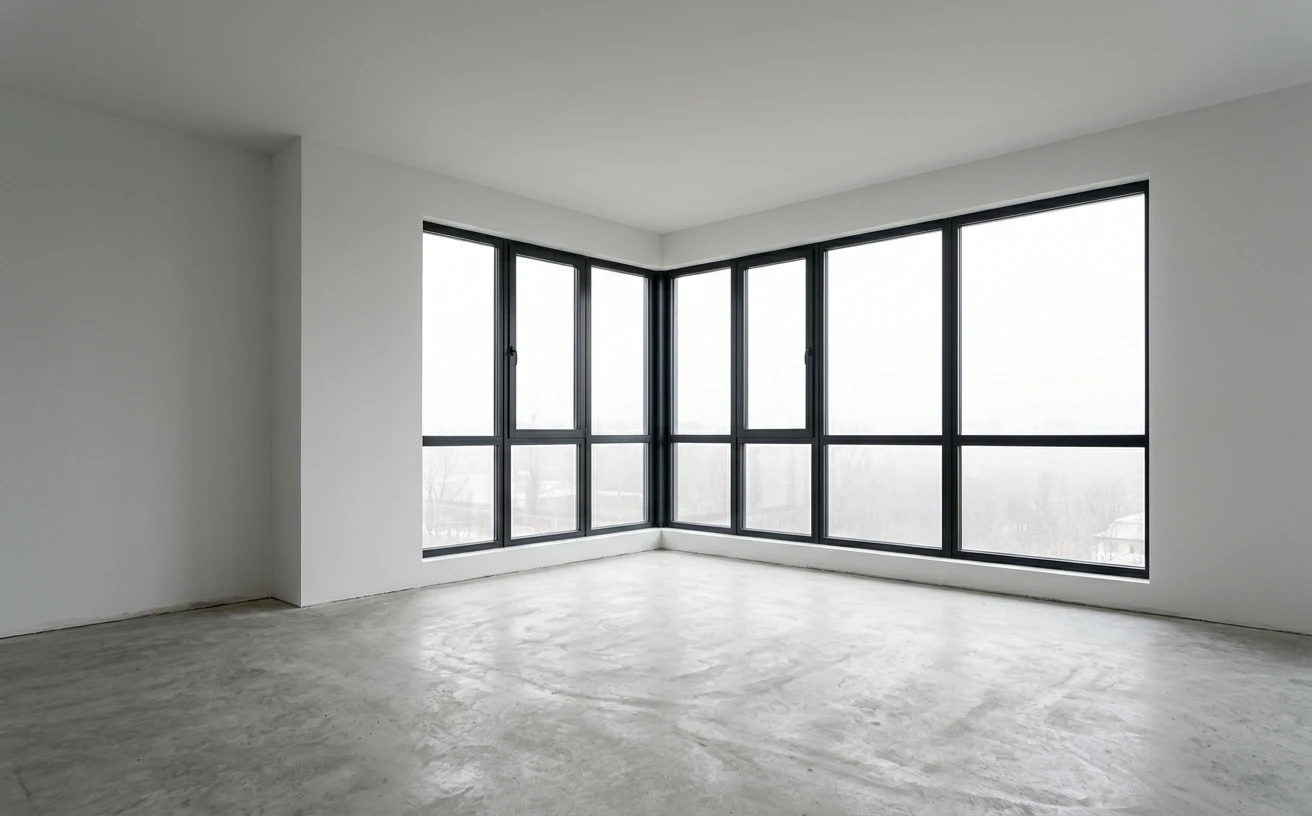
Design any room from a photo
Upload a room photo, describe the change you want, and create realistic redesign directions for bedrooms, kitchens, bathrooms, living rooms, offices, and more.
Built for real rooms, not blank mood boards
Start from your actual space so the result can respond to existing walls, windows, flooring, furniture, light, and layout constraints.
How to redesign a room with AI
- Upload a clear room photo or open the prepared room example.
- Describe the style, furniture changes, colors, lighting, and anything that must stay fixed.
- Generate a redesign, compare it with the original, then refine your design notes for a stronger direction.
AI room design tools for everyday spaces
Use one room design workflow to test style, layout, furniture, color, and before-after makeover ideas before making real changes.
Upload any room photo
Works for bedrooms, living rooms, kitchens, bathrooms, offices, and flexible rooms.
Explore 8+ interior styles
Try modern, Japandi, Scandinavian, warm minimal, and renovation-focused directions.
Photo-realistic concept previews
Compare the original photo with the redesigned result in the same view.
Aim to retain existing room architecture
Keep the room recognizable while exploring a new furniture and material direction.
Ready to redesign your own room?
Use a real photo to preview room design ideas online before buying furniture, paint, tile, or lighting.
How to redesign a room with AI
Upload a room photo, describe the change you want, and create realistic redesign directions for bedrooms, kitchens, bathrooms, living rooms, offices, and more.
Upload a clear room photo or open the prepared room example.
Describe the style, furniture changes, colors, lighting, and anything that must stay fixed.
Generate a redesign, compare it with the original, then refine your design notes for a stronger direction.
Choose a room type
Move from the broad room design workflow into a focused bedroom, kitchen, bathroom, living room, or staging page.
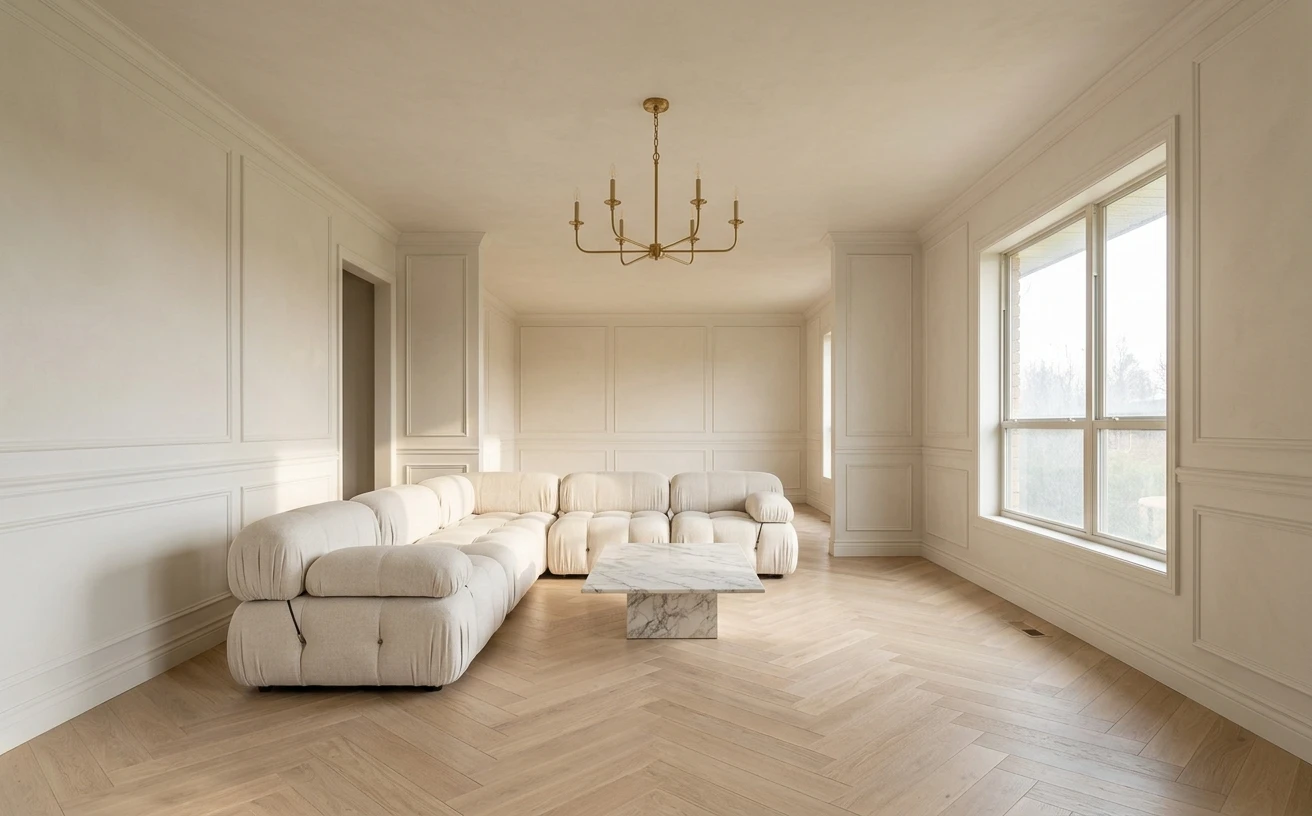
AI Interior Design for Real Homes
Transform empty rooms or furnished interiors with tailored colors, materials, and bespoke style directions.
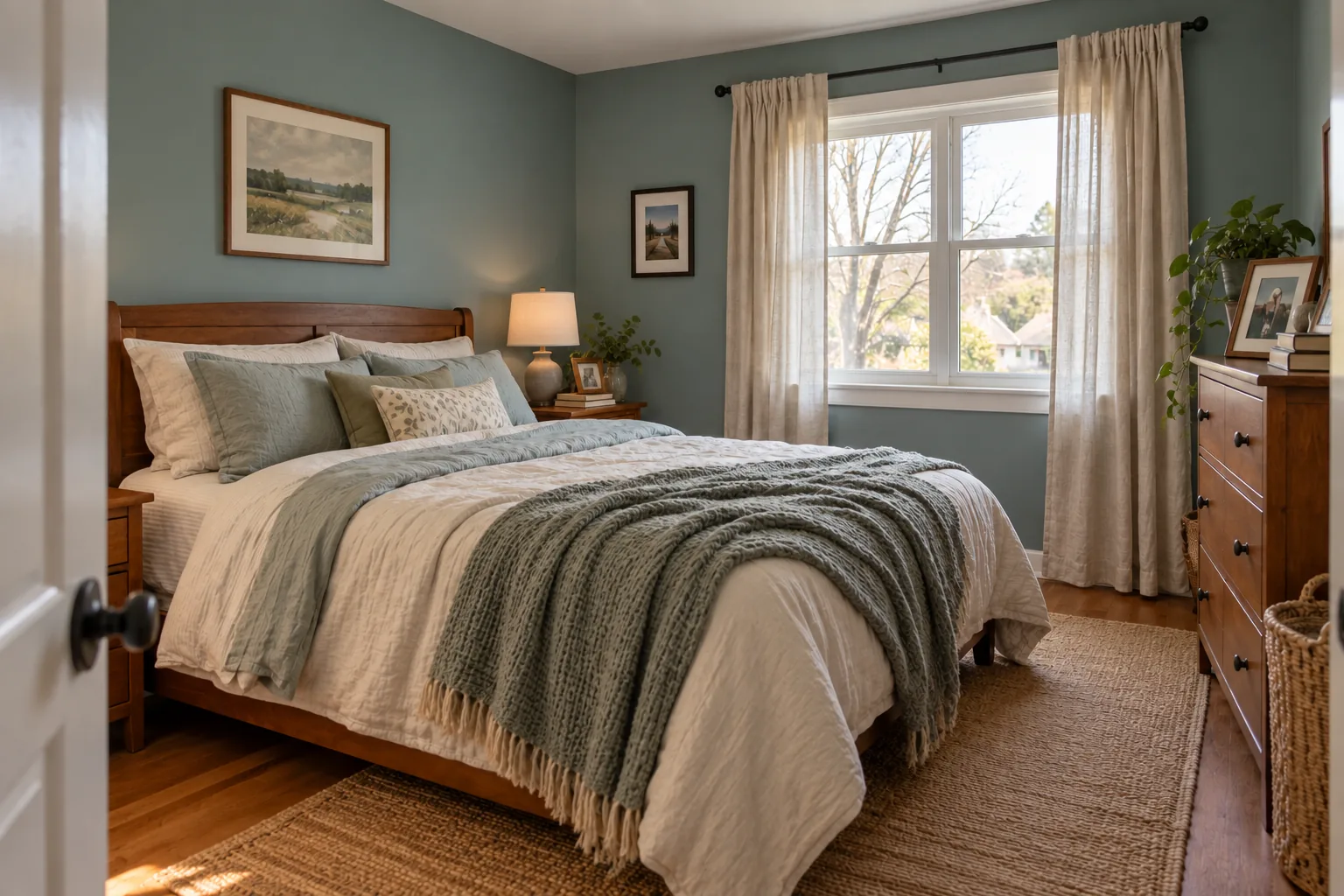
AI Bedroom Design Generator
Create calming, cozy, or minimalist bedroom sanctuaries with tailored headboards, nightstands, and mood lighting.
AI Living Room Design From Your Photo
Optimize seating layouts, accent walls, coffee tables, and natural lighting for your family space.
Choose an idea, then try it on your photo
Compare materials, palettes and practical choices in these guides, then return to the tool with a clearer brief.
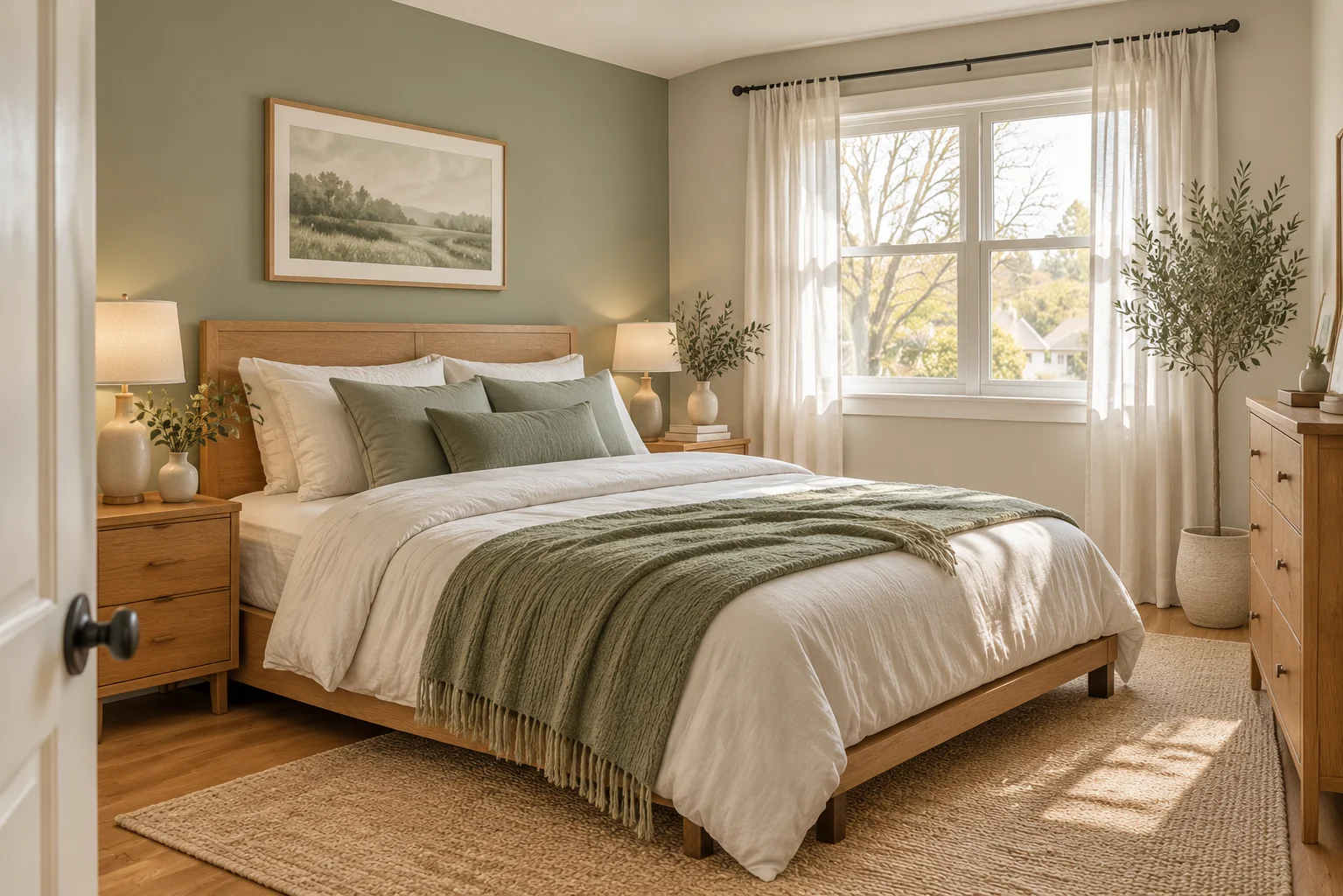
Sage green and wood bedroom ideas
Compare sage green with light wood, darker wood, white and textiles. Build a bedroom palette and try a direction on your photo.
Read the guide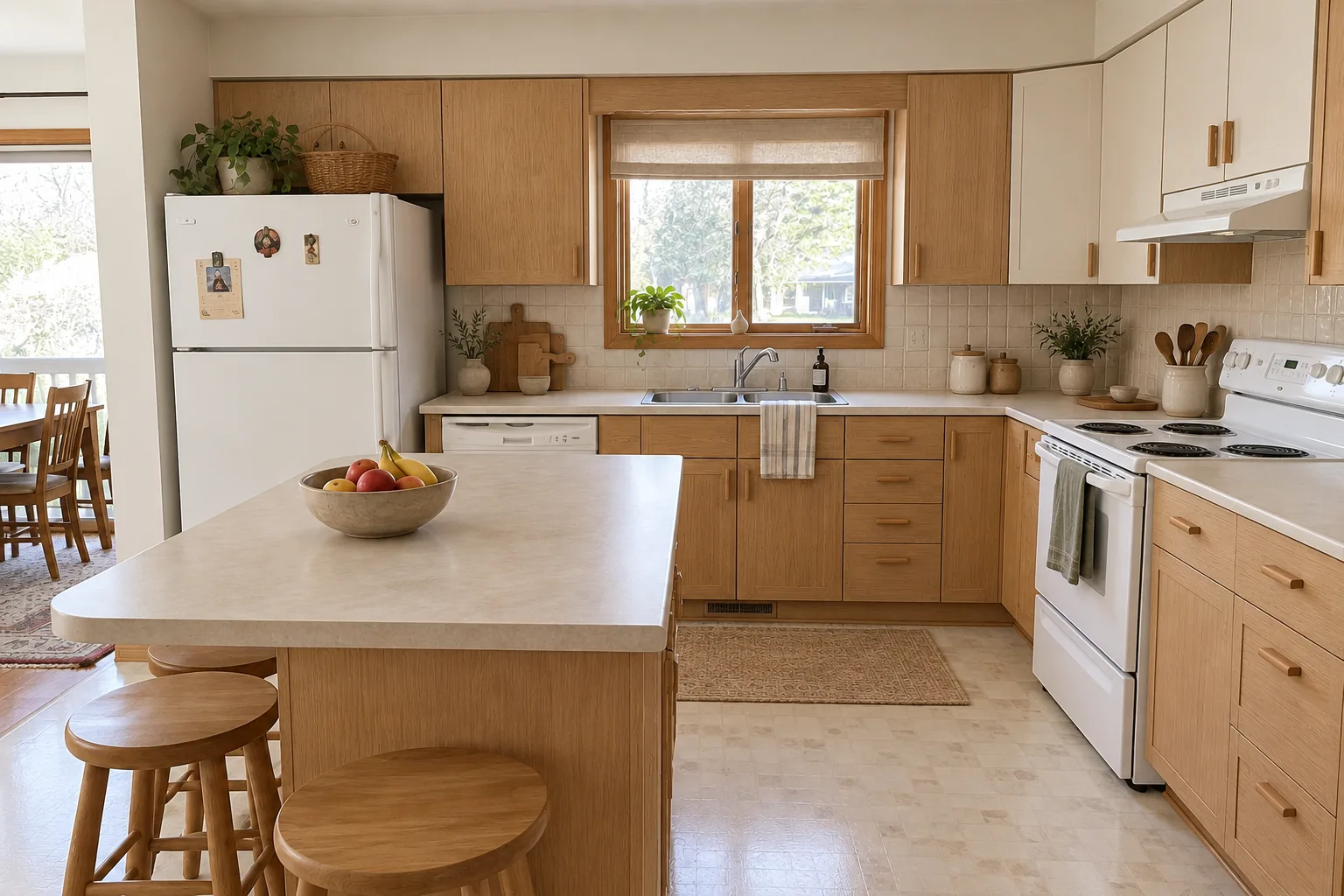
Contemporary kitchen ideas: cabinets, surfaces and color
Compare contemporary kitchen combinations of cabinet fronts, worktops, backsplashes and floors before trying an idea on your photo.
Read the guide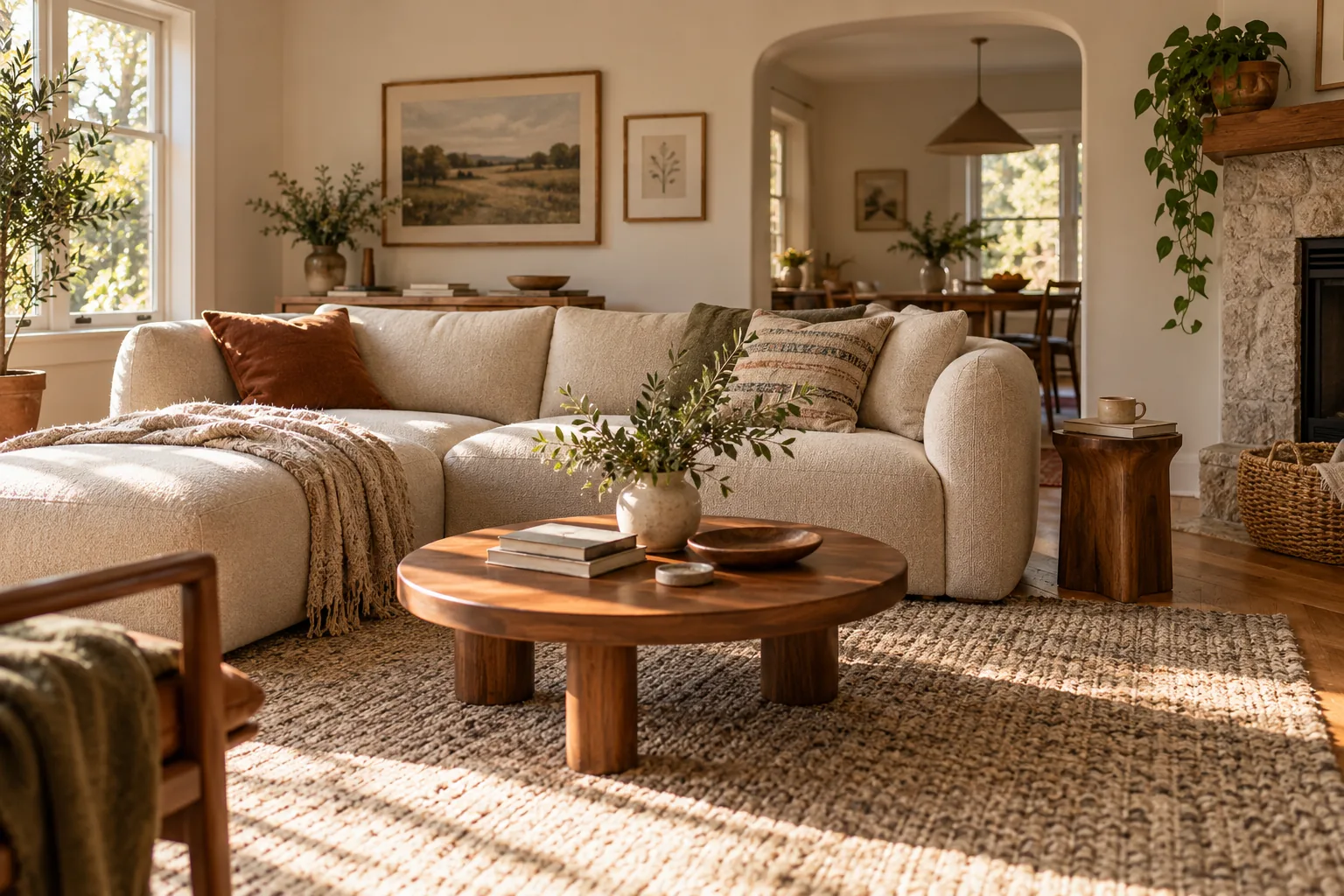
Minimalist living room ideas and Japandi references
Explore a minimalist living room through useful furniture, clear circulation and natural materials before trying a direction on your photo.
Read the guideFrequently Asked Questions About AI Room Design From Your Photo
Practical answers about structural preservation, realistic lighting, and renovation planning.
Start your AI room design
Upload a photo, add a short design note, and continue in the Studio workspace.
Open the design Studio