
Virtual Staging AI for Real Estate Photos
Add high-end photorealistic furniture and decor to empty property photos in seconds for real estate listings.
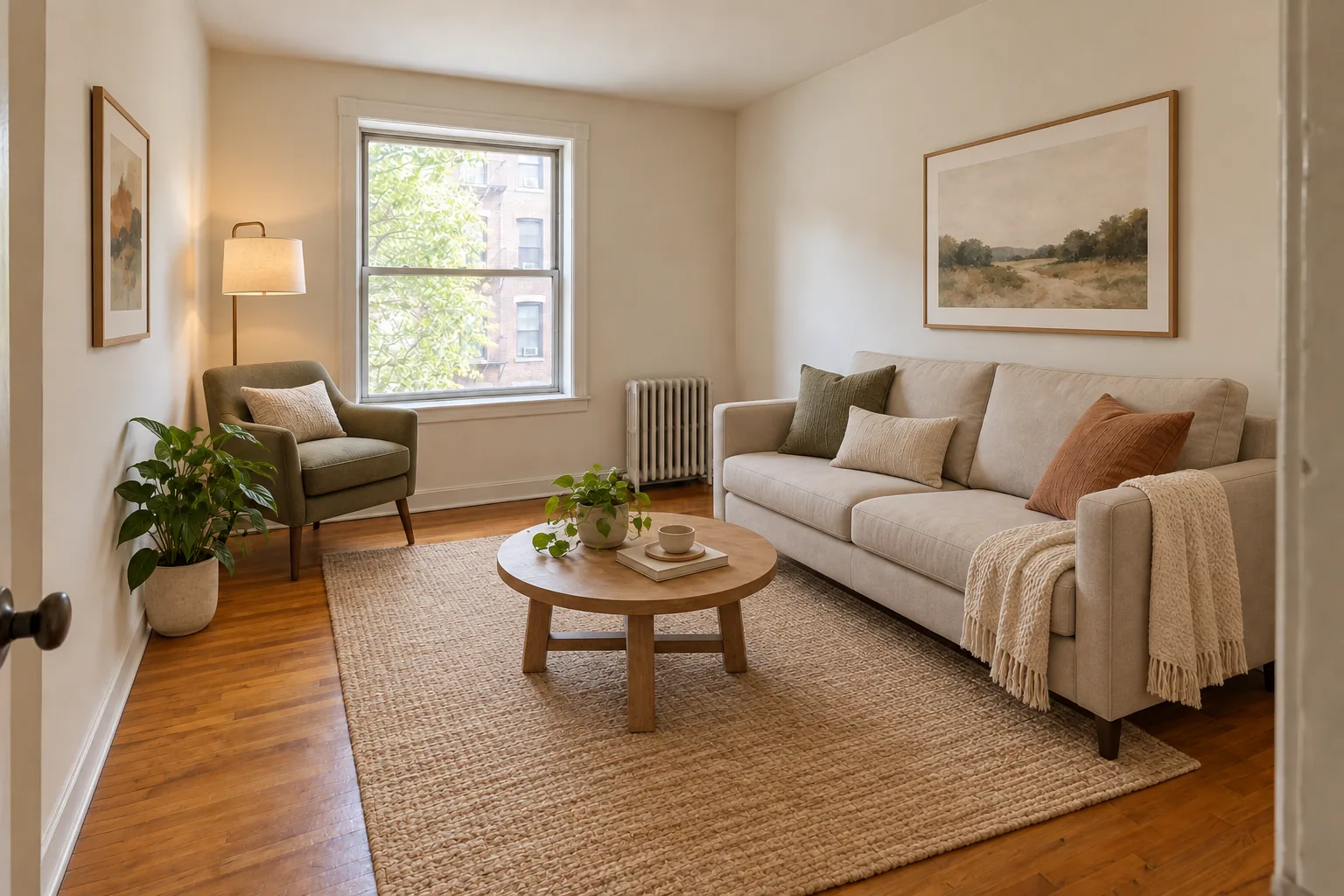
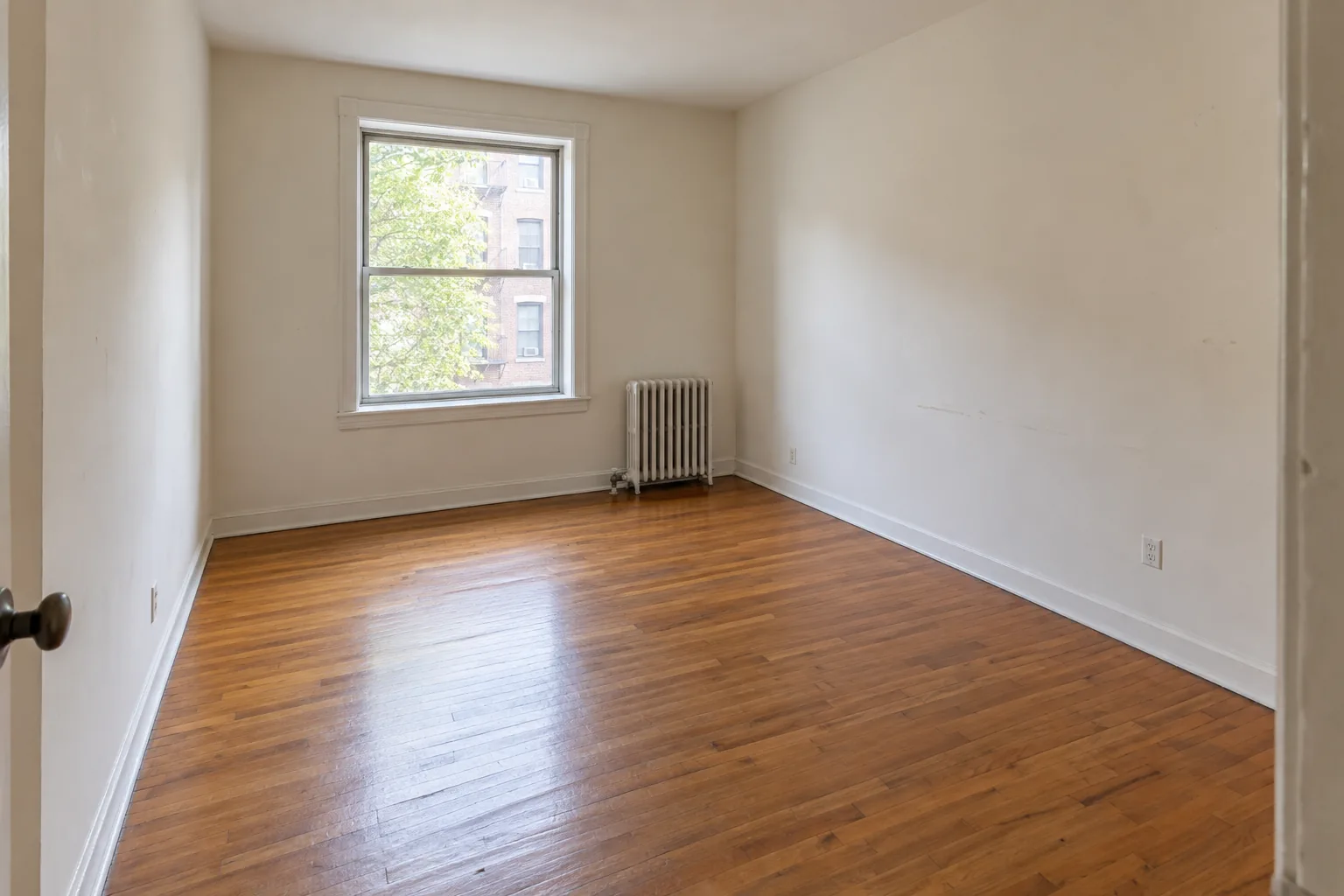
Stage empty rooms from real estate photos
Upload an empty room or property photo and create furnished listing images with realistic furniture, decor, rugs, lighting, and scale cues.
Help buyers understand the room
Virtual staging works best when it makes an empty space easier to read while keeping fixed architecture, windows, floors, and room scale honest.
How to create AI virtual staging
- Upload a clean empty room or listing photo with straight walls and visible floors.
- Choose the room type and describe furniture style, scale, mood, and any features to keep unchanged.
- Generate staged options and use the clearest version for your presentation workflow.
Virtual staging details for property photos
Use staging to add movable furniture and decor while preserving the property features buyers need to judge.
Turn vacant spaces into homes
Stage living rooms, bedrooms, dining rooms, offices, and open spaces.
High-end designer staging sets
Add furniture, rugs, artwork, plants, and warm lighting to empty rooms.
Review and disclose staging before publishing
Create before-after visuals for listings, rentals, and presentations.
Fast turnaround for agents
Keep permanent features visible so the image remains useful and trustworthy.
Stage an empty room from your own photo
Upload a property photo and preview how the room could look furnished.
How to create AI virtual staging
Upload an empty room or property photo and create furnished listing images with realistic furniture, decor, rugs, lighting, and scale cues.
Upload a clean empty room or listing photo with straight walls and visible floors.
Choose the room type and describe furniture style, scale, mood, and any features to keep unchanged.
Generate staged options and use the clearest version for your presentation workflow.
More real estate and room tools
Use room and living room design pages when the space is already furnished or needs a broader redesign.
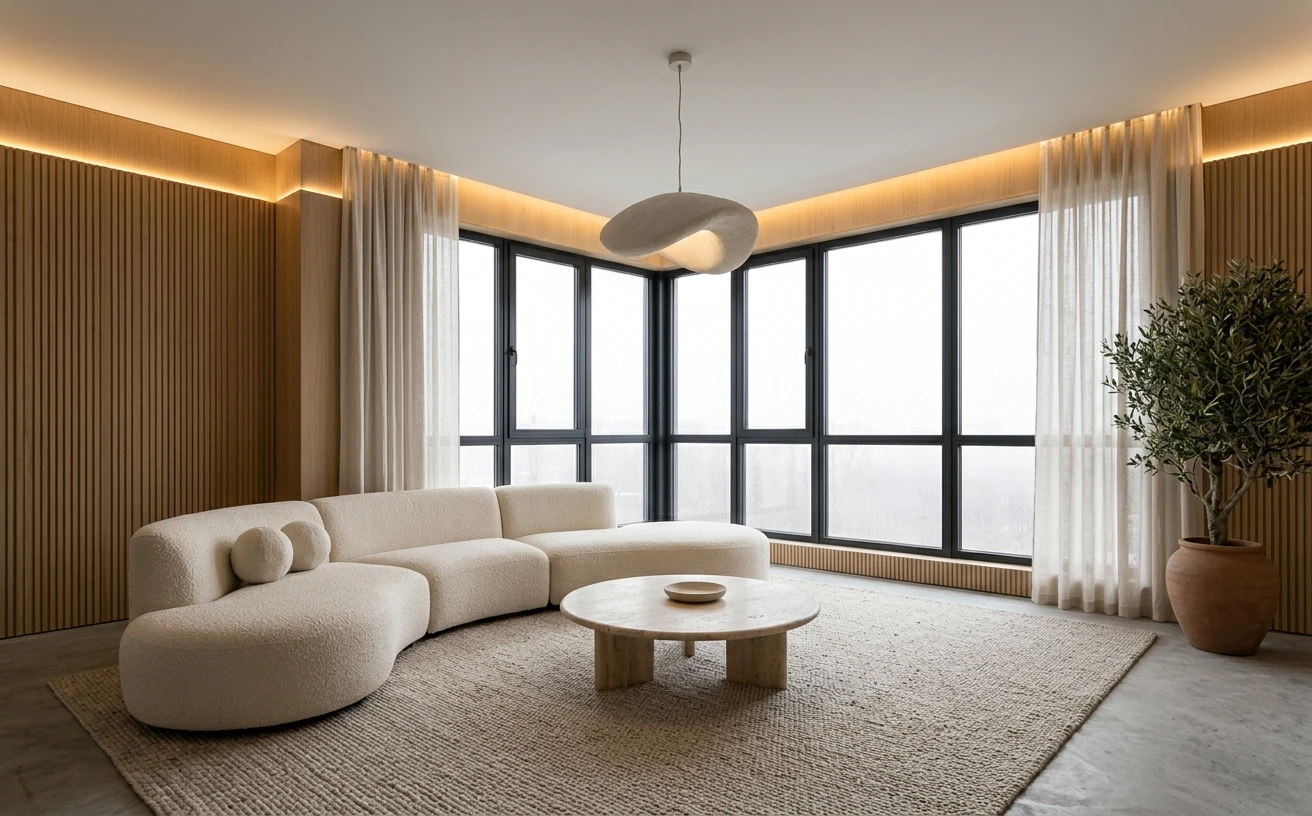
AI Room Design From Your Photo
Upload a room photo and instantly explore fresh layouts, styles, and furniture concepts with AI.
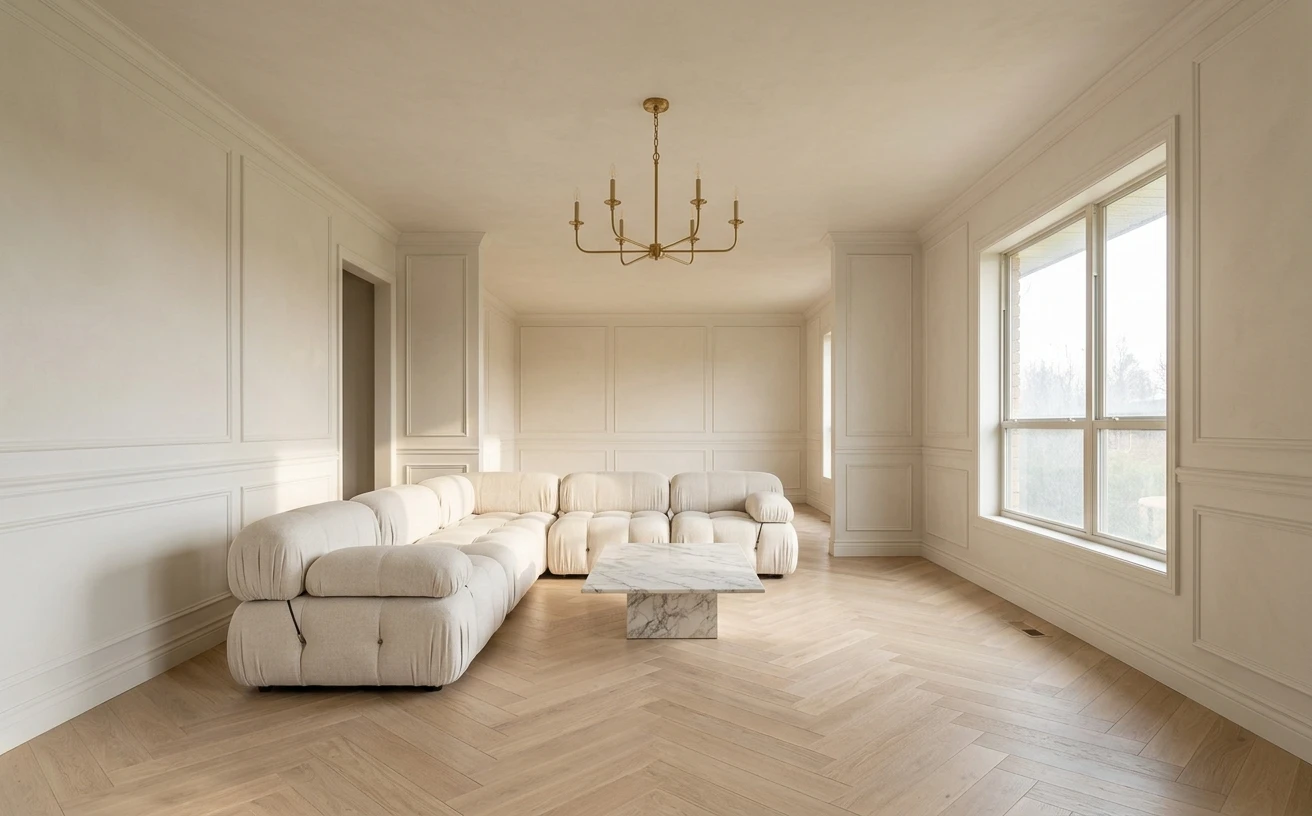
AI Interior Design for Real Homes
Transform empty rooms or furnished interiors with tailored colors, materials, and bespoke style directions.
AI Living Room Design From Your Photo
Optimize seating layouts, accent walls, coffee tables, and natural lighting for your family space.
Choose an idea, then try it on your photo
Compare materials, palettes and practical choices in these guides, then return to the tool with a clearer brief.
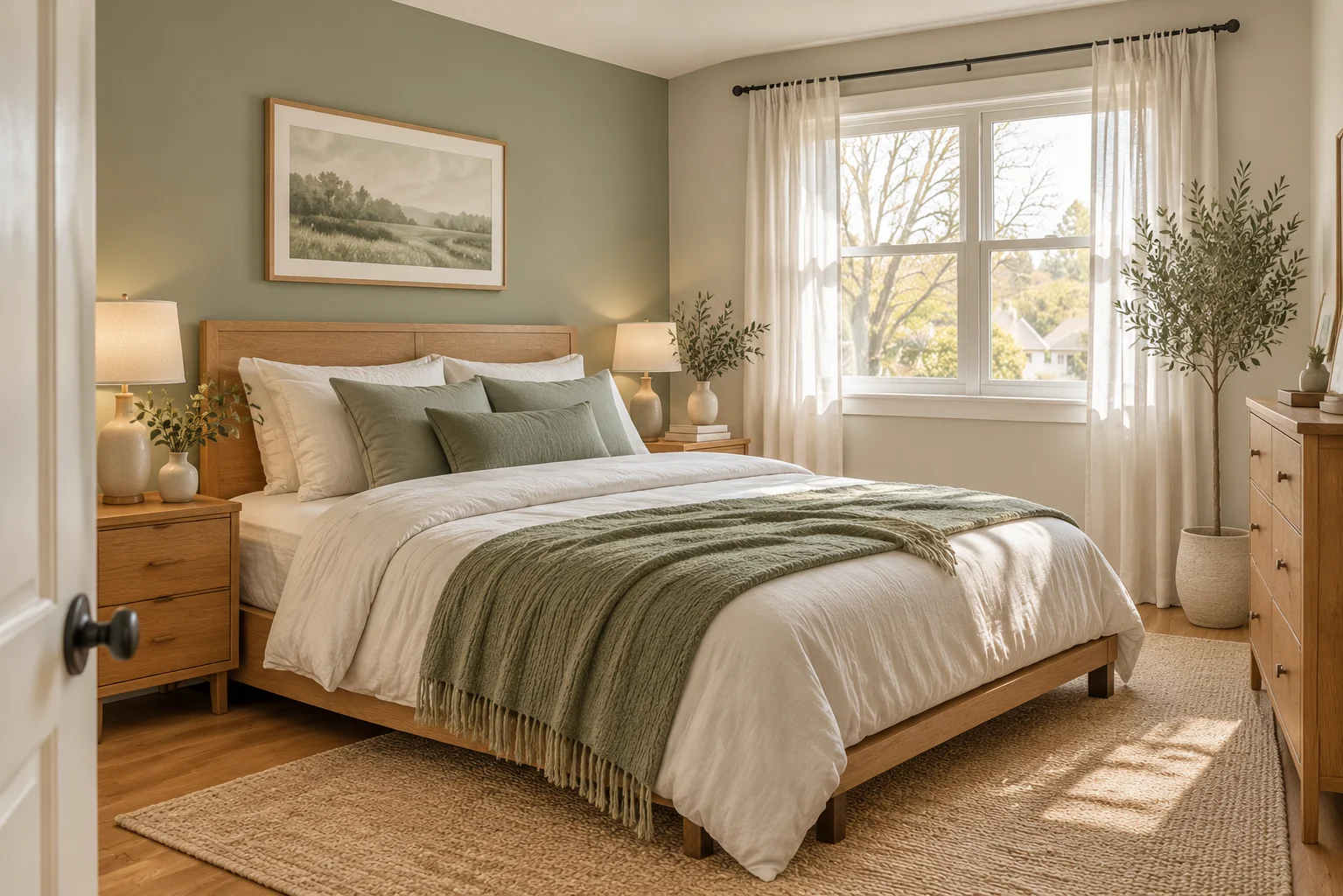
Sage green and wood bedroom ideas
Compare sage green with light wood, darker wood, white and textiles. Build a bedroom palette and try a direction on your photo.
Read the guide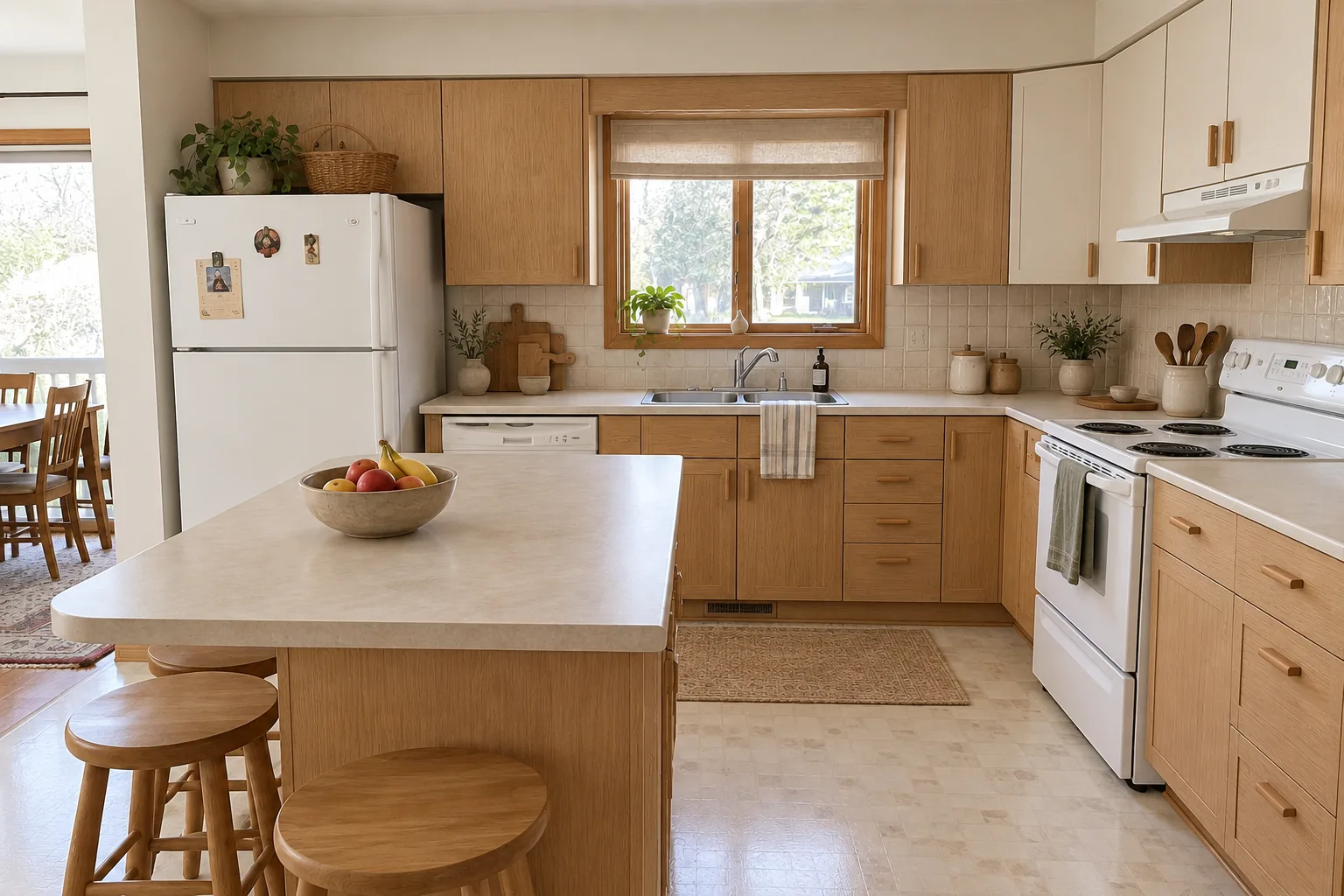
Contemporary kitchen ideas: cabinets, surfaces and color
Compare contemporary kitchen combinations of cabinet fronts, worktops, backsplashes and floors before trying an idea on your photo.
Read the guide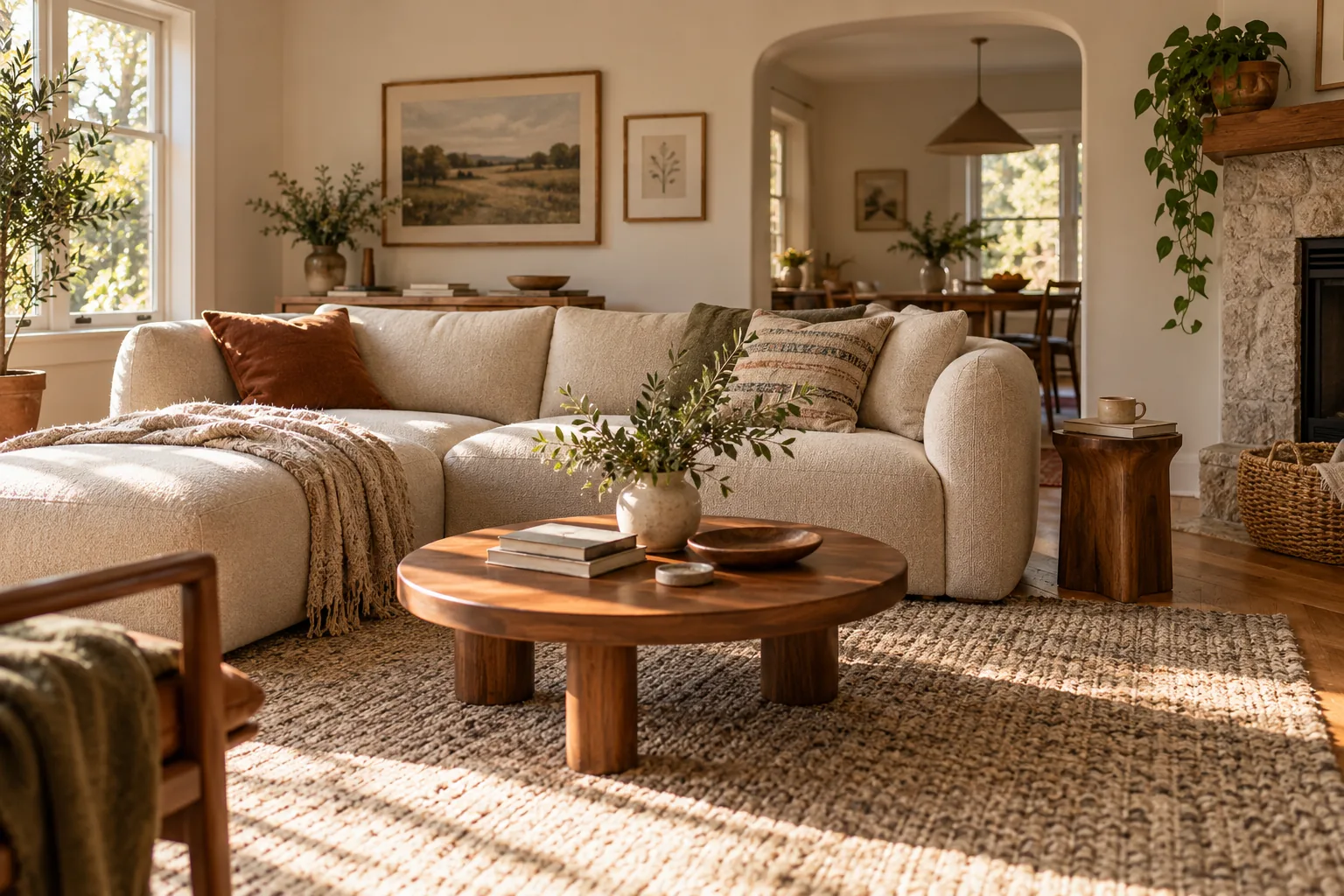
Minimalist living room ideas and Japandi references
Explore a minimalist living room through useful furniture, clear circulation and natural materials before trying a direction on your photo.
Read the guideFrequently Asked Questions About Virtual Staging AI for Real Estate Photos
Practical answers about structural preservation, realistic lighting, and renovation planning.
Start virtual staging
Upload an empty room photo and create a staged direction in Studio.
Open the design Studio