
Start with fixed finishes
Note what will stay: roof, flooring, counters, stone, brick, windows or large furniture. Choose colors that sit comfortably beside those materials.
ACCENT WALL VISUALIZER
Upload a photo of your living room, bedroom, or fireplace wall to preview acoustic wood slats, Venetian plaster, limewash paint, and bold colors before you commit.
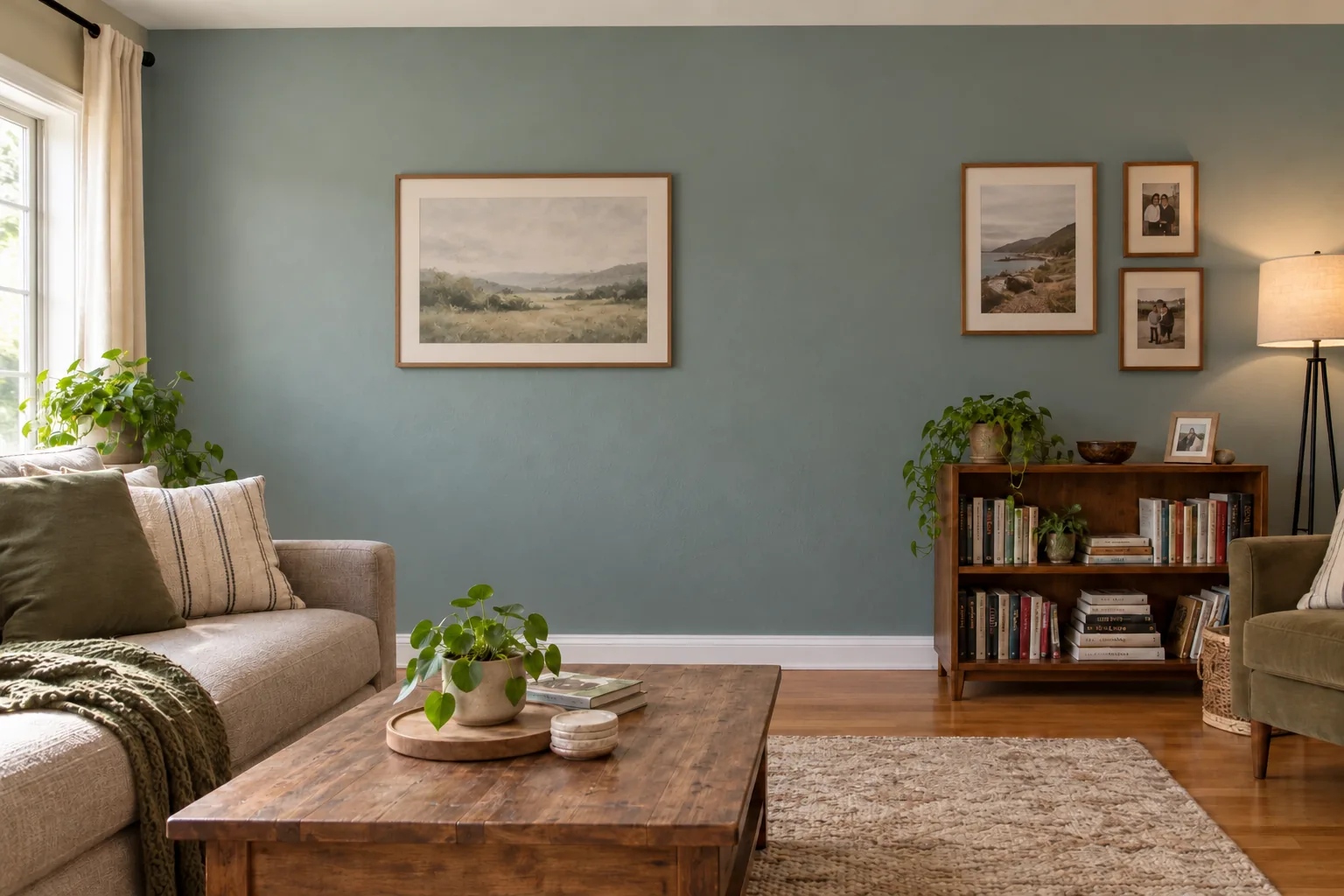
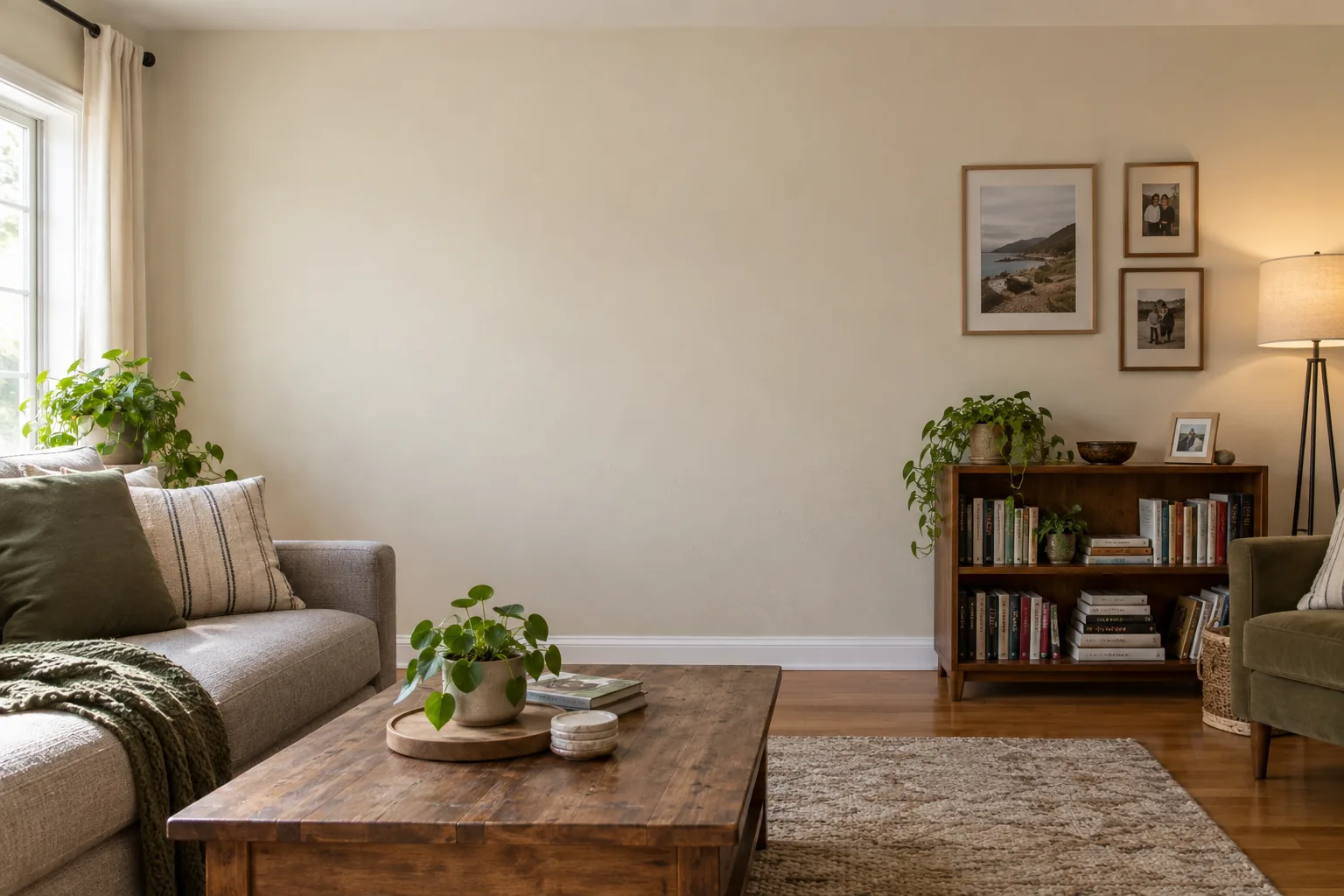
Upload a clear photo of your living room TV wall, bedroom headboard wall, or dining room focal wall, or explore our interactive before-and-after sample below.
Keep the room as it is. Mark one wall, protect the windows and furniture, and compare three color directions before trying an AI material makeover.
Manual color previews stay in this browser. AI detection and rendering upload your photo for processing.
Click around one surface to mark its corners. Click the first point, double-click, or use Close region to finish; the selected area stays outlined while you preview colors. Add separate regions for other doors or walls, and exclude windows or objects that should keep their original color.
Keyboard: focus the image, use arrow keys to move the crosshair (Shift for larger steps), Space to add a corner, Enter to close, Escape to cancel.
Marked areas on photo: 1
#93A18B
Upload your photo and confirmed region for an AI color concept. Compare the result with your original photo; generated details may change.
Sign in to generateThe preview helps you compare ideas on the same photo. Lighting, surface texture and your screen affect color, so check a physical sample on the surface before buying.
Test paint, limewash, wallpaper, wood slats, and textured wall finishes on your real space.
Explore by surface
Browse original AI-generated concept images by project type, then try the matching visualizer with your own photo.
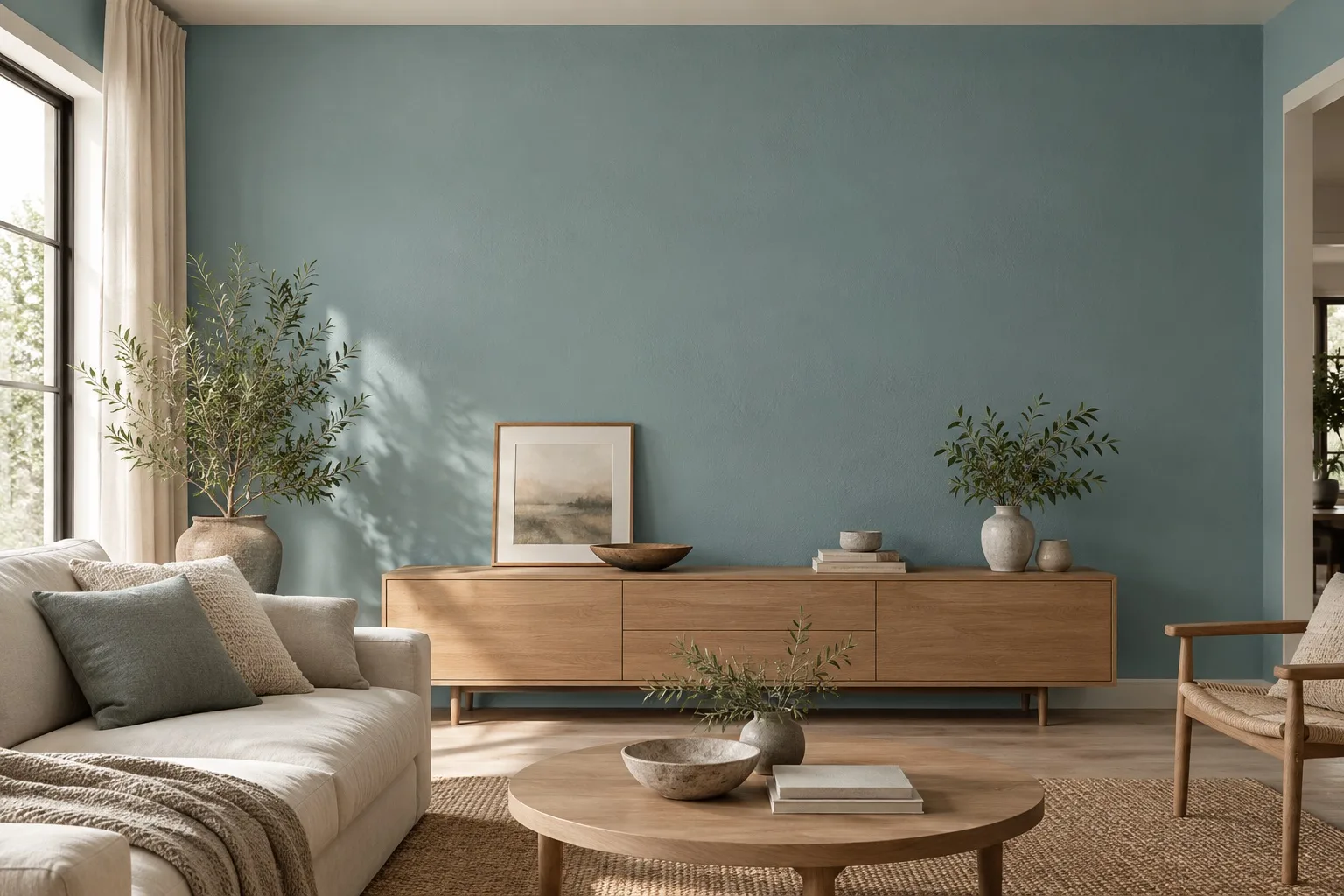
Use the furniture, window light and wood tones around a wall to judge whether a color feels balanced.
Try this project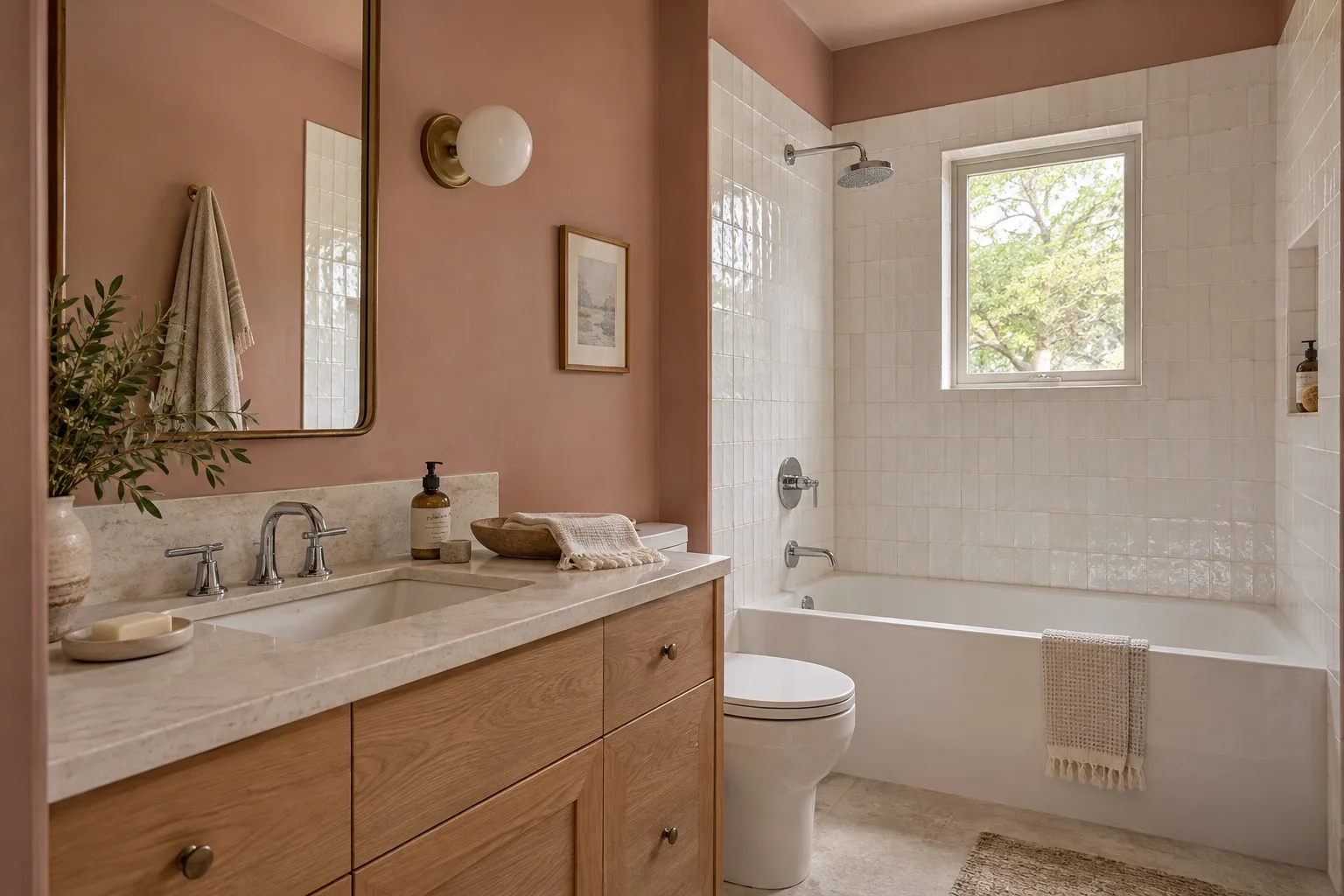
Consider painted walls beside tile, vanity wood and stone so neighboring finishes work together.
Try this project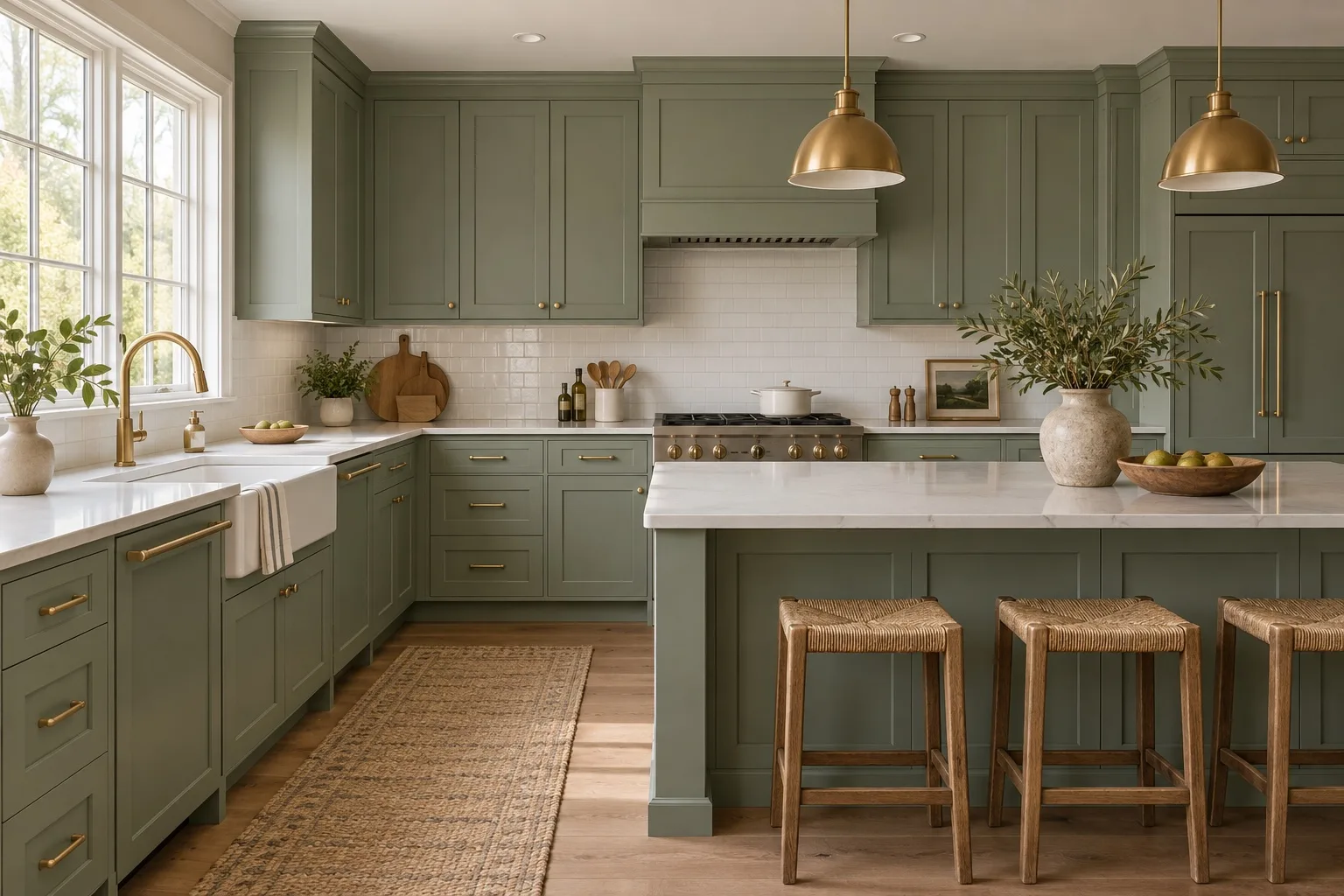
Compare a cabinet color against counters, backsplash, hardware and daylight in the same view.
Try this projectNote what will stay: roof, flooring, counters, stone, brick, windows or large furniture. Choose colors that sit comfortably beside those materials.
Choose one main surface color, then compare trim and a smaller accent such as a cabinet island or entry door. Change one surface at a time to see what drives the result.
Compare the preview with physical samples near the target surface in morning, afternoon and evening light. Check both sun and shade for exterior work.
Curated design concepts illustrating color balance and material harmony under natural lighting. Because monitor calibration and room orientation (North vs. South light) alter color perception, pair digital designs with physical swatch tests in your home.
How It Works
Take a straight-on daytime photo of the wall you want to transform (TV wall, bed headboard wall, or fireplace surround) keeping key furniture in frame.
Select an accent finish: vertical acoustic wood slats, Roman clay, textured Venetian plaster, board & batten wainscoting, or deep moody paint.
Compare natural light reflections, contrast against flooring and ceiling, and save high-resolution renderings to guide your renovation or paint shopping.
Top Styles
Transforming a single focal wall delivers maximum design impact without the expense or disruption of repainting the entire room.
Warm vertical oak or walnut slats create architectural rhythm, enhance ceiling height, and add cozy Scandinavian or Japandi texture behind TVs or headboards.
Prompt idea:“Add a modern vertical acoustic wood slat accent wall with natural oak slats and dark felt backing behind the sofa, warm hidden LED cove lighting.”
Subtle, cloudy brush-stroke movement brings organic warmth, depth, and earthy texture to dining rooms, living rooms, and primary bedroom suites.
Prompt idea:“Apply a textured warm beige limewash accent wall with organic matte plaster texture, soft daylight wash, and crisp neutral ceiling trim.”
Pair deep heritage colors like charcoal, dark forest green, or midnight navy with dimensional board and batten paneling for timeless architectural character.
Prompt idea:“Create a dramatic dark forest green board and batten accent wall with classic grid wainscoting, matte finish, and warm brass wall sconces.”
Photo Tips
Getting accurate perspective and lighting ensures your simulated accent wall looks natural and realistic:
WALL & INTERIOR SUITE
Explore Venetian plaster, exposed brick, microcement, and specialty textures.
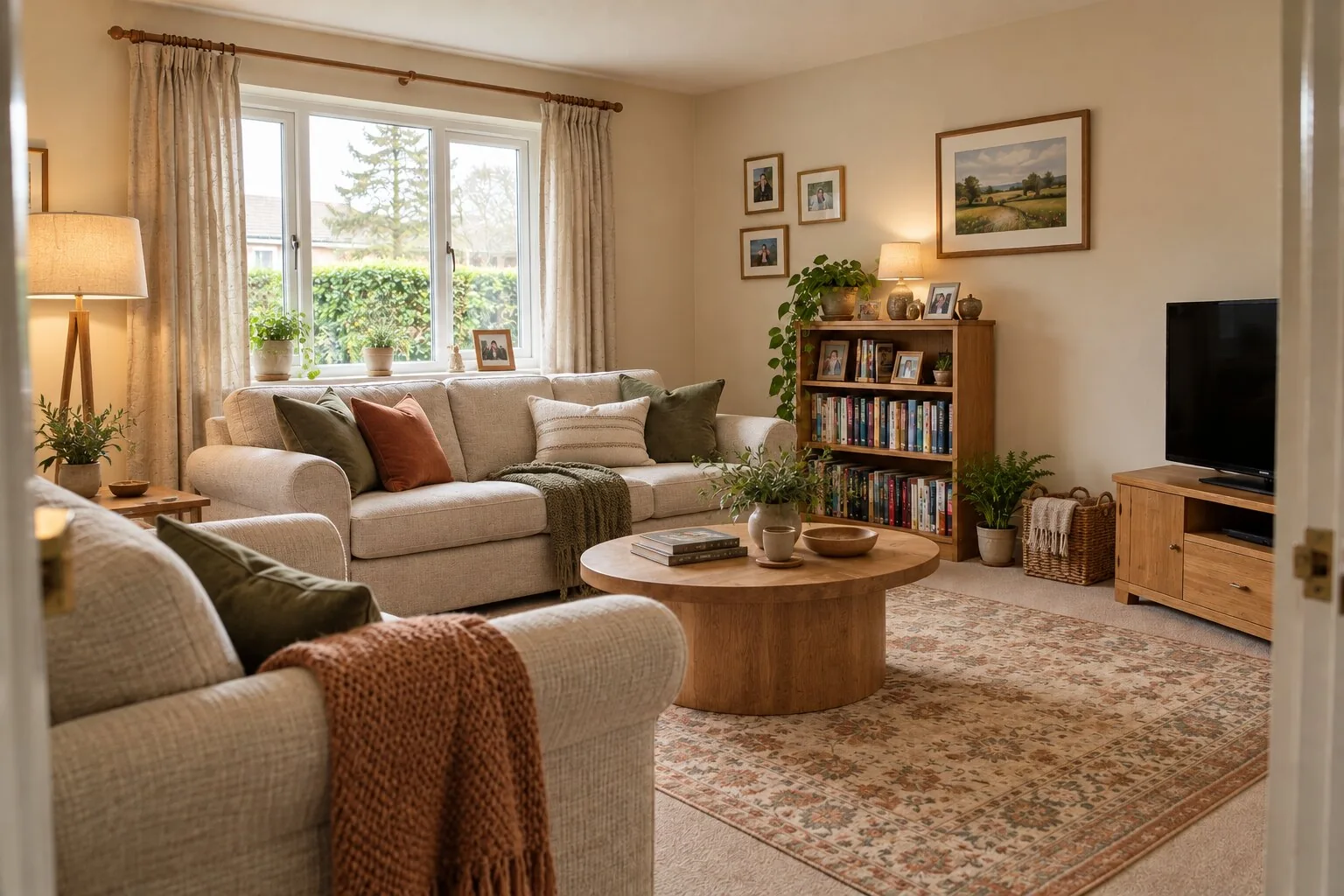
Test Sherwin-Williams, Benjamin Moore, and Behr paint swatches on room walls.
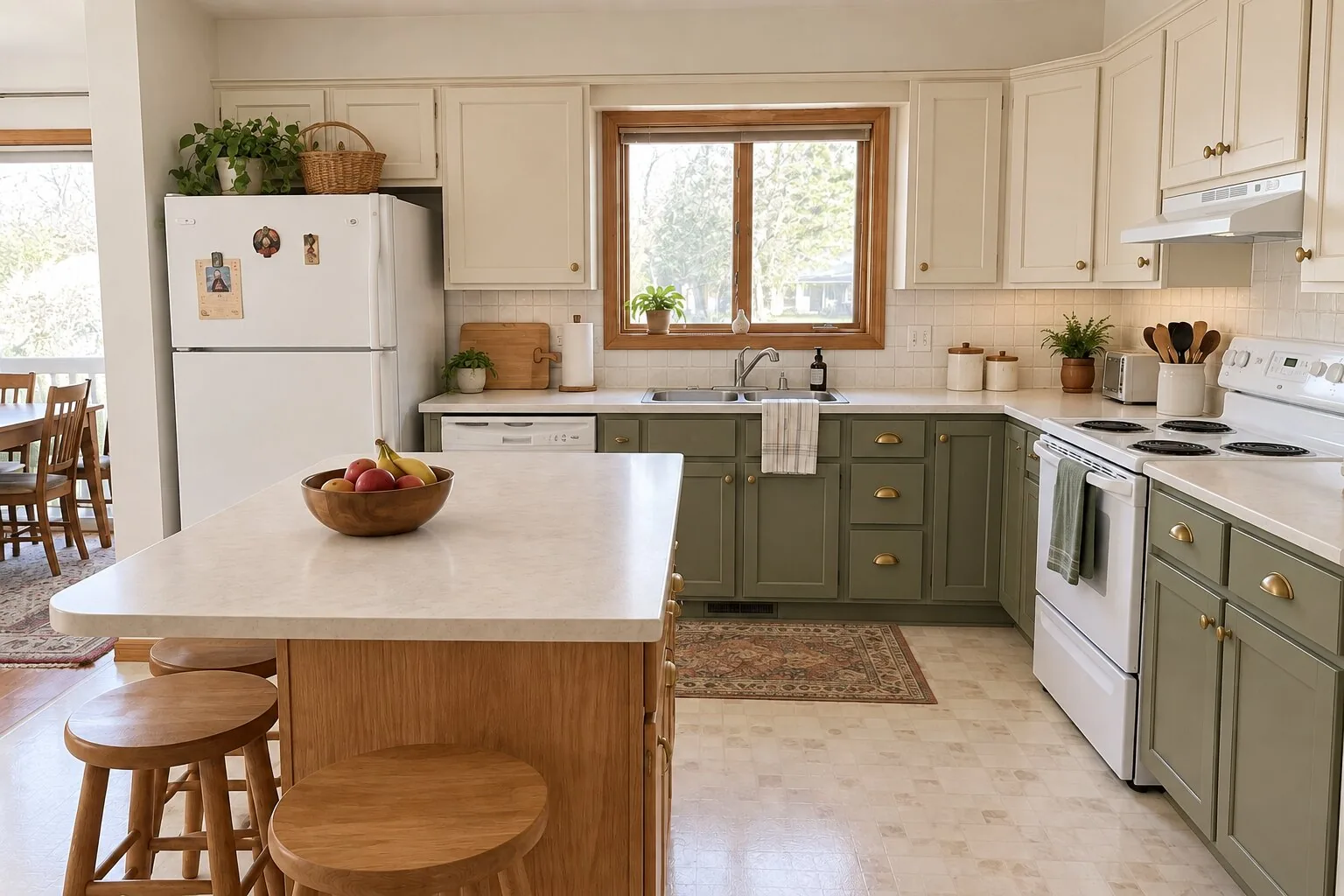
Preview subway tile, herringbone, zellige, and slab stone on kitchen walls.
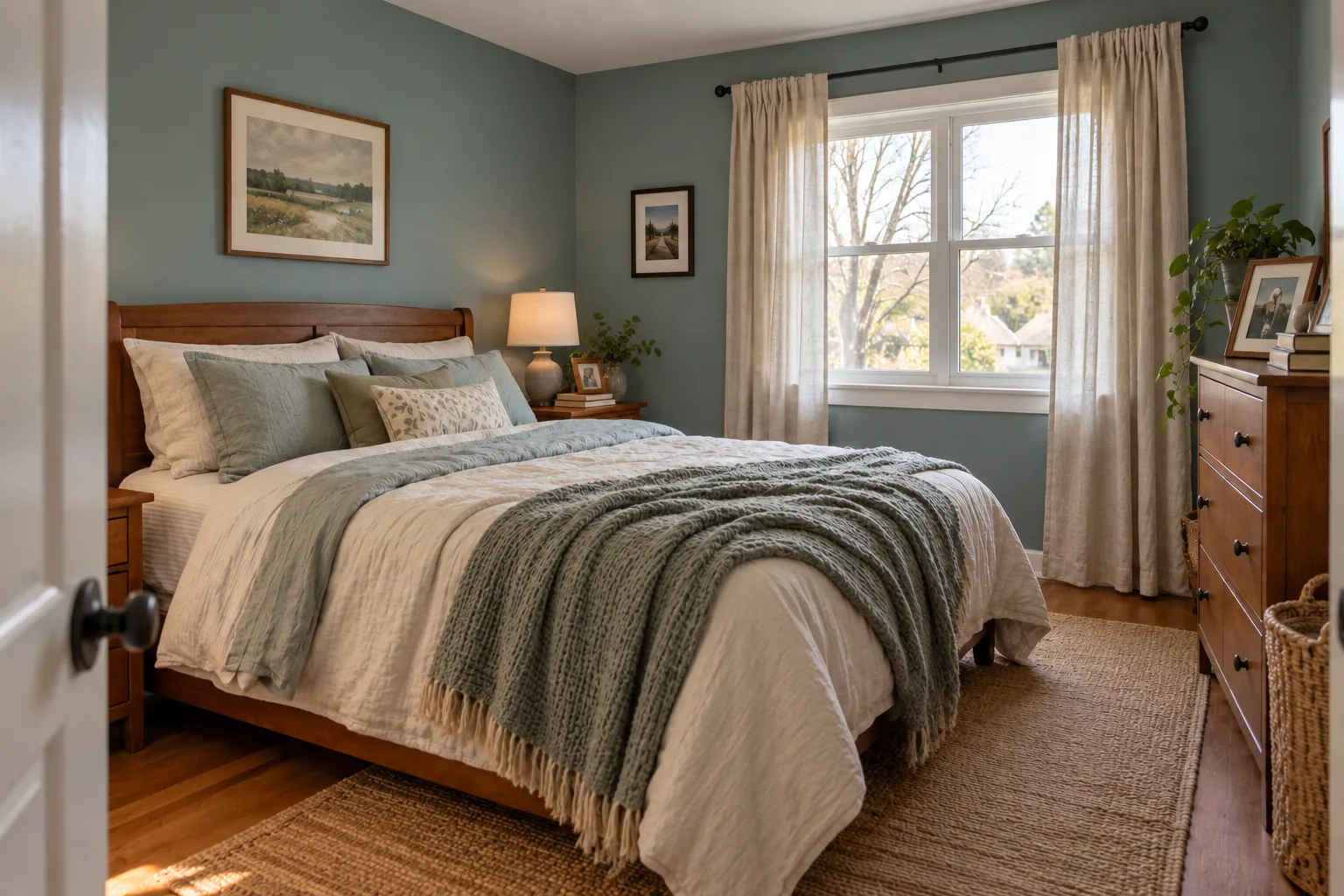
Explore the layout, lighting and finishes of your room.
FAQ
An accent wall visualizer lets you upload a photo of your room to test bold colors, wood slats, textured plaster, or paneling on a single focal wall before buying materials or paint.
The best accent wall is typically the natural focal point of the space: the wall behind your bed headboard, the living room TV or fireplace wall, or the wall facing the entrance in a dining room.
Yes! The visualizer supports dimensional textures including vertical wood slats, fluted wood panels, board and batten wainscoting, and shiplap alongside traditional paint colors.
Yes. Our AI accurately renders the organic, matte, tonal variations of limewash paint, Roman clay, and Venetian plaster under natural room lighting.
Yes, you can explore our pre-rendered before-and-after samples instantly with no account. To test your own room photo, you can register a free account with starter generation credits.
ACCENT WALL VISUALIZER
Upload a photo of your living room, bedroom, or entryway wall and discover the perfect color and texture combination today.