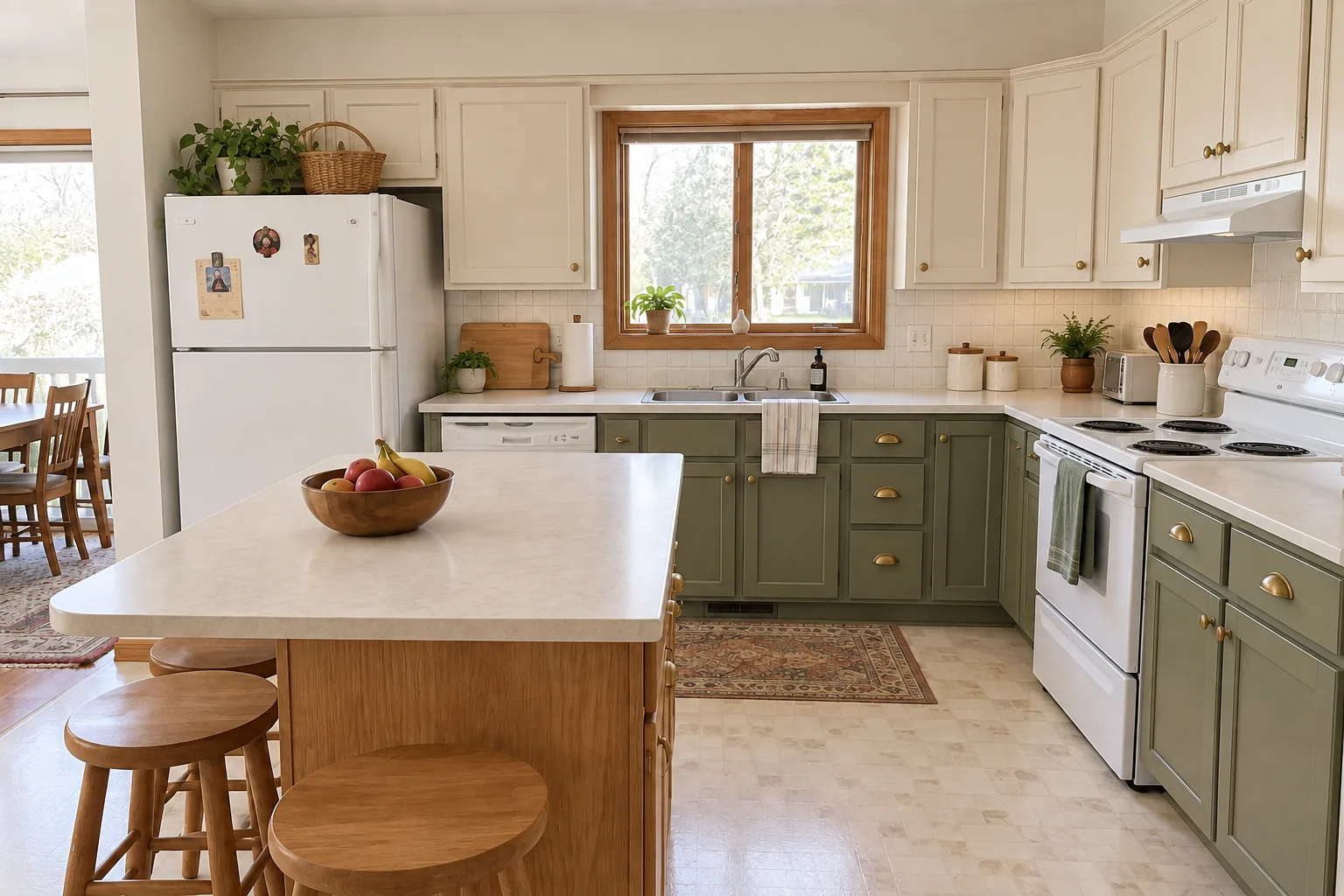
Start with fixed finishes
Note what will stay: roof, flooring, counters, stone, brick, windows or large furniture. Choose colors that sit comfortably beside those materials.
A SMALL SURFACE. A DIFFERENT KITCHEN FEEL.
Use our online backsplash visualizer and splashback configurator on the kitchen you already have. Mark your wall area, customize tile and grout colors, and compare stacked, running-bond, and diagonal layouts before buying tile.
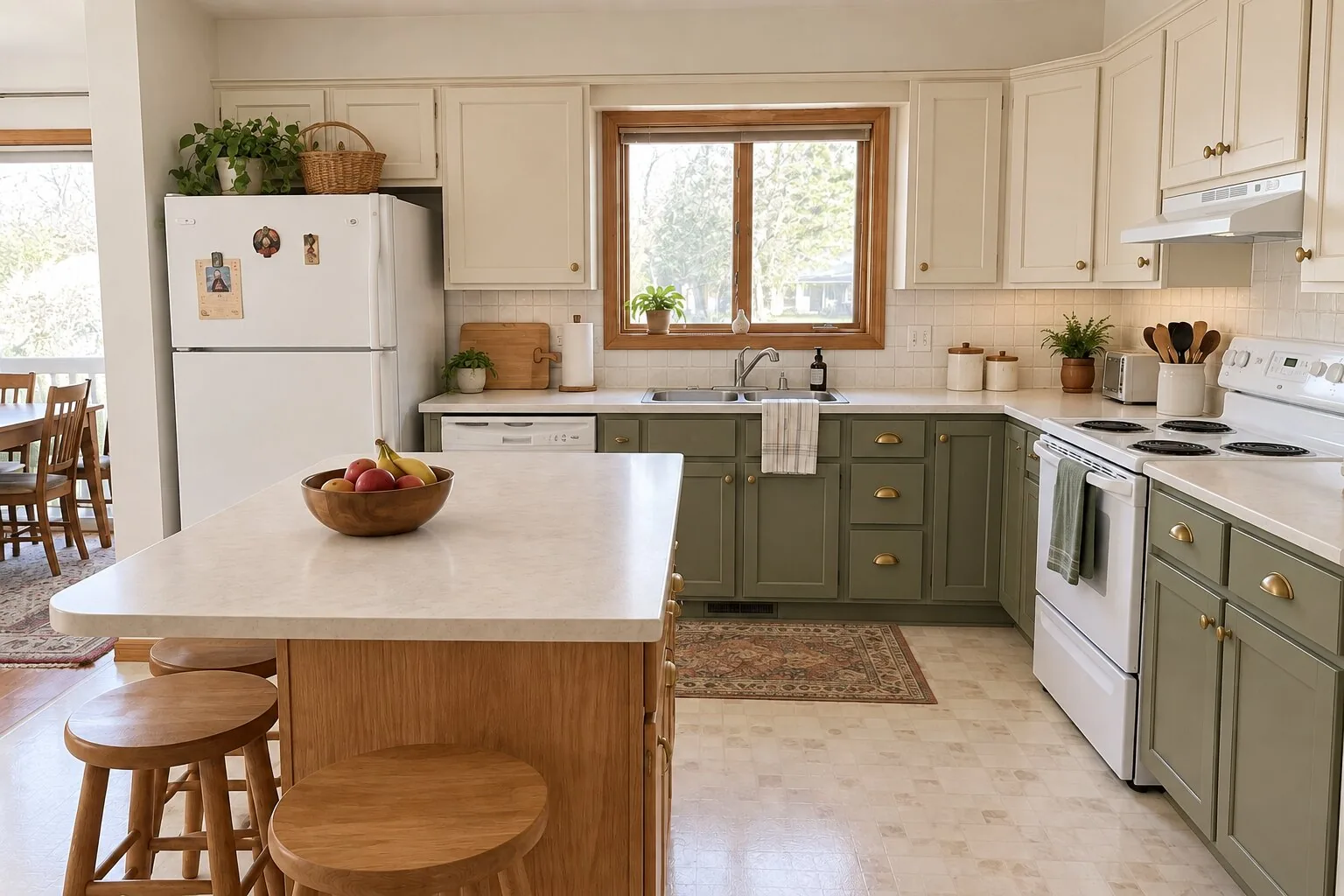
Choose a clear kitchen photo or load the practice image. Outline the backsplash by placing points around its visible edges, then finish the region to preview tile.
Your photo stays in this browser for the local preview.
Pattern layout preview. Verify physical tile samples, outlet cutouts, and edge trims before ordering.
Explore by surface
Browse original AI-generated concept images by project type, then try the matching visualizer with your own photo.
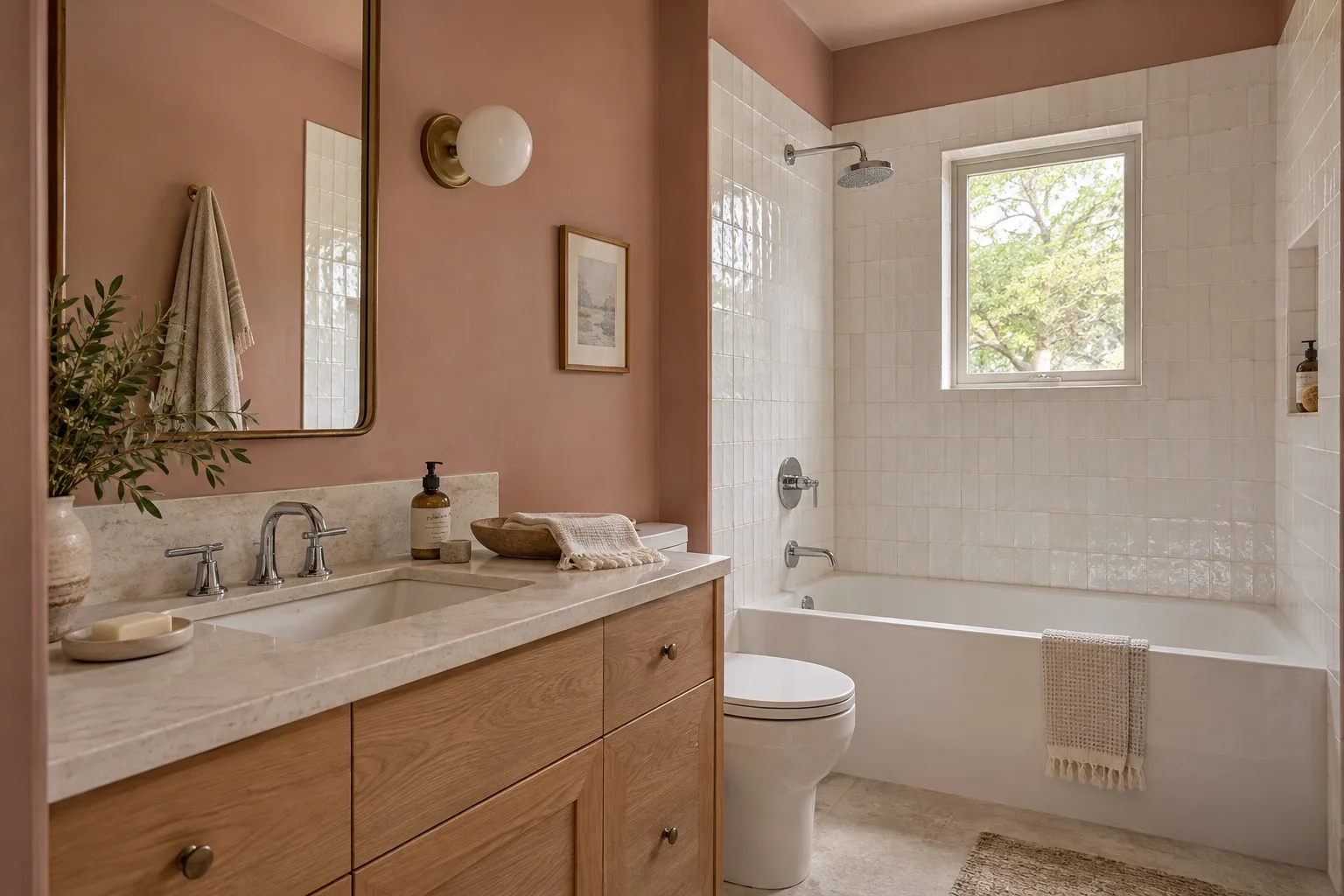
Consider painted walls beside tile, vanity wood and stone so neighboring finishes work together.
Try this project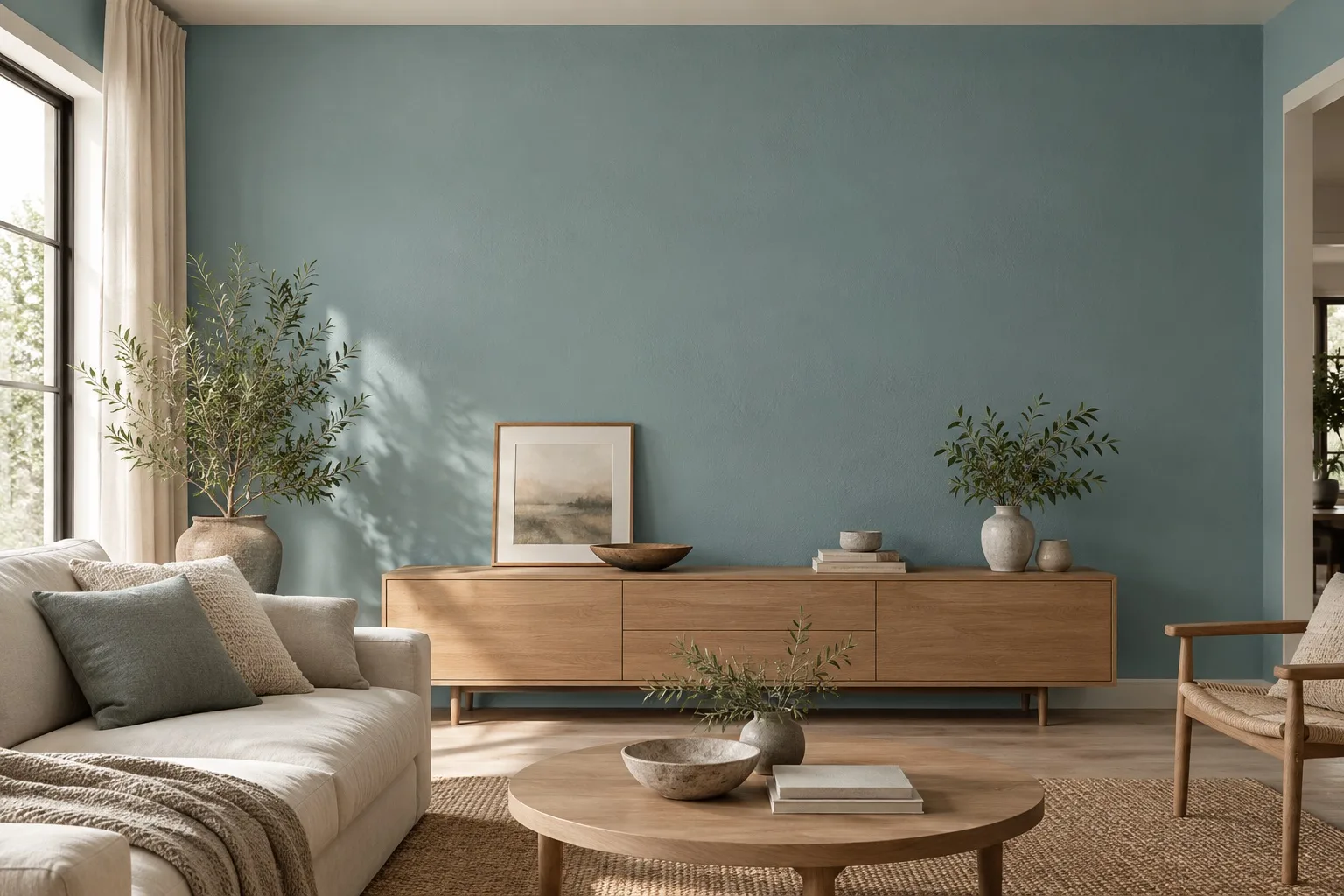
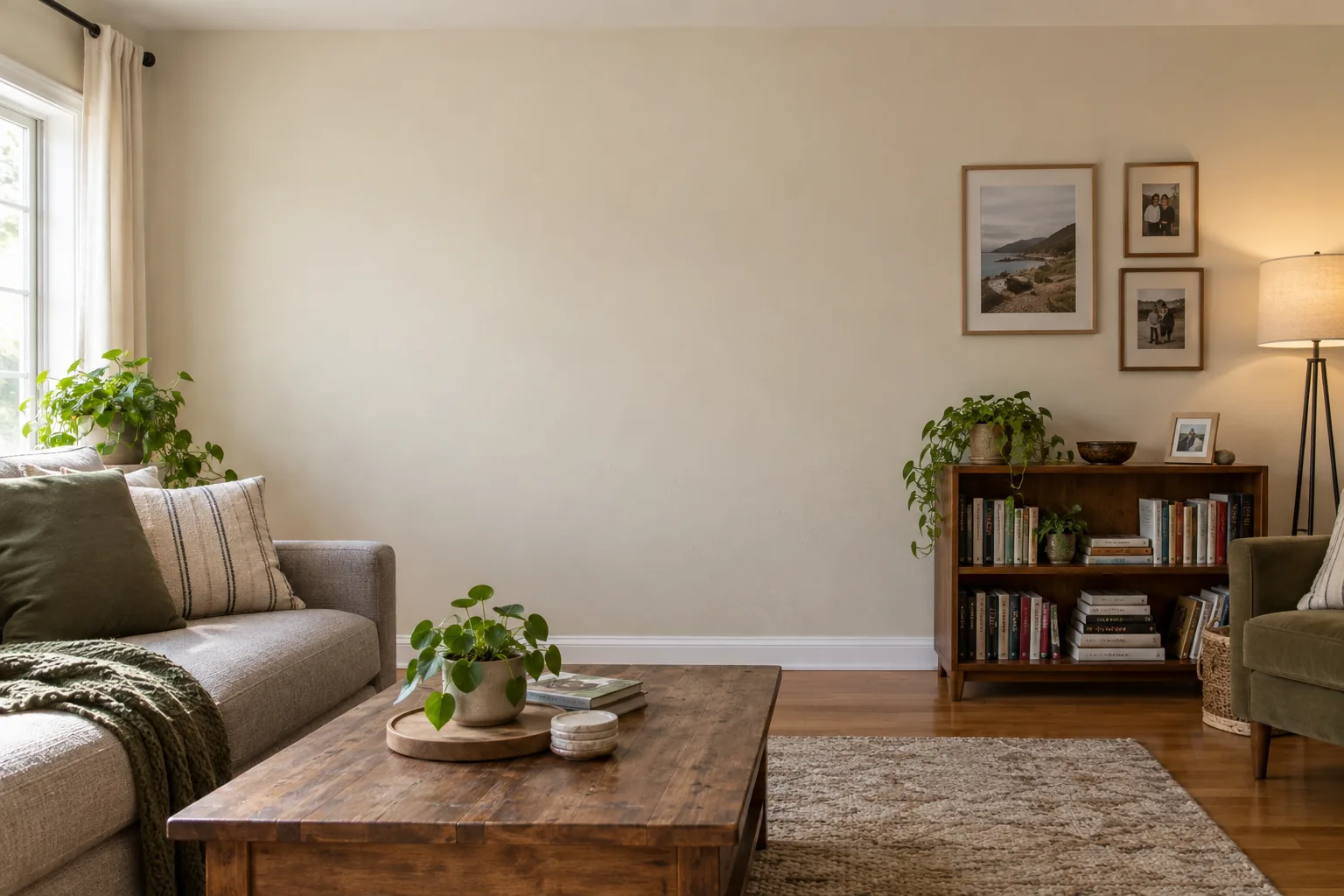
Use the furniture, window light and wood tones around a wall to judge whether a color feels balanced.
Try this project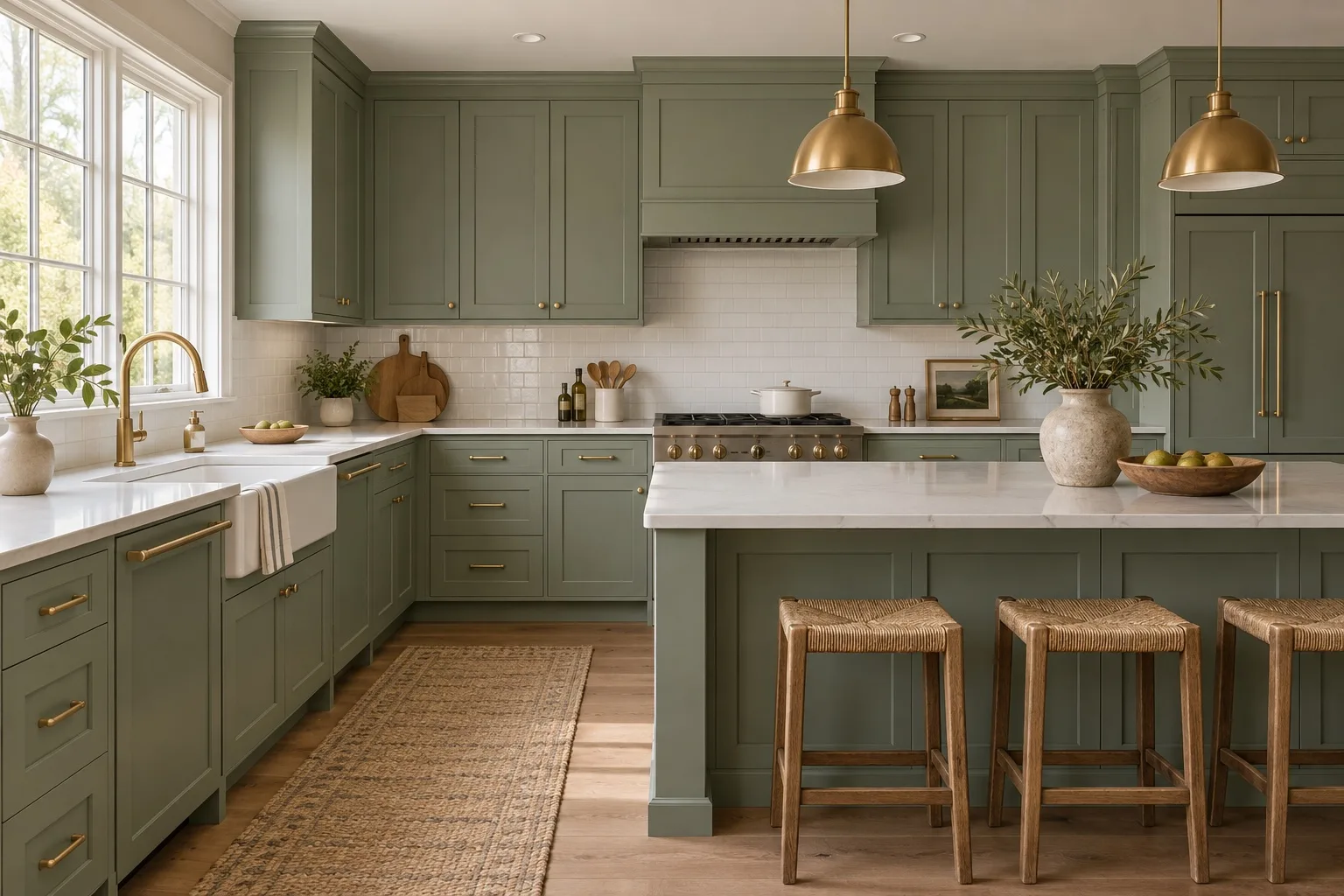
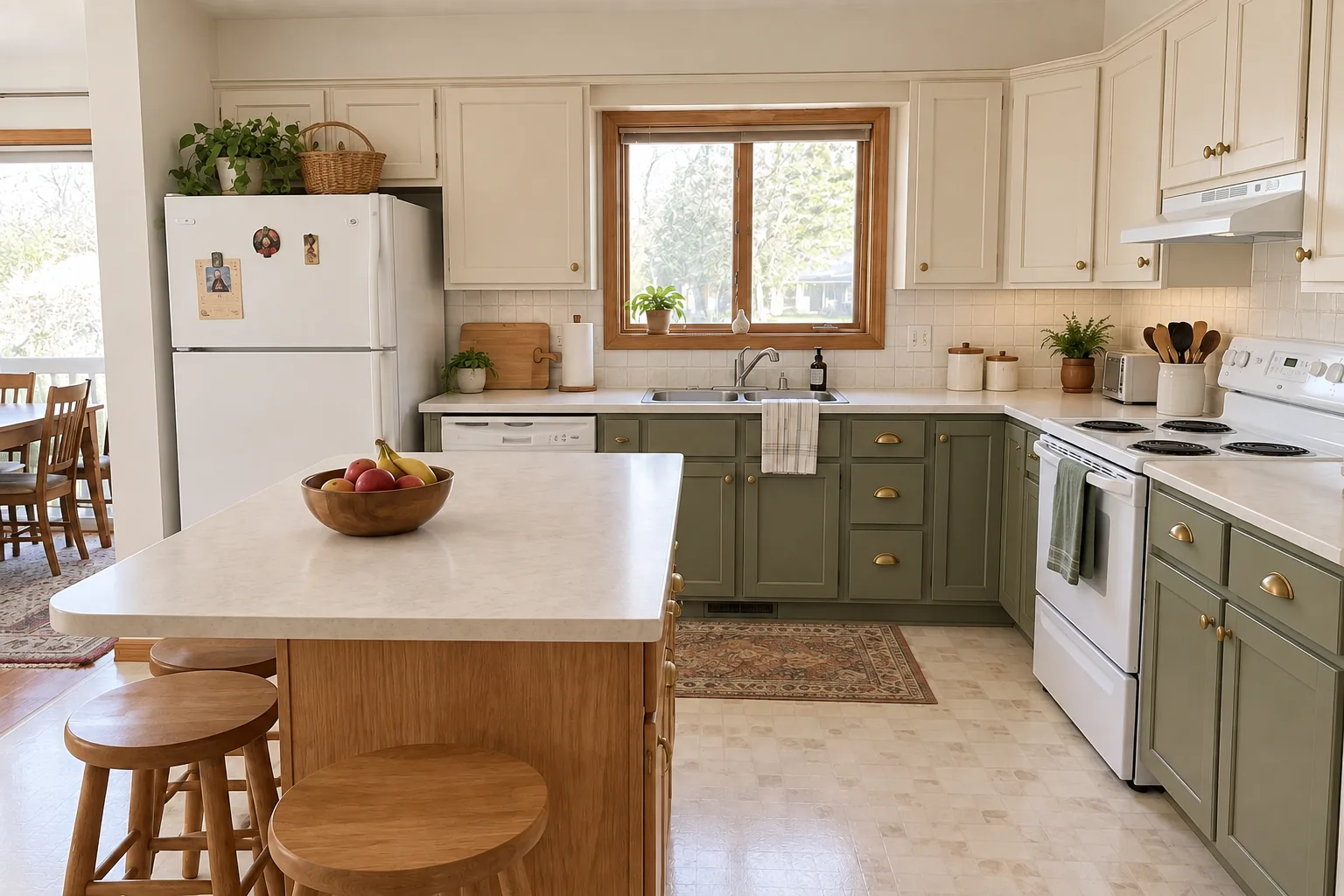
Compare a cabinet color against counters, backsplash, hardware and daylight in the same view.
Try this projectNote what will stay: roof, flooring, counters, stone, brick, windows or large furniture. Choose colors that sit comfortably beside those materials.
Choose one main surface color, then compare trim and a smaller accent such as a cabinet island or entry door. Change one surface at a time to see what drives the result.
Compare the preview with physical samples near the target surface in morning, afternoon and evening light. Check both sun and shade for exterior work.
Curated design concepts illustrating color balance and material harmony under natural lighting. Because monitor calibration and room orientation (North vs. South light) alter color perception, pair digital designs with physical swatch tests in your home.
How it works
Use a JPG, PNG or WebP image up to 10 MB. A straight-on view helps you outline the backsplash without including the counter, cabinets or range.
Place points around the visible wall surface and finish the selection. Add another region if the backsplash is split by a window or hood; exclude areas that should stay unchanged.
Adjust tile color, grout color, layout and approximate tile scale, then download a PNG of your preferred design.
Tile directions
A pattern can change how busy, wide or tall a backsplash feels. Use the preview to narrow the direction, then check actual tile dimensions and samples before ordering.
Aligned horizontal courses create a more regular rhythm. Try a contrasting grout to emphasize the grid, or a close color match for a quieter surface.
Offset each row to create a classic brick-like pattern. Compare soft warm whites with a darker grout to see how joint contrast affects the wall.
A rotated grid introduces more movement. Keep the tile color restrained when cabinets, counters or veining already draw attention.
Try the tool
Show the complete wall area between the countertop and upper cabinets. Photograph the range hood, window edges and outlets clearly so you can leave them outside the selection.
MORE KITCHEN TOOLS
Questions
Glazed ceramic and porcelain subway tiles are the most durable and easy-to-clean choices for kitchen backsplashes. They resist cooking grease, tomato splatters, and high heat behind induction and gas cooktops.
A classic running bond (1/2 or 1/3 offset) provides timeless craftsmanship. Vertical stacked tiles create modern, clean lines and visually lift low ceilings. Herringbone adds a luxury focal point over the range cooktop.
High-contrast grout (such as dark charcoal grout on white subway tile) emphasizes geometric tile patterns and grid architecture. Matching or light gray grout creates an expansive, seamless, and serene aesthetic.
Standard installations span the 18-inch clearance between countertops and upper cabinets. Over range hoods and open shelving, tiling full-height to the ceiling creates dramatic vertical grandeur and protects drywall.
Yes! Upload any kitchen photo, mark the backsplash area between your countertops and upper cabinets, and compare subway tile, stacked grid, and diagonal layouts with custom grout colors in real time.
Follow the balance rule: if your quartz countertop has bold, dramatic veining, choose a calm, solid backsplash tile. If your countertops are solid or muted, use textured zellige, mosaic, or patterned tiles for focal interest.
A SMALL SURFACE. A DIFFERENT KITCHEN FEEL.
Start with your own photo, test a few deliberate options and keep the versions you want to discuss or compare with real tile samples.