
Find a starting color
Search a color name or code, or narrow the catalog by brand and family. Spaces and dashes in color codes do not need to match exactly.
Free paint & color tools
Search paint brands, names and color codes. Build a palette for walls, trim and accents, then see it on a photo of your home.
26713 colors found
Choose a color and give it a role. Your palette will follow you into the preview.
See your palette on a photo
Search a color name or code, or narrow the catalog by brand and family. Spaces and dashes in color codes do not need to match exactly.
Assign one main color, a trim color and an accent. Save their names and codes together so your samples are easy to compare.
Carry the palette into a room, exterior or cabinet preview. Use the same photograph to compare options with your existing materials.
Your roof, flooring, worktops and brick will stay in the picture. Compare candidate colors beside them rather than choosing an isolated swatch.
Try a quiet main surface, a lighter trim and one stronger accent. This is a useful comparison scheme, not a rule every home must follow.
Keep the brand and code when ordering samples. Look at your samples in daylight and evening light on the surface you plan to paint.
No. These are approximate digital references. Screen settings, photography, product finish and light change the appearance. Confirm the current manufacturer card and test a physical sample.
Yes, a palette can contain colors from different brands. They are saved with separate names and codes; a similar digital swatch does not imply the same tint formula or product.
You can browse, save a palette in this browser, preview and download your color list without signing in. Your local palette does not automatically sync to another device.
Compare materials, palettes and practical choices in these guides, then return to the tool with a clearer brief.
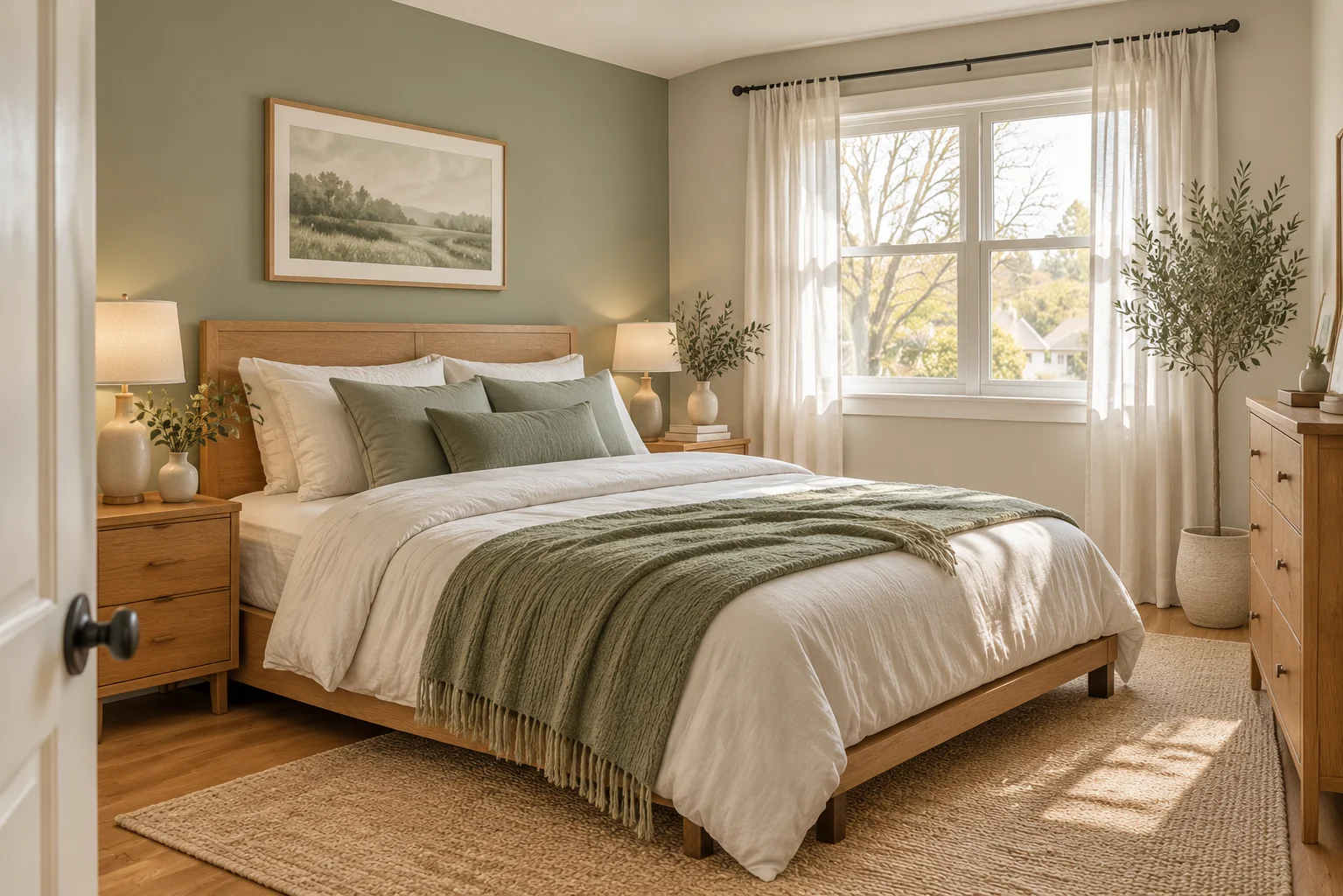
Compare sage green with light wood, darker wood, white and textiles. Build a bedroom palette and try a direction on your photo.
Read the guide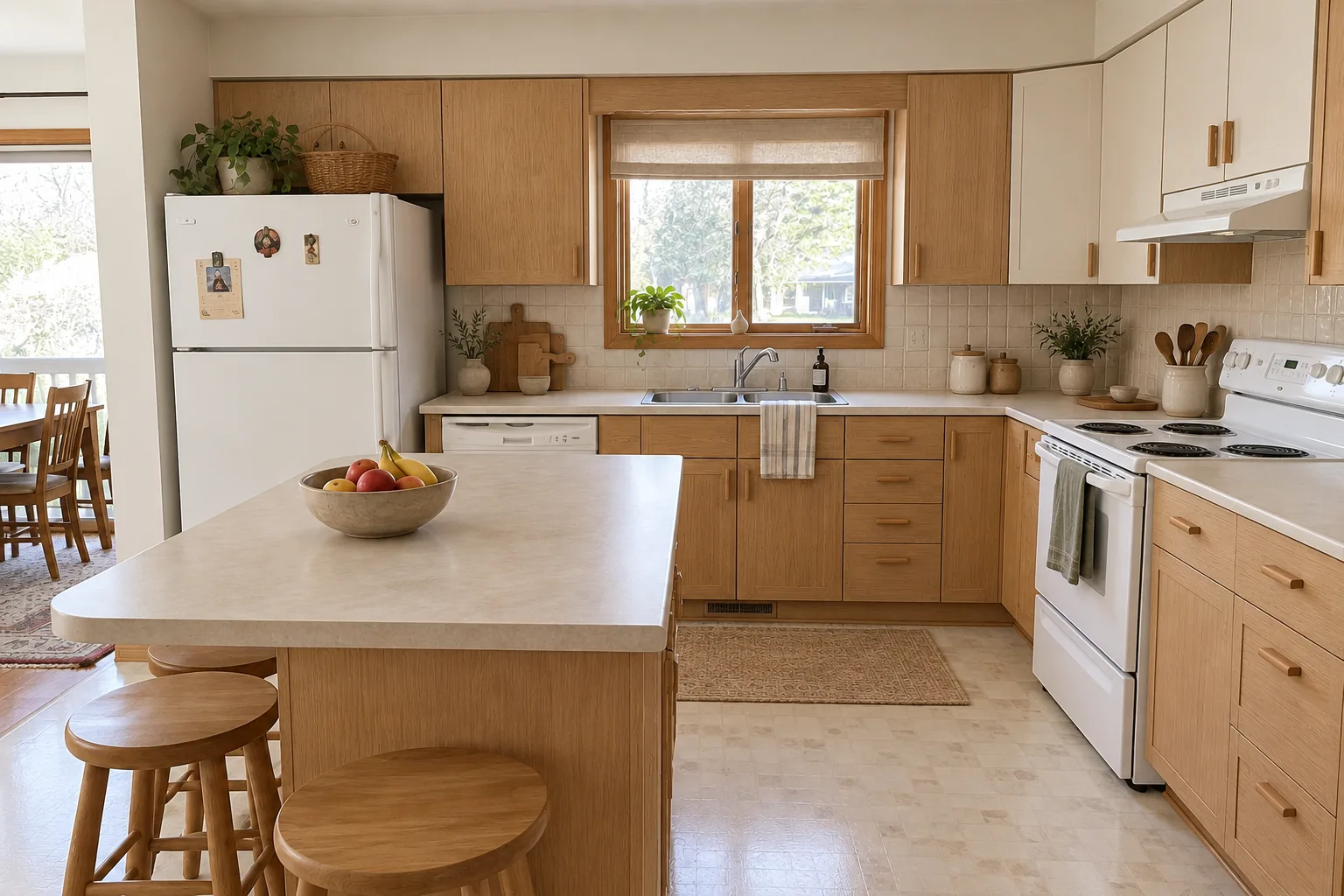
Compare contemporary kitchen combinations of cabinet fronts, worktops, backsplashes and floors before trying an idea on your photo.
Read the guide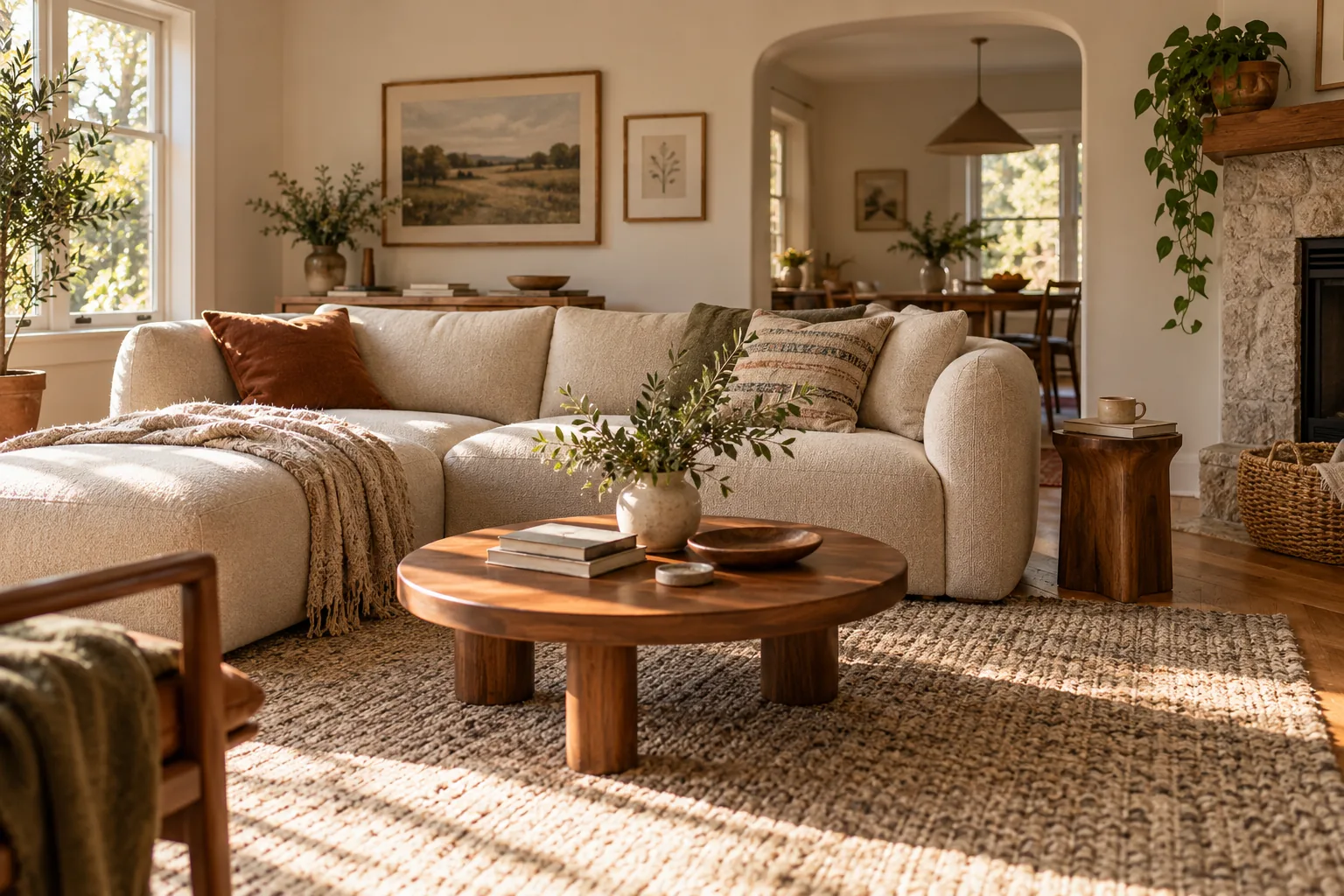
Explore a minimalist living room through useful furniture, clear circulation and natural materials before trying a direction on your photo.
Read the guide