AI Interior Design
Build a complete interior direction for furnished or empty spaces with a consistent visual language.
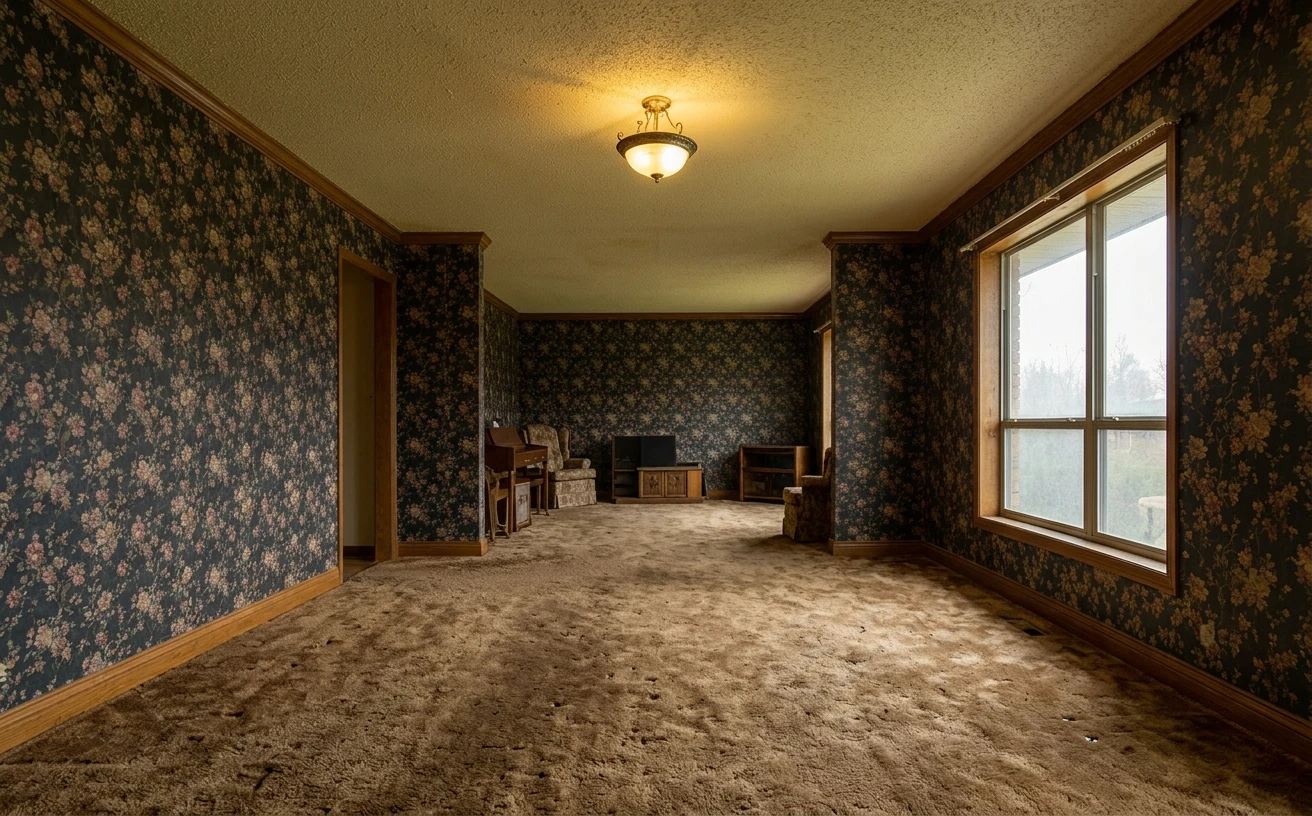
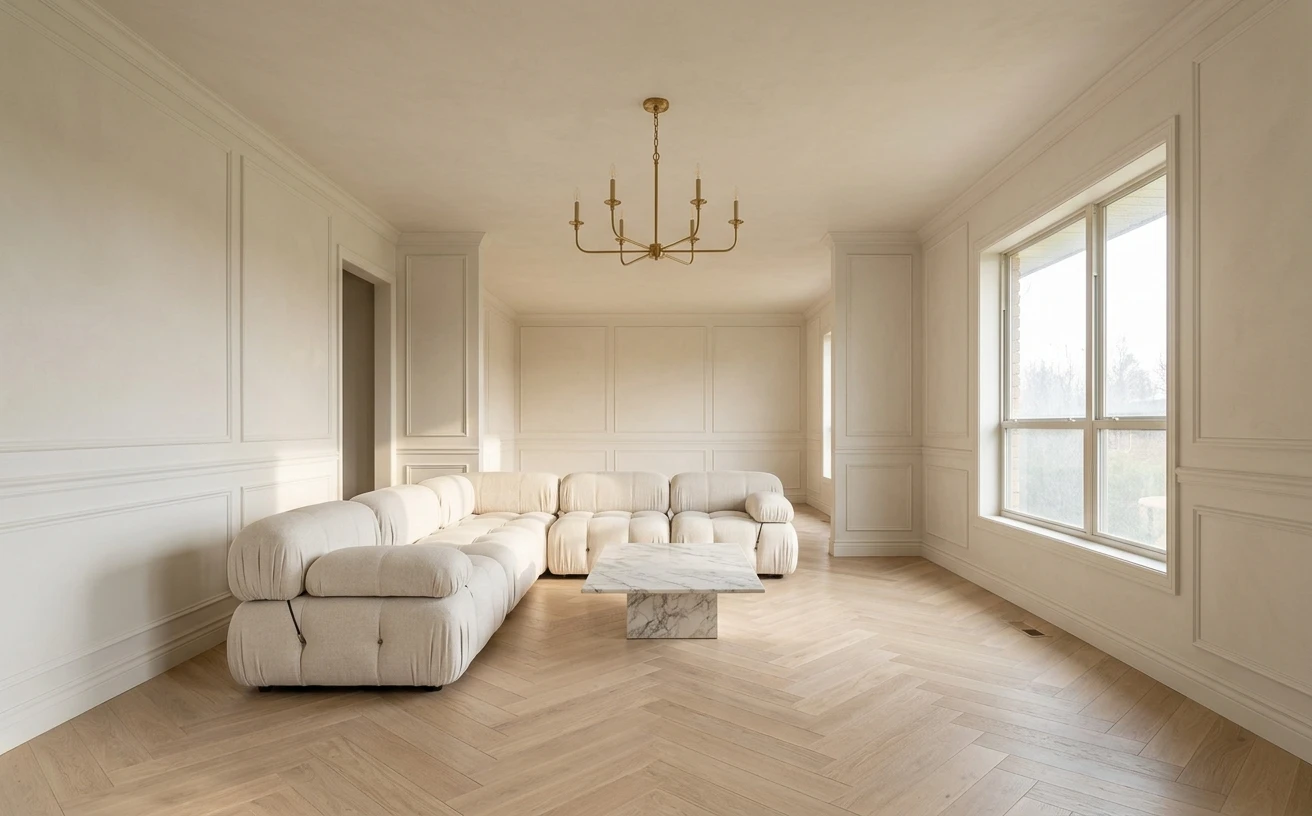
Using this tool
Prepare your image
Photograph one space with its connected surfaces and furnishings visible. A single-room view makes the intended changes easier to review.
Describe the changes
Describe a consistent palette and material direction, then specify which existing pieces to keep. Use separate photos for additional rooms.
Generate and compare
Choose a style, add your requirements, then generate. Compare the result with the original photo, especially openings and furniture placement. Adjust one requirement at a time before generating another version.
Design Implementation & Verification Tips
Digital redesigns provide layout and aesthetic direction. For construction or contractor orders, verify room dimensions on-site and confirm physical material swatches under your home's lighting.
Check the credit cost shown before generating. You can view examples without spending credits.
See examples and explore this tool’s uses