AI Bedroom Design
Create a calmer bedroom with tailored bed styling, storage, textiles, and ambient lighting.
Using this tool
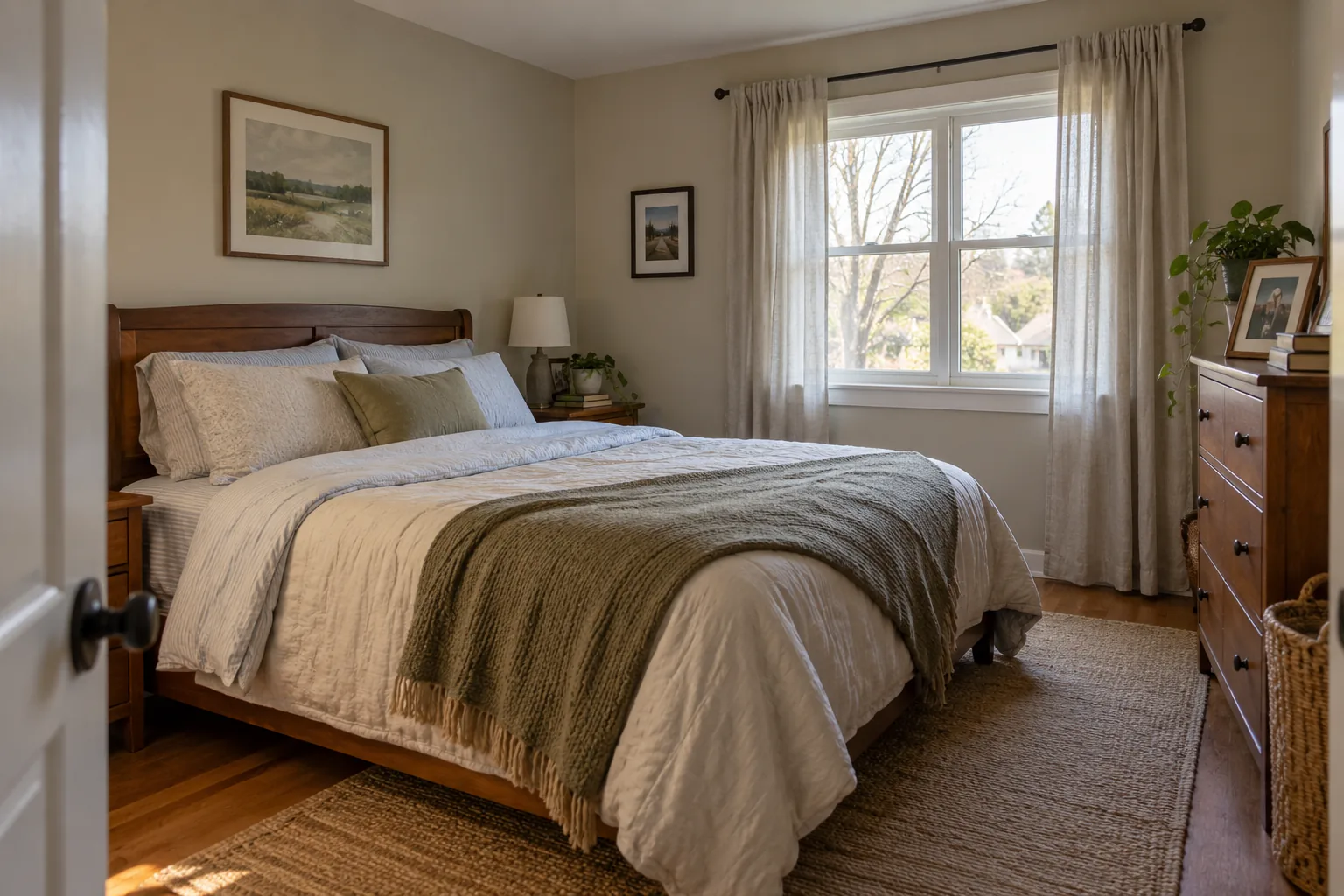
Prepare your image
Show the bed area, wardrobes, and windows where possible. Use a photo without heavy filters so existing colors remain readable.
Describe the changes
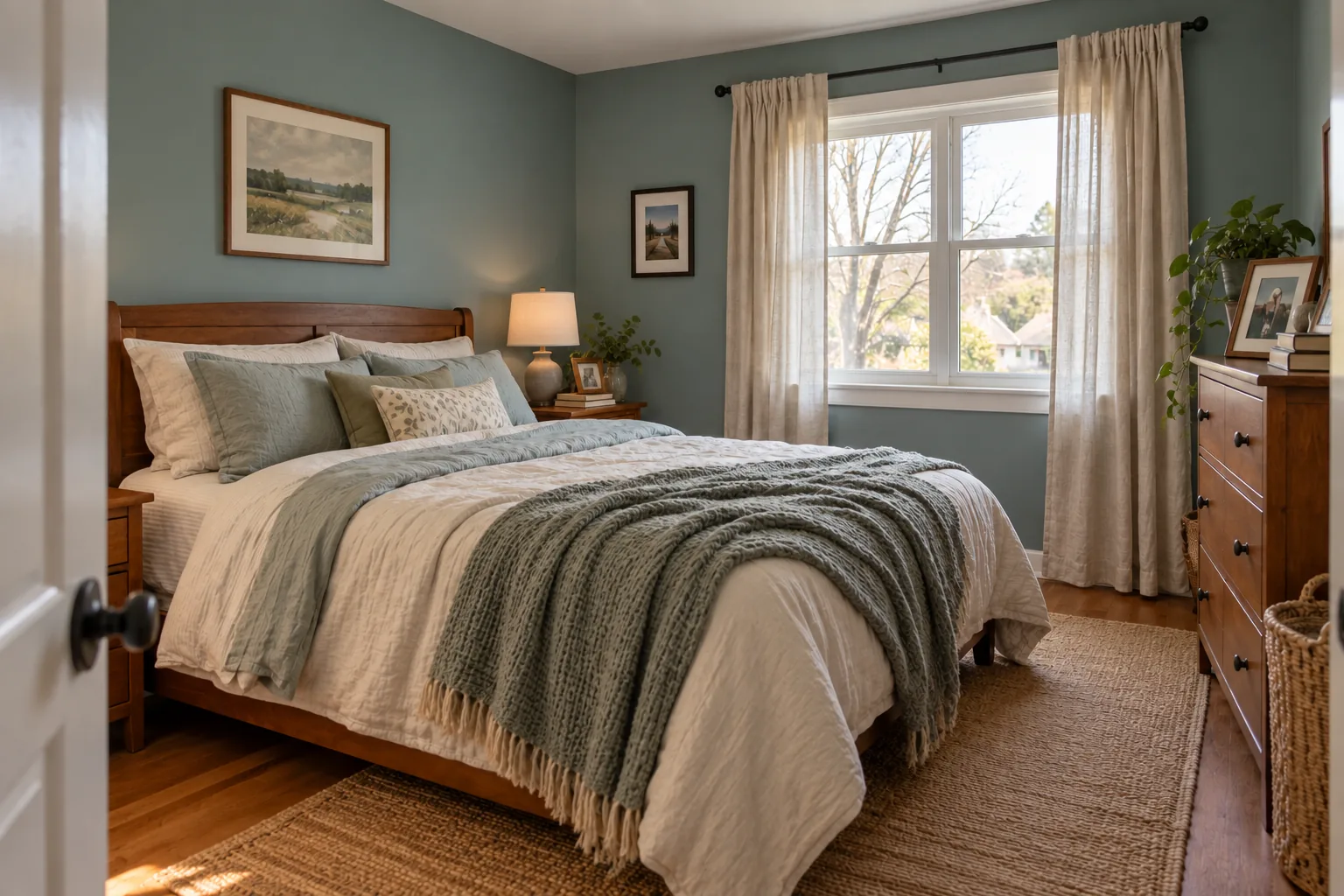
Describe the headboard, textiles, bedside lighting, and storage. Mention wardrobe doors and walking space that should remain usable.
Generate and compare
Choose a style, add your requirements, then generate. Compare the result with the original photo, especially openings and furniture placement. Adjust one requirement at a time before generating another version.
Design Implementation & Verification Tips
Digital redesigns provide layout and aesthetic direction. For construction or contractor orders, verify room dimensions on-site and confirm physical material swatches under your home's lighting.
Check the credit cost shown before generating. You can view examples without spending credits.
See examples and explore this tool’s uses