Try a cabinet color before a full remodel
Try a cabinet color before a full remodel
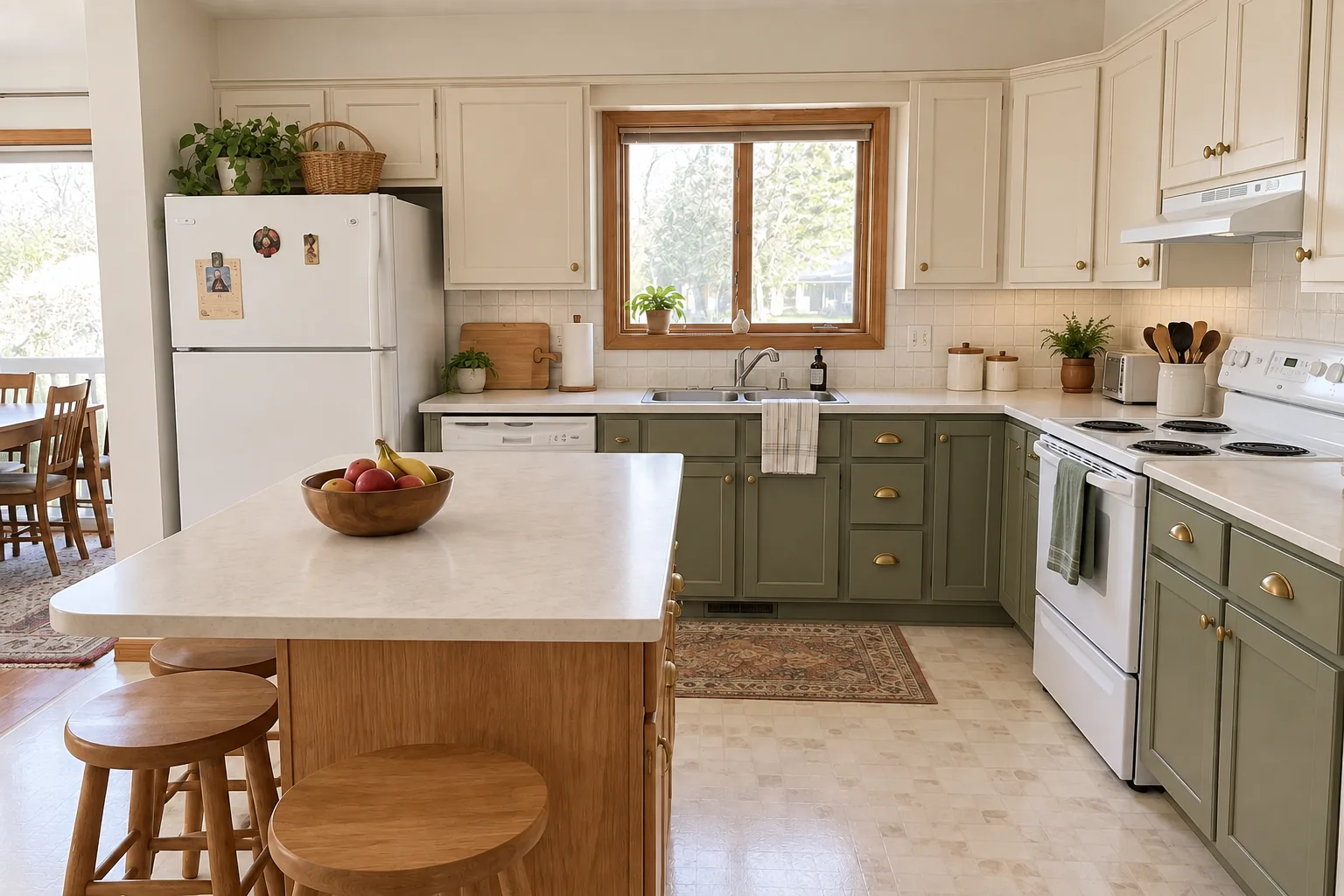
Select the cabinet fronts on your kitchen photo. Compare colors while the countertop, floor and appliances outside the selection stay unchanged.
Manual color previews stay in this browser. AI detection and rendering upload your photo for processing.
Click around one surface to mark its corners. Click the first point, double-click, or use Close region to finish; the selected area stays outlined while you preview colors. Add separate regions for other doors or walls, and exclude windows or objects that should keep their original color.
Keyboard: focus the image, use arrow keys to move the crosshair (Shift for larger steps), Space to add a corner, Enter to close, Escape to cancel.
Marked areas on photo: 6
#93A18B
Browse paint colors
Create a realistic AI paint preview
Upload your photo and confirmed region for an AI color concept. Compare the result with your original photo; generated details may change.
Sign in to generateThe preview helps you compare ideas on the same photo. Lighting, surface texture and your screen affect color, so check a physical sample on the surface before buying.
AI Kitchen Design
Explore cabinets, countertops, islands, backsplashes, and lighting before you remodel.
Using this tool
Prepare your image
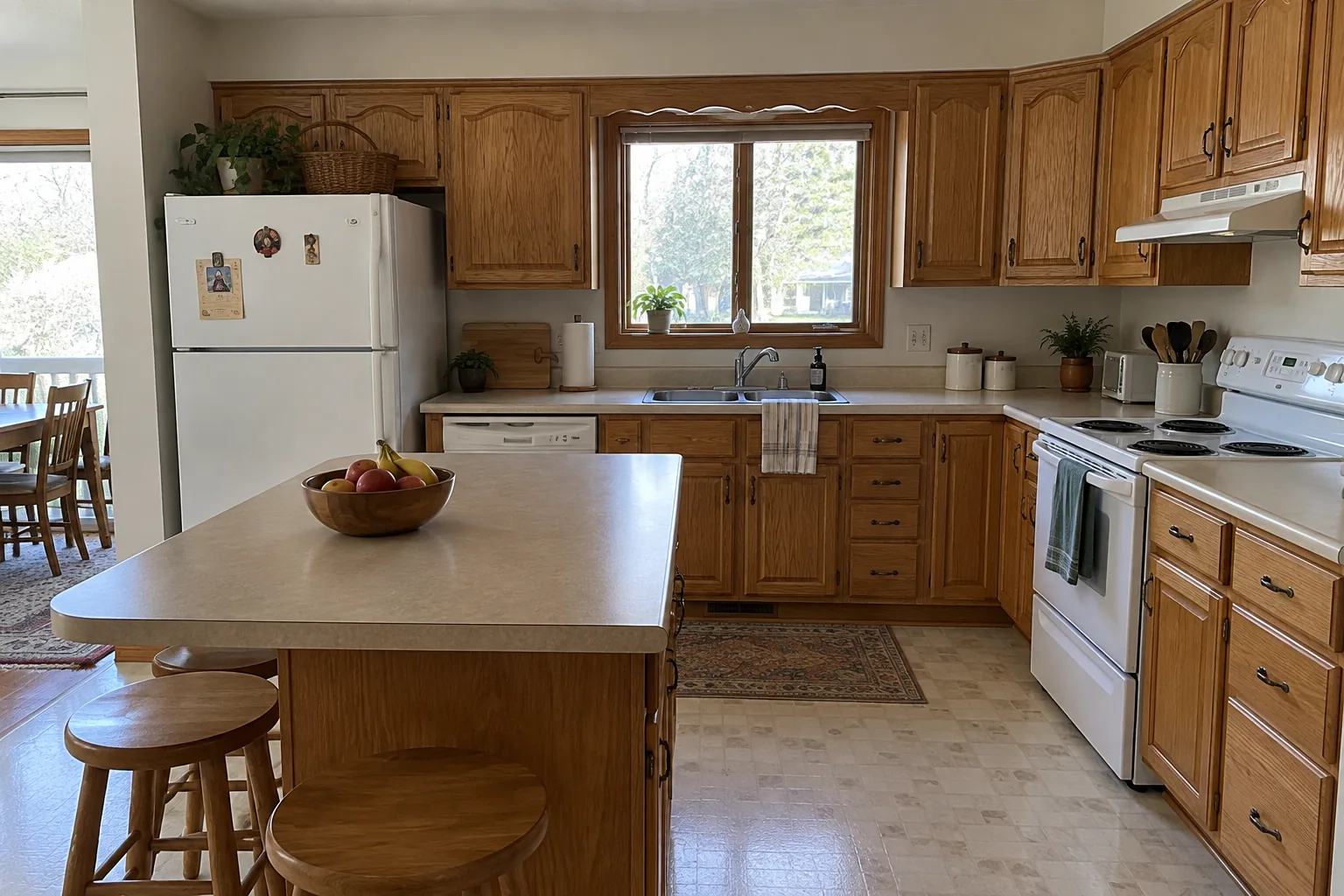
Use a well-lit photo showing cabinets, worktops, and major appliances together. Keep the original layout visible for comparison.
Describe the changes
Describe cabinet finish, countertop, backsplash, and lighting. If keeping plumbing or appliances in place matters, state it explicitly and verify the result.
Generate and compare
Choose a style, add your requirements, then generate. Compare the result with the original photo, especially openings and furniture placement. Adjust one requirement at a time before generating another version.
Design Implementation & Verification Tips
Digital redesigns provide layout and aesthetic direction. For construction or contractor orders, verify room dimensions on-site and confirm physical material swatches under your home's lighting.
Check the credit cost shown before generating. You can view examples without spending credits.
See examples and explore this tool’s uses