
AI Walkthrough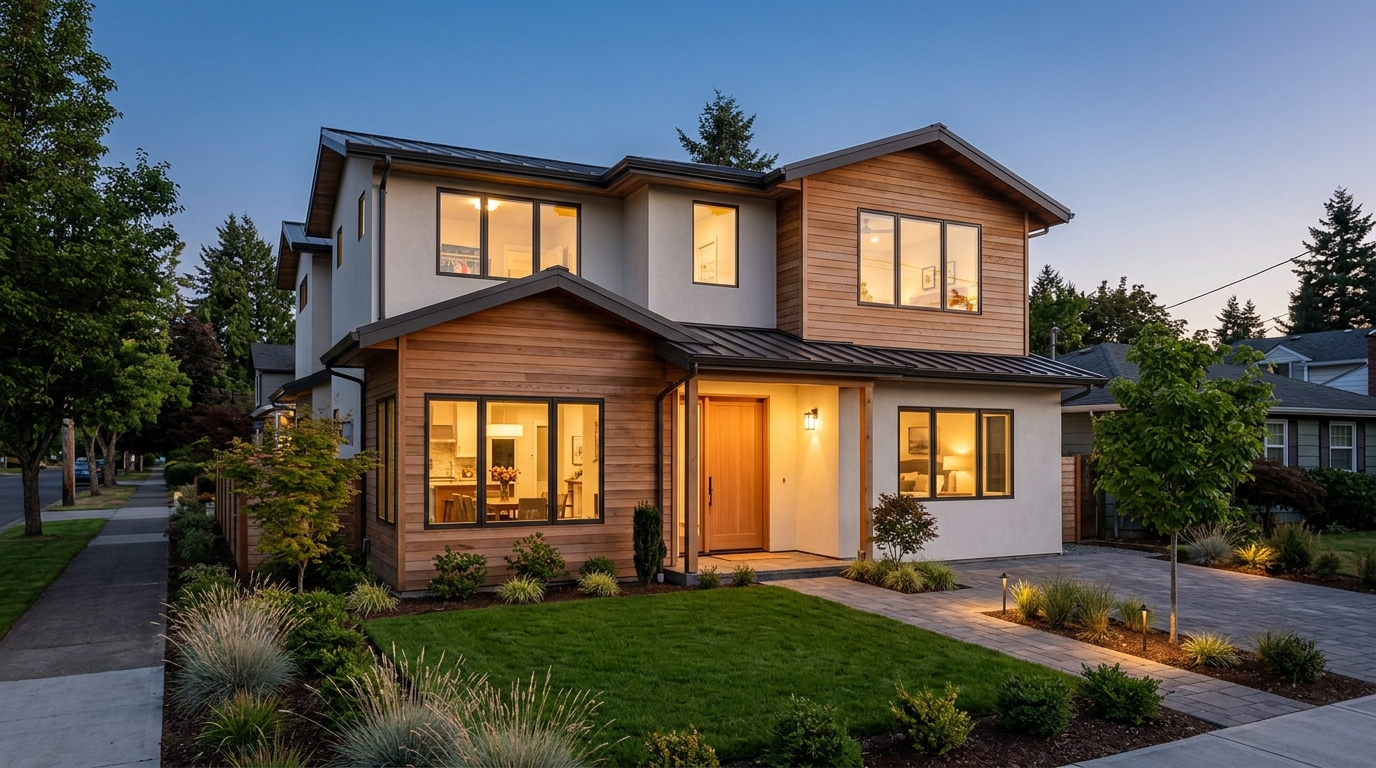
InputFront Photo
AI listing videos from photos
- What you need
- 2–8 photos from different rooms or spaces.
- What you get
- A room-by-room AI real estate video with labels and agent details.
AI real estate video workflows
Create AI videos for your real estate listings. Turn property photos into a listing video, reveal an empty-to-furnished transformation, or connect two room views into a walkthrough clip.
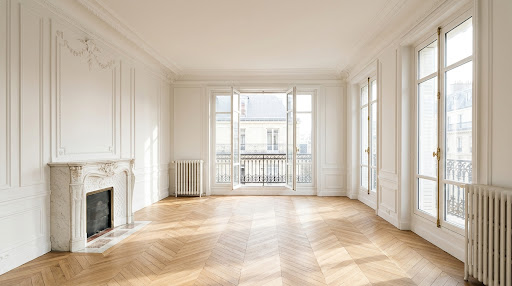
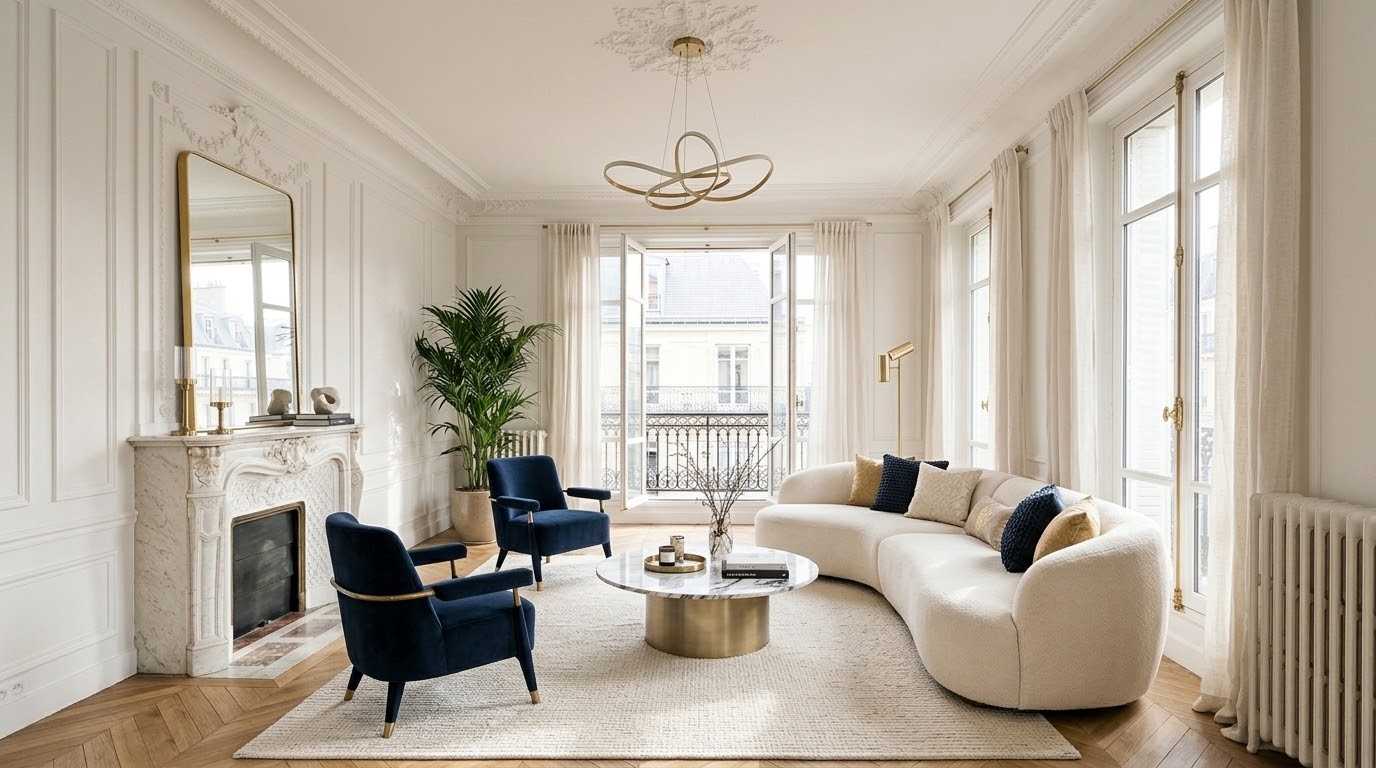
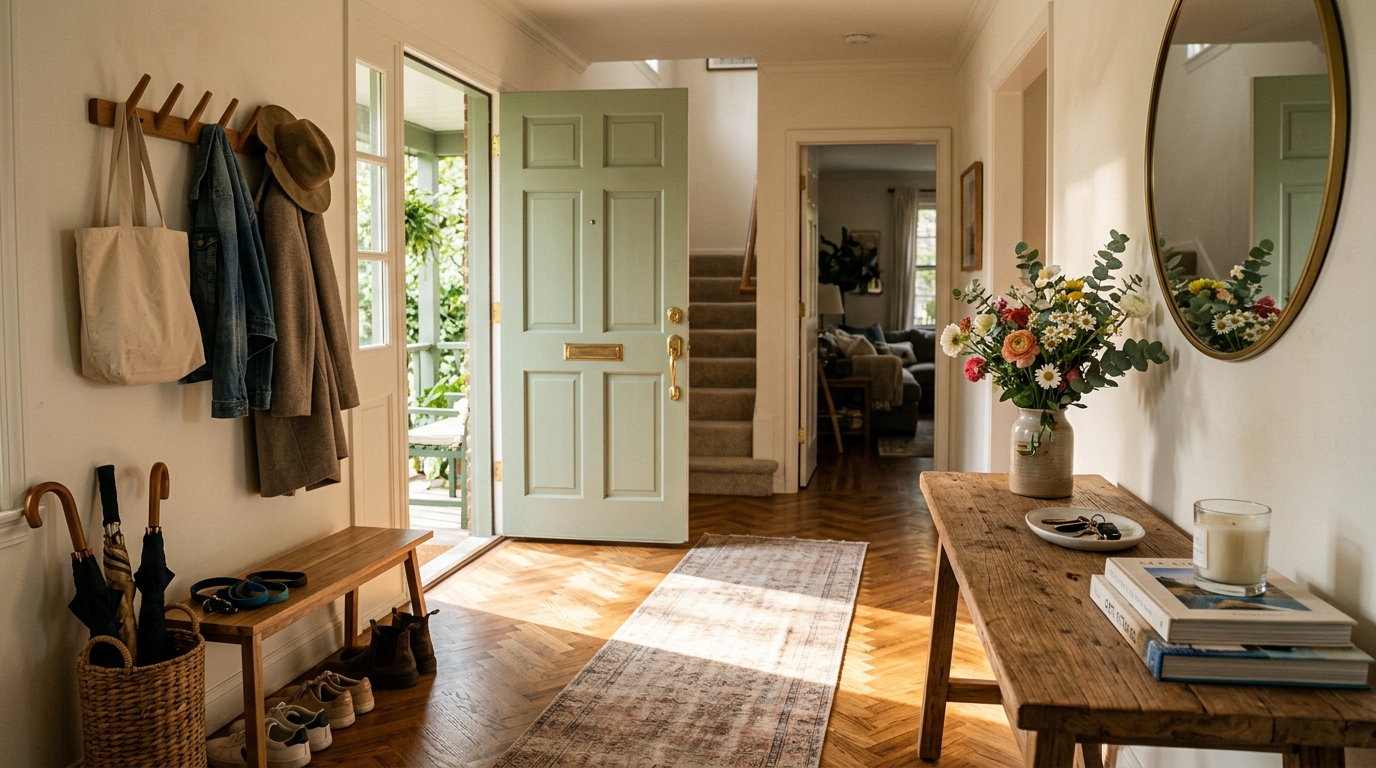
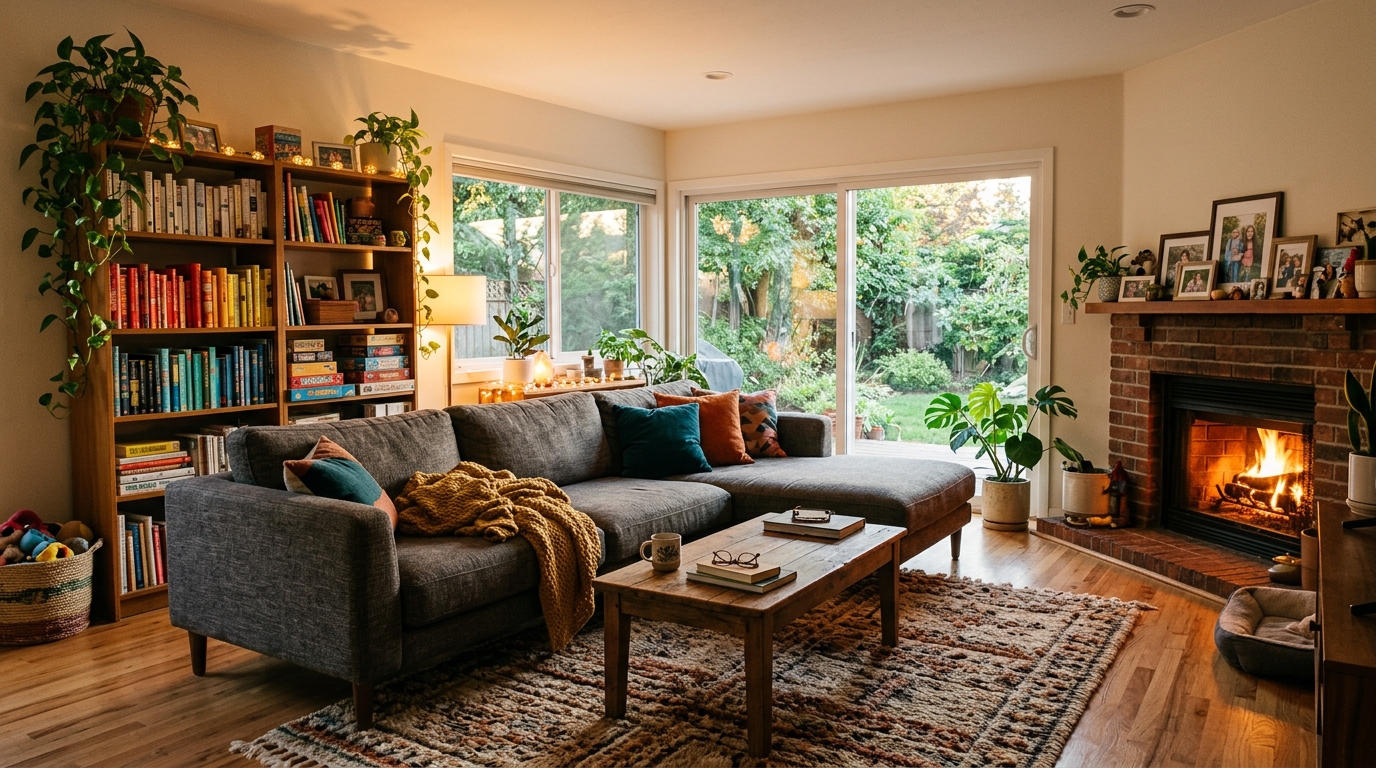
AI staging images and videos can change property details. Review generated content and clearly label concepts before sharing.
Choose an AI listing video from property photos, an empty-to-furnished staging transformation, or a walkthrough clip between two room views. Each workflow has its own inputs and result.
For a whole-property listing video, add photos from several rooms in the AI real estate video maker. For a design change, use before and after images. For a room walkthrough, use two different views of the same space.
No. Choose the video that fits your listing. You can make a room-by-room listing video independently, or use a staging transformation or room walkthrough as a separate presentation.
The walkthrough tool connects two room views into a timed camera video. An interactive 360° tour is a different format. AI can infer or change room details, so review the clip before using it to represent the property.