
AI Room Design From Your Photo
Upload a room photo and instantly explore fresh layouts, styles, and furniture concepts with AI.
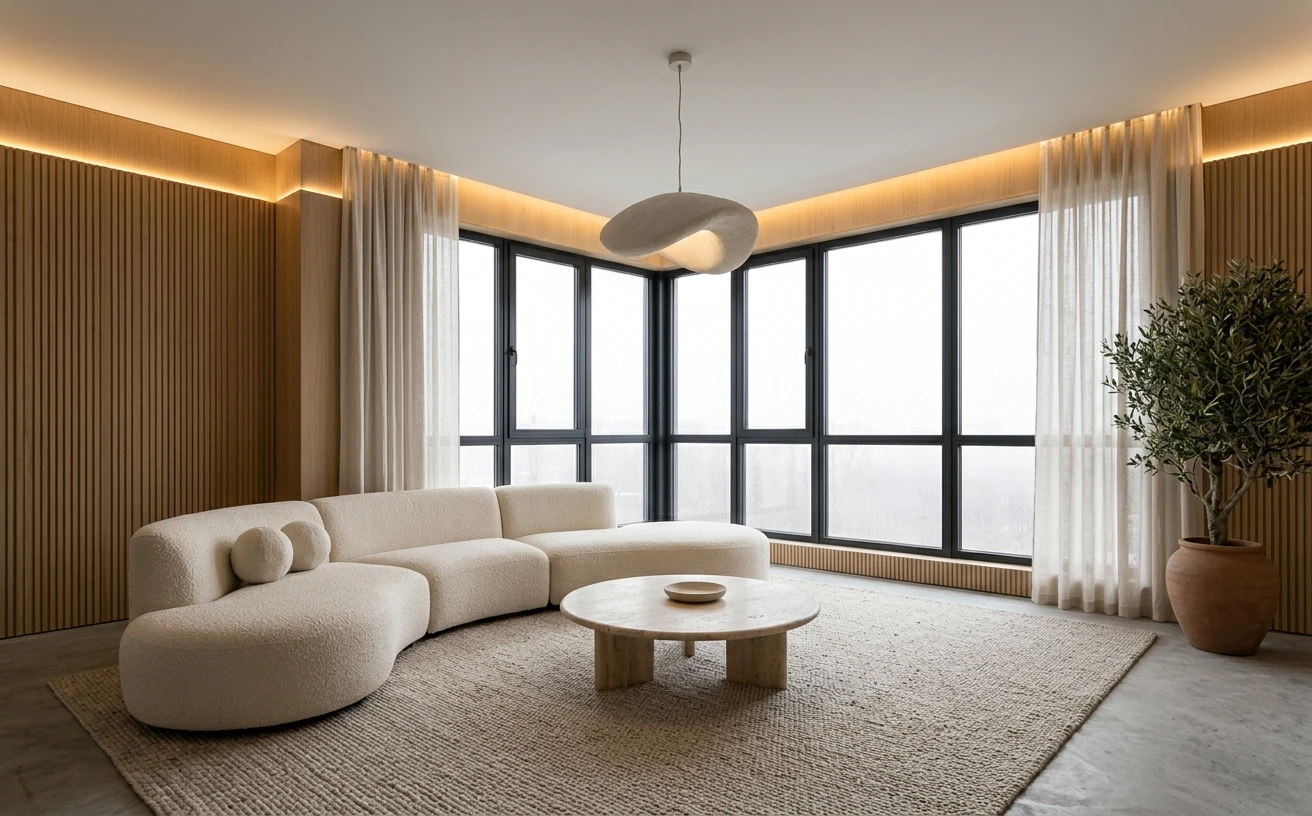
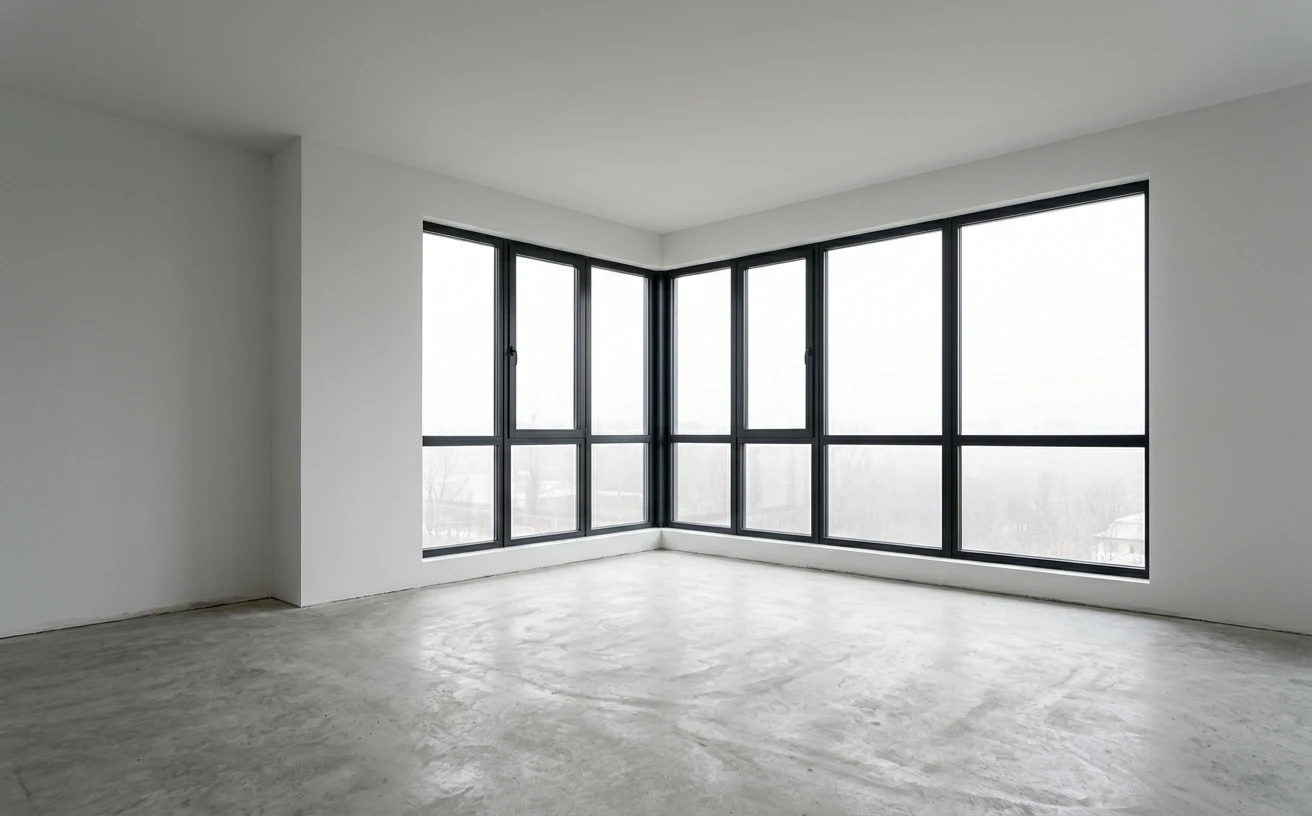
Design any room from a photo
Upload a room photo, describe the change you want, and create realistic redesign directions for bedrooms, kitchens, bathrooms, living rooms, offices, and more.
Built for real rooms, not blank mood boards
Start from your actual space so the result can respond to existing walls, windows, flooring, furniture, light, and layout constraints.
How to redesign a room with AI
- Upload a clear room photo or open the prepared room example.
- Describe the style, furniture changes, colors, lighting, and anything that must stay fixed.
- Generate a redesign, compare it with the original, then refine your design notes for a stronger direction.
AI room design tools for everyday spaces
Use one room design workflow to test style, layout, furniture, color, and before-after makeover ideas before making real changes.
Upload any room photo
Works for bedrooms, living rooms, kitchens, bathrooms, offices, and flexible rooms.
Explore 8+ interior styles
Try modern, Japandi, Scandinavian, warm minimal, and renovation-focused directions.
Photo-realistic concept previews
Compare the original photo with the redesigned result in the same view.
Aim to retain existing room architecture
Keep the room recognizable while exploring a new furniture and material direction.
Ready to redesign your own room?
Use a real photo to preview room design ideas online before buying furniture, paint, tile, or lighting.
How to redesign a room with AI
Upload a room photo, describe the change you want, and create realistic redesign directions for bedrooms, kitchens, bathrooms, living rooms, offices, and more.
Upload a clear room photo or open the prepared room example.
Describe the style, furniture changes, colors, lighting, and anything that must stay fixed.
Generate a redesign, compare it with the original, then refine your design notes for a stronger direction.
Choose a room type
Move from the broad room design workflow into a focused bedroom, kitchen, bathroom, living room, or staging page.
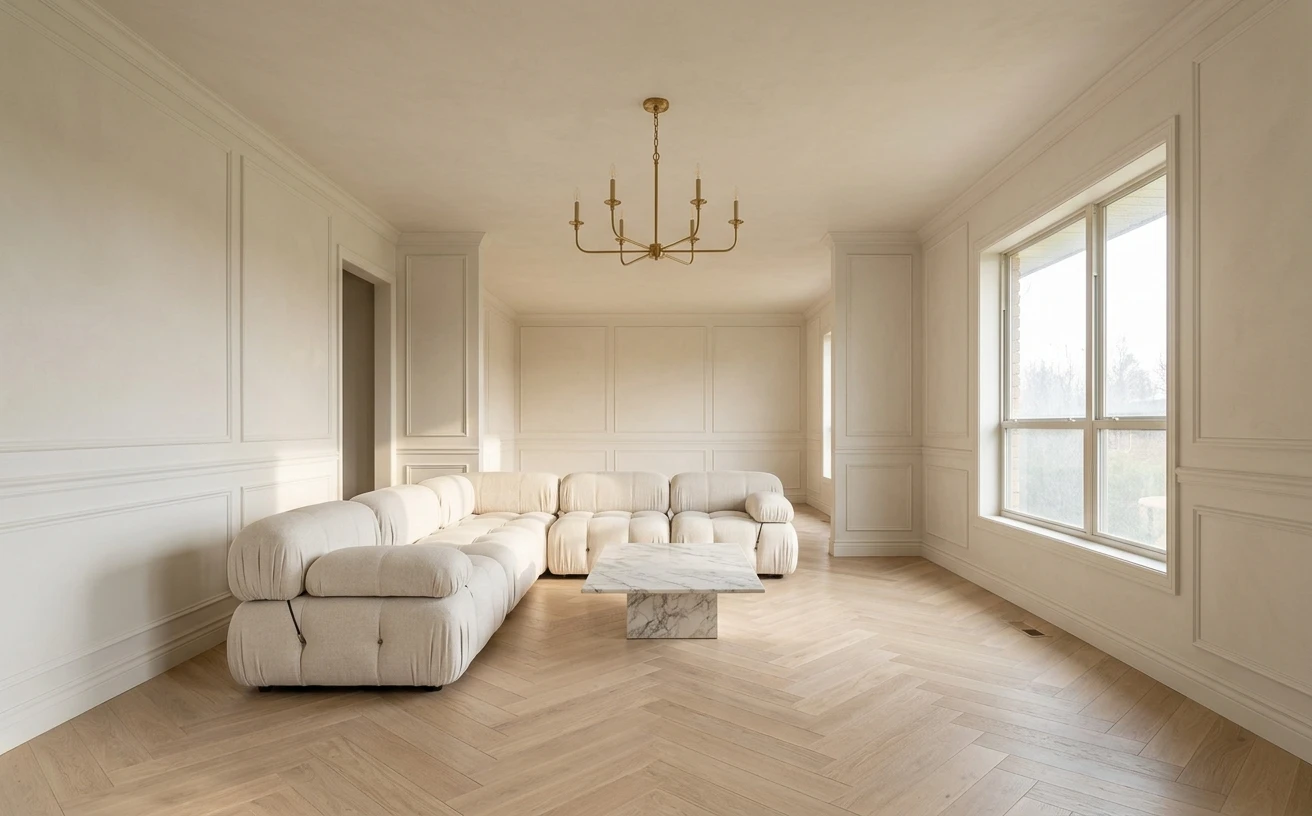
Réinventez votre décoration intérieure avec l’IA
Utilisez une photo de votre pièce pour explorer un nouvel aménagement intérieur avec l’IA. Comparez mobilier, matières, couleurs et éclairage avec votre espace d’origine.
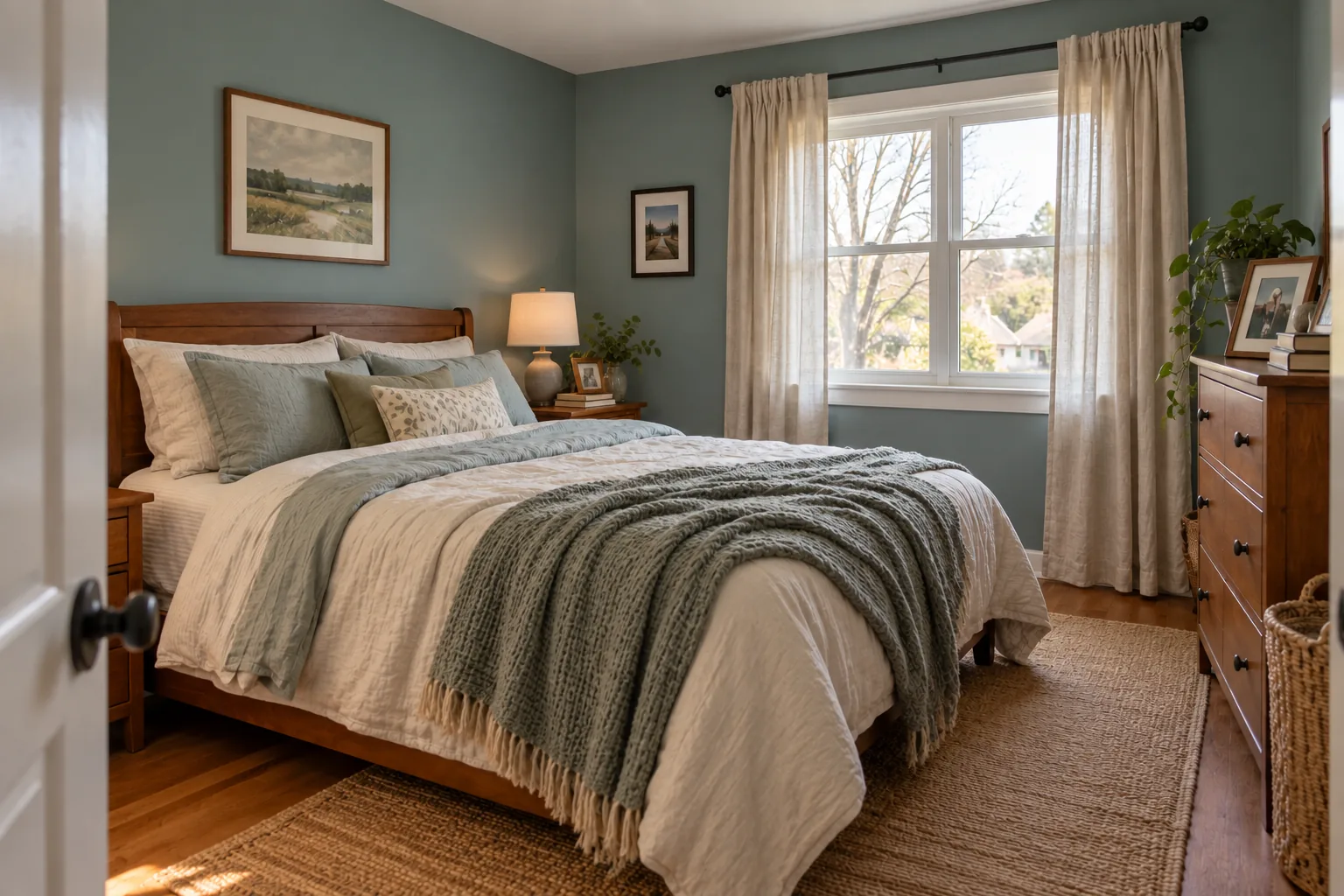
Réimaginez la décoration de votre chambre avec l’IA
Importez une photo de votre chambre pour comparer des dispositions de meubles, des couleurs et différentes ambiances. Les détails générés peuvent différer de la pièce réelle : vérifiez les dimensions et les ouvertures avant de planifier des travaux.
Réimaginer la décoration de votre salon à partir d’une photo
Importez une photo de votre salon pour comparer des dispositions de meubles, des palettes de couleurs et différentes ambiances. Les ouvertures et proportions peuvent varier dans le rendu généré : vérifiez chaque détail avec la pièce réelle.
Choisir une idée avant de la tester sur photo
Comparez les matières, les palettes et les choix pratiques dans ces guides, puis revenez au simulateur avec une idée plus précise.
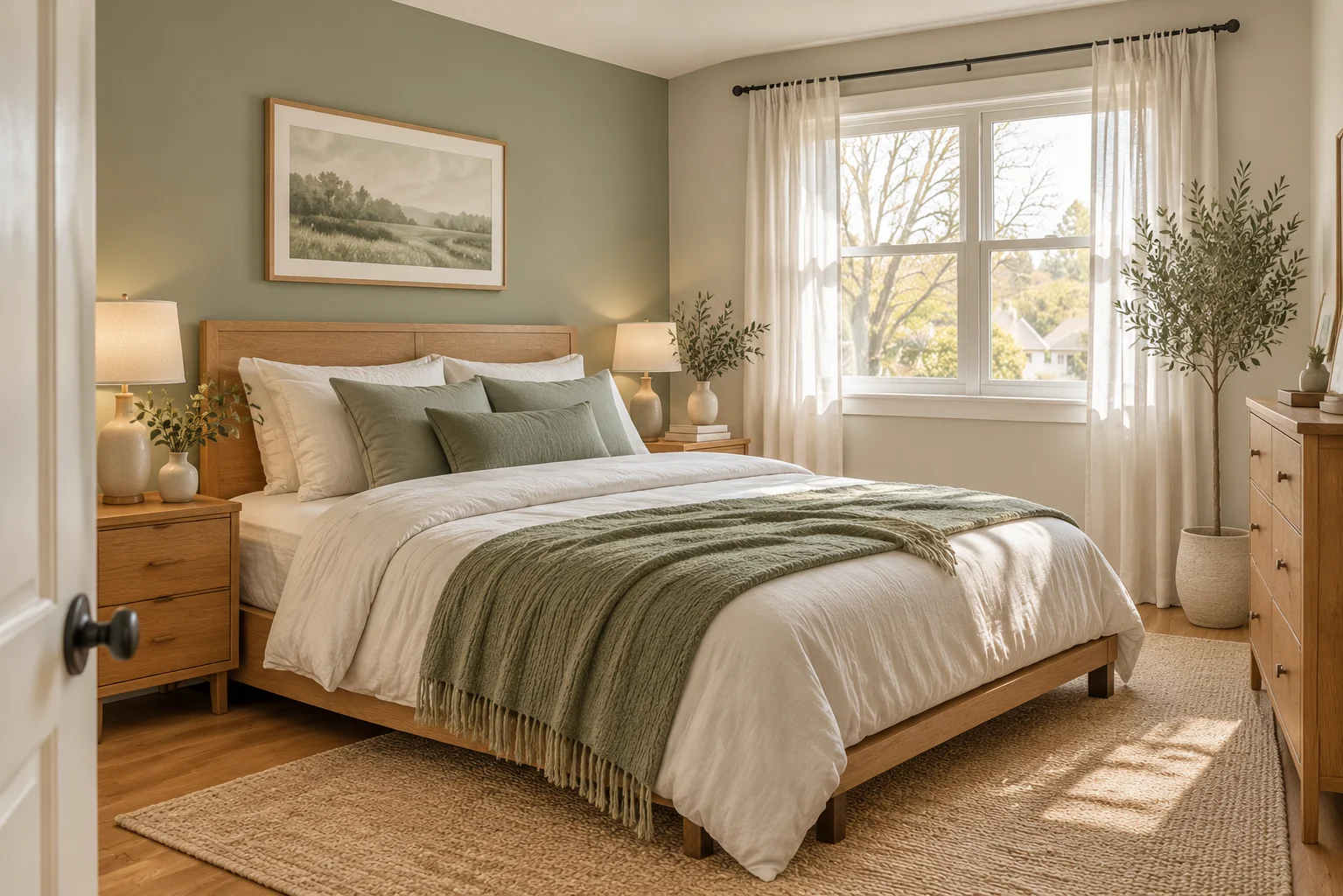
Chambre vert sauge et bois : idées et associations
Comparez des associations de vert sauge, de bois et de blanc pour la chambre. Explorez une palette et testez une direction sur votre photo.
Lire le guide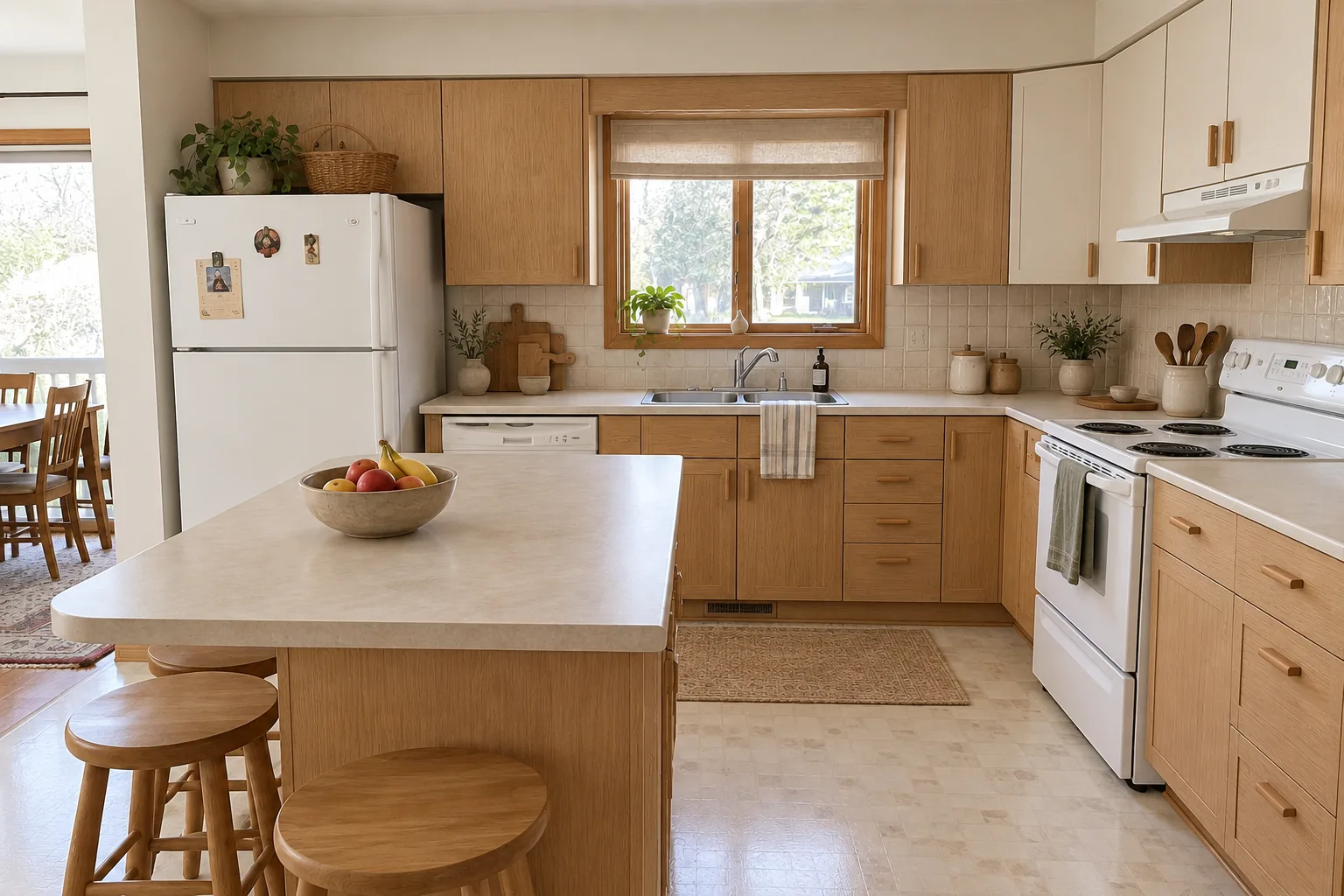
Cuisine contemporaine : idées, matières et couleurs
Explorez des idées de cuisine contemporaine pour associer façades, crédence, sol et plan de travail, puis prévisualisez une ambiance sur votre photo.
Lire le guide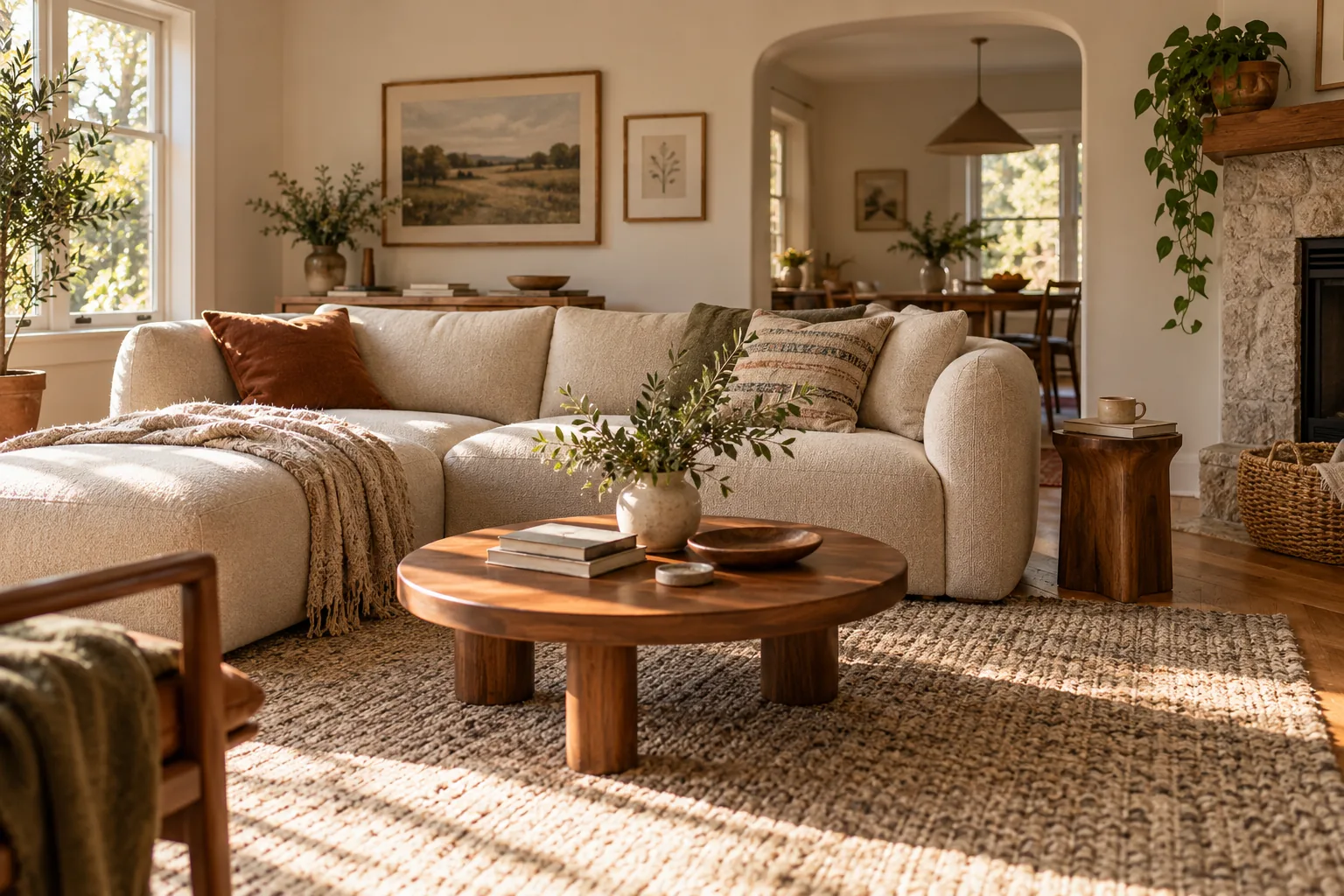
Salon minimaliste : idées, matières et inspiration Japandi
Comparez des idées de salon minimaliste et d’inspiration Japandi : mobilier, matières, couleurs et rangement, avant de tester une ambiance sur photo.
Lire le guideQuestions sur votre projet à partir d’une photo
Photos, exemples, crédits et utilisation des propositions.
Start your AI room design
Upload a photo, add a short design note, and continue in the Studio workspace.
Accéder au Studio de design