Home staging virtuel par IA
Explorez une proposition d’ameublement à partir d’une photo de pièce vide. Vérifiez les détails avant publication.
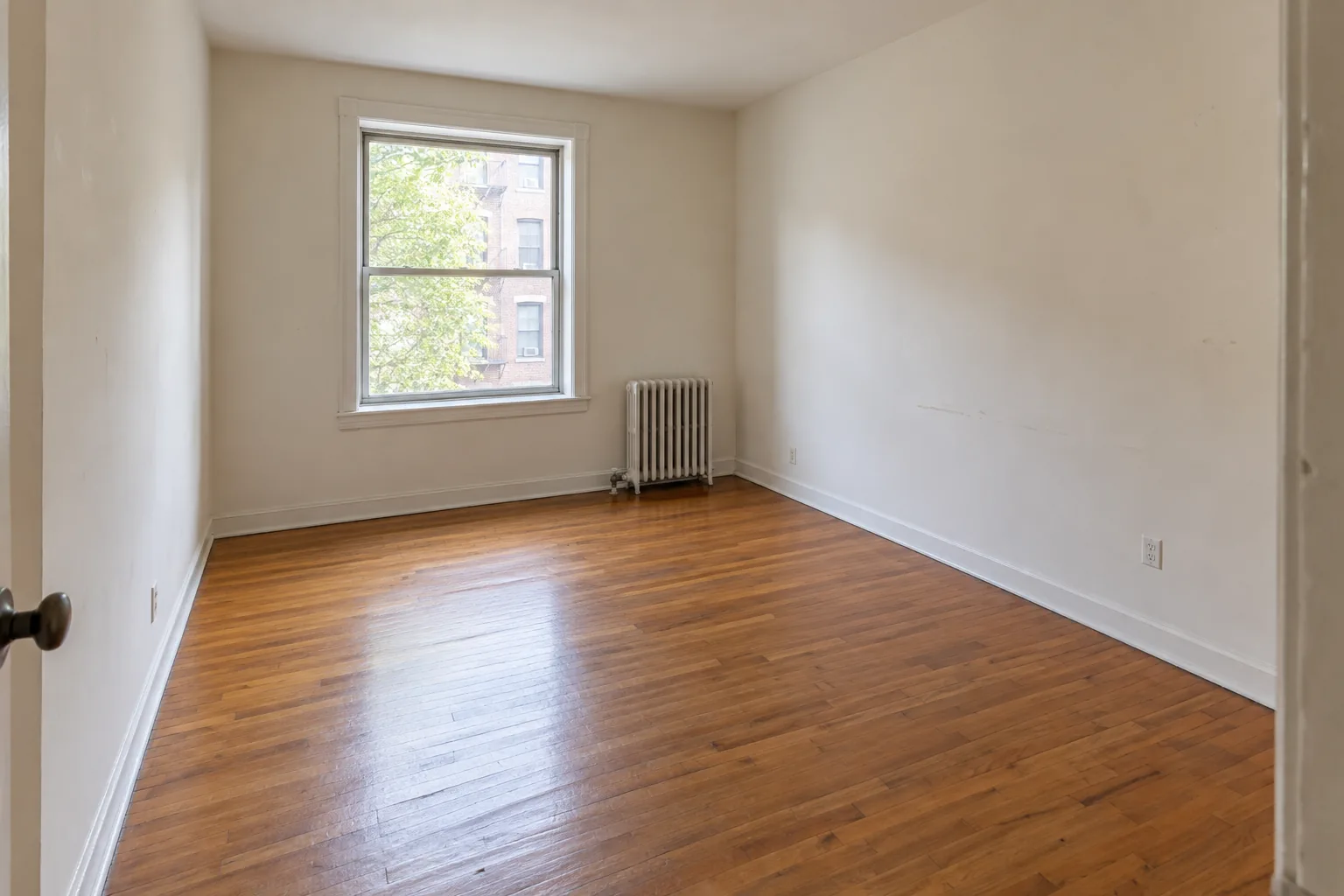
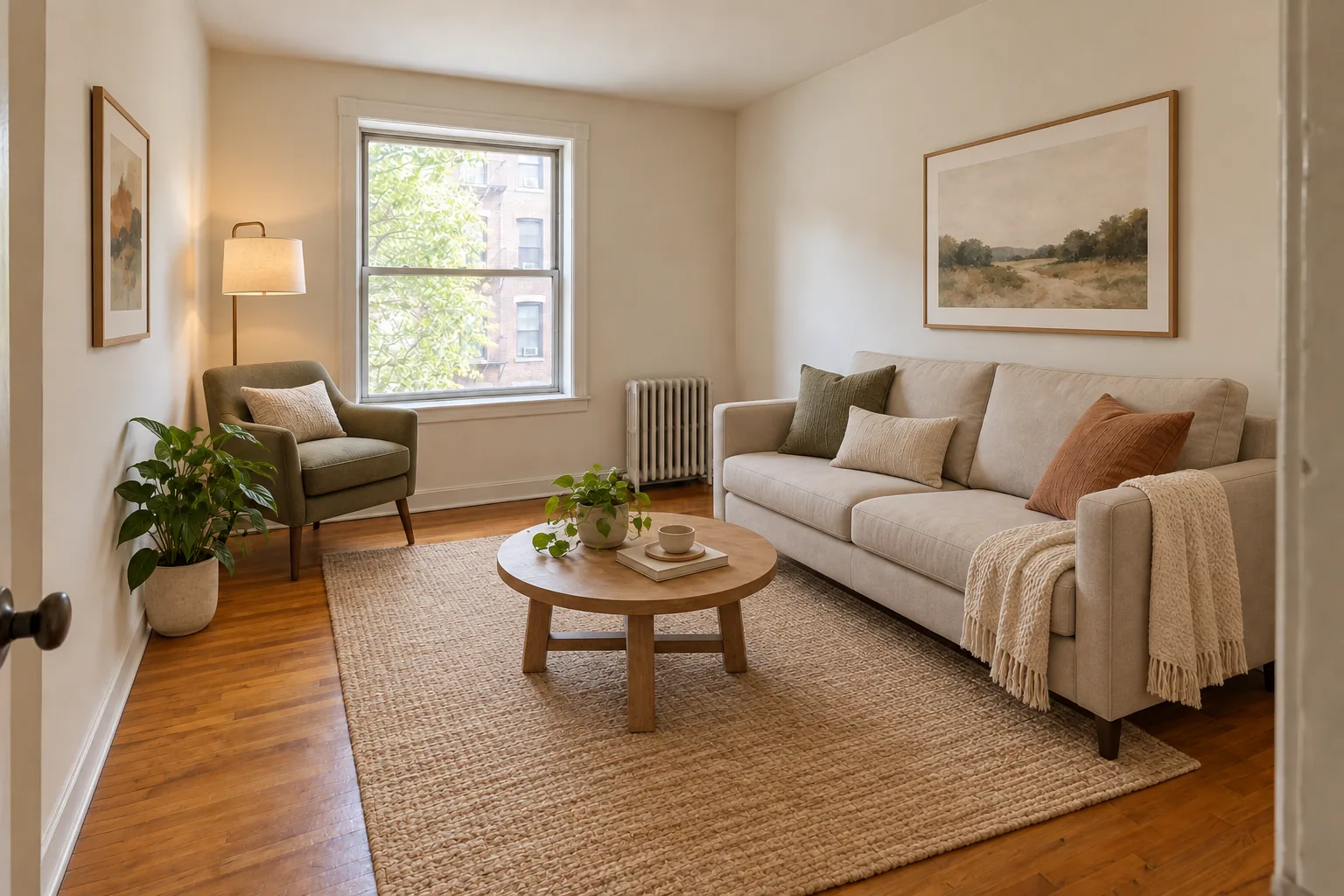
Voir un exemple avant d’importer une photo
Découvrez un exemple avant-après préparé pour cet outil. Sa consultation est immédiate et n’utilise pas de crédits.
Se connecter pour générer et enregistrer votre création.
Se connecter pour générer et enregistrer votre création.
Using this tool
Prepare your image
Start with a clear empty or lightly furnished room photo. Keep doors, windows, and the floor visible so the staging can be compared with the property.
Describe the changes
Choose the room use and furniture style. Request realistic furniture placement and check for altered property features. Identify the image as virtually staged when sharing it.
Generate and compare
Choose a style, add your requirements, then generate. Compare the result with the original photo, especially openings and furniture placement. Adjust one requirement at a time before generating another version.
Design Implementation & Verification Tips
Digital redesigns provide layout and aesthetic direction. For construction or contractor orders, verify room dimensions on-site and confirm physical material swatches under your home's lighting.
Check the credit cost shown before generating. You can view examples without spending credits.
See examples and explore this tool’s uses